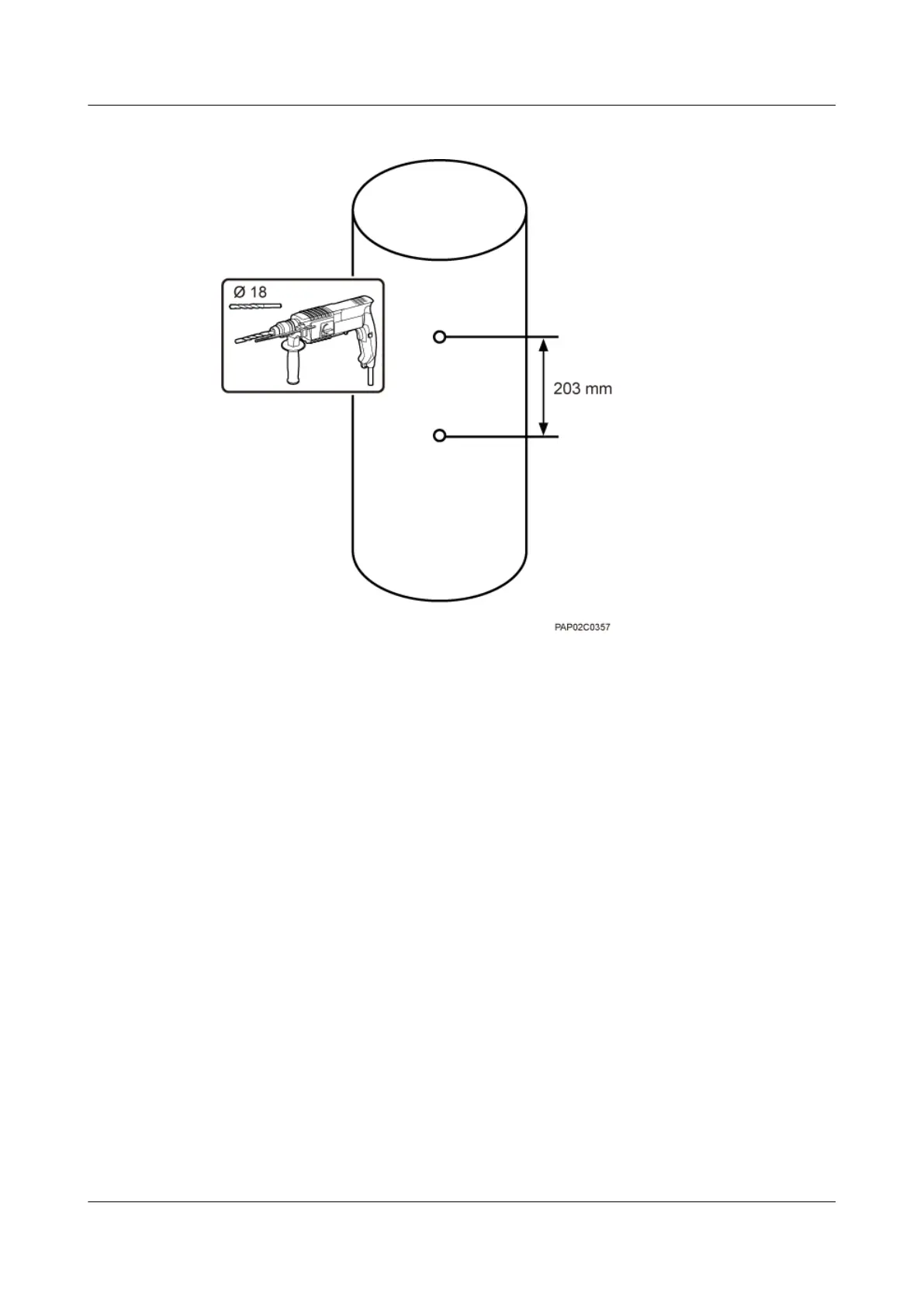
Figure 7-16 Drilling holes
Step 2 Install two adapting plates on the top and bottom of the main mounting bracket. Tighten two
M6x14 screws to 4.8 N·m (42.48 lbf·in.) to secure each of the plate, as shown in Figure 7-17.
7 Installing a BTS3902E
BTS3902E WCDMA
Installation Guide
7-14 Huawei Proprietary and Confidential
Copyright © Huawei Technologies Co., Ltd.
Issue Draft A (2011-06-30)









 To Next Page