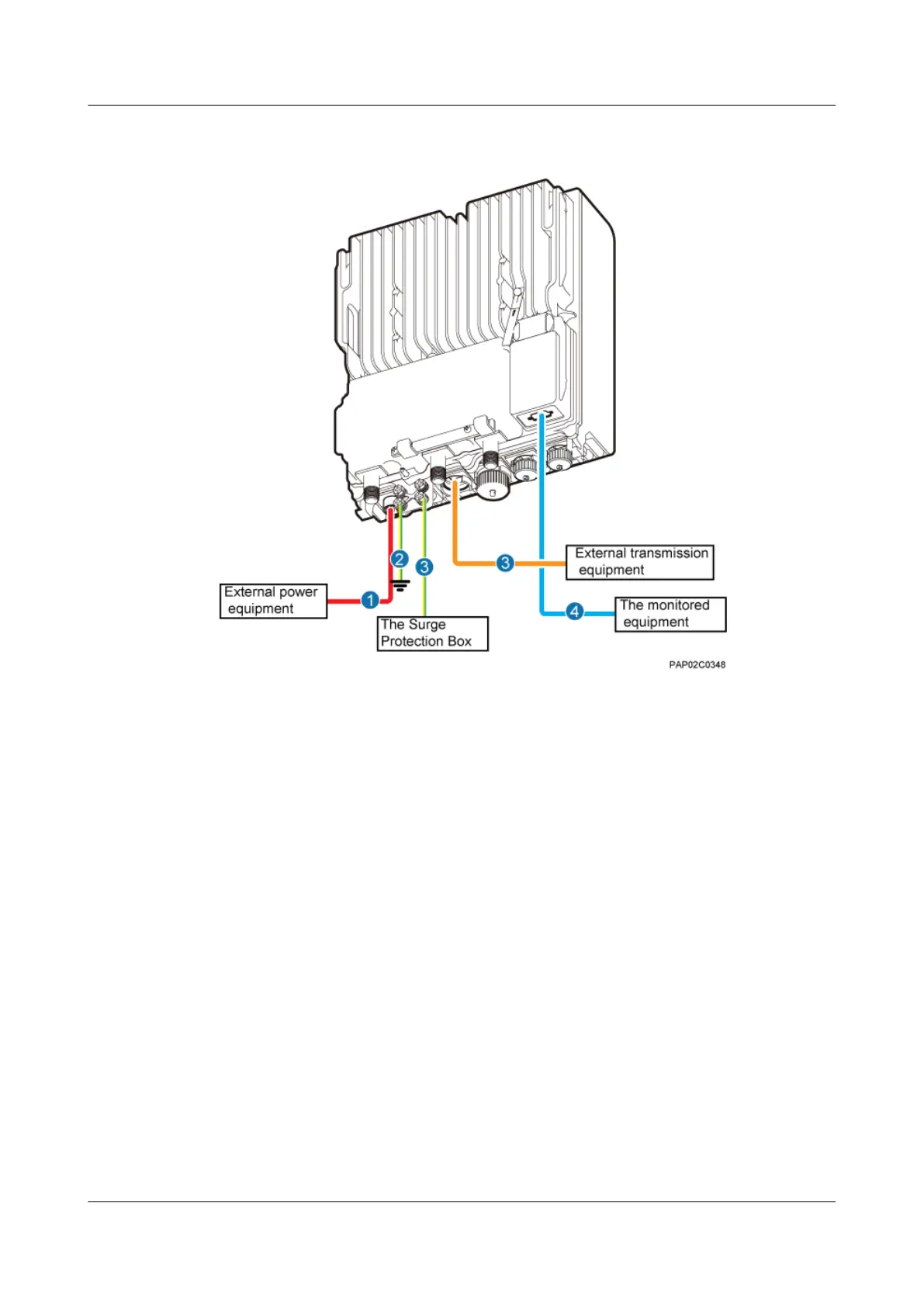
Figure 9-2 Cable connections of a single BTS3902E implementing transmission over an optical
port
(1) BTS3902E power cable (2) PGND cable (optional) (3) Equipotential cable (optional)
(4) FE/GE fiber optic cable (5) BTS3902E monitoring signal
cable (optional)
—
Figure 9-3 shows the cable connections of a single BTS3902E implementing power over
Ethernet (POE) over an electrical port and transmission using a fiber optic cable.
9 Installing Cables
BTS3902E WCDMA
Installation Guide
9-6 Huawei Proprietary and Confidential
Copyright © Huawei Technologies Co., Ltd.
Issue Draft A (2011-06-30)









 To Next Page