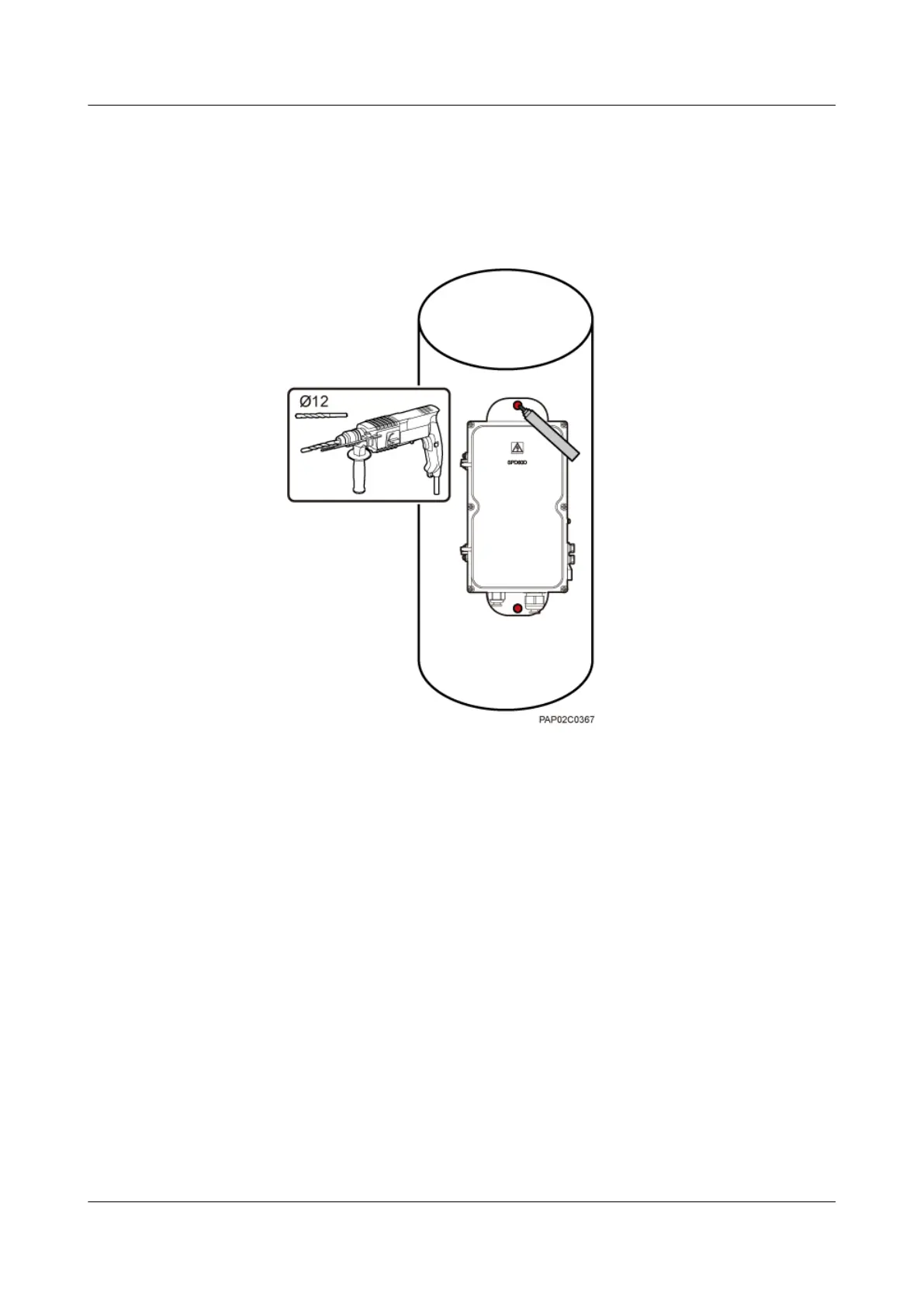
1. Place the rear mounting plate of the AC surge protection box against the wood pole,
determine the anchor points on the middle axis, and then mark the anchor points.
2. Drill holes with the diameter of 12 mm (0.47 in.) at the anchor points through the
wood pole, as shown in Figure 8-14.
Figure 8-14 Drilling holes
3. Align the AC surge protection box with the holes in the wood pole, lead the two long
M10 bolts with spacers through the two mounting holes and holes, and then install the
bolts on the wood pole, as shown in Figure 8-15.
BTS3902E WCDMA
Installation Guide 8 Installing an AC Surge Protection Box and Related Cables
Issue Draft A (2011-06-30) Huawei Proprietary and Confidential
Copyright © Huawei Technologies Co., Ltd.
8-9









 To Next Page