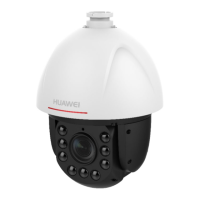
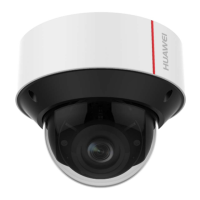
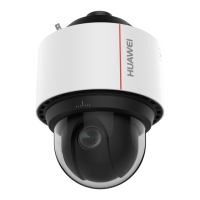
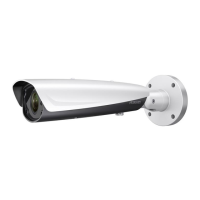
Step 3 Align the screw holes of the mounting base with the corresponding screw holes of the mounting
adapter.
Step 4 Secure the mounting base to the mounting adapter with four screws.
Step 5 Route the cables through the hole in the center of the wall mount.
Step 6 Align the camera with the mounting base.
Step 7 Tighten the set screws to secure the camera with the mounting base.
Step 8 Connect the video output connector to the monitor. Connect the power connector to the power
supply.
Step 9 Adjust the image and focus.
Figure 3-73 Secure the Camera
Step 10 Install the inner black liner back to the camera.
Step 11 Align the bubble with the camera.
Step 12 Tighten the screws to secure the bubble with the camera.
IPC6131-WD-A&6123-WDL-A&6232-IR&6212-
IR&6231-WD-VRZ&6332-MIR&6311-IR&6331-IR
User Guide
3 Camera Installation
Issue 02 (2014-12-25) Huawei Proprietary and Confidential
Copyright © Huawei Technologies Co., Ltd.
49


 To Next Page