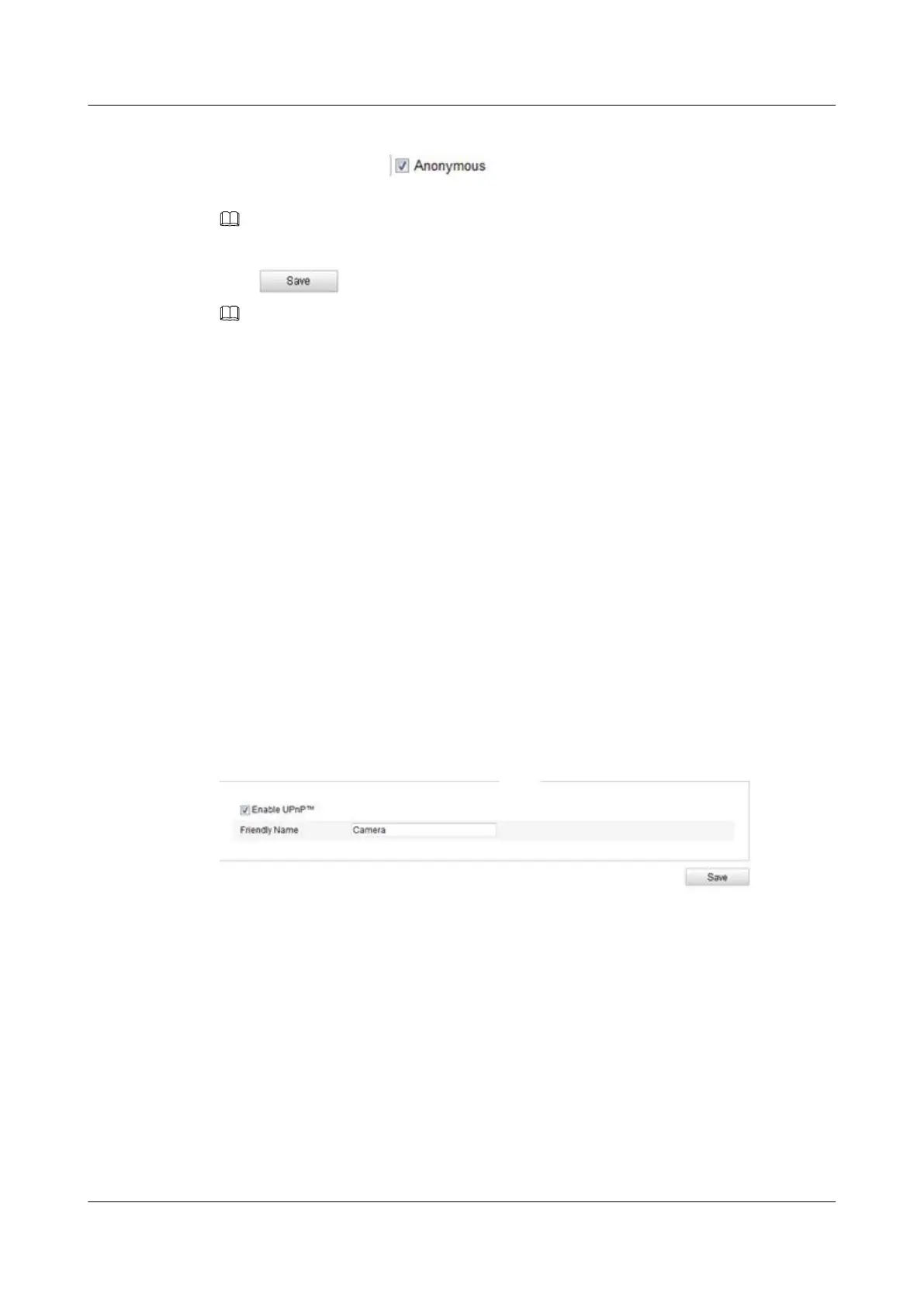
l Anonymous Access to the FTP Server (in which case the user name and password won't be
requested.): Check the
checkbox to enable the anonymous access to the FTP
server.
NOTE
The anonymous access function must be supported by the FTP server.
Step 3 Click to save the settings.
NOTE
If you want to upload the captured pictures to FTP server, you have to enable the continuous snapshot or
event-triggered snapshot on Snapshot page. For detailed information, please refer to the 9.3 Configuring
Snapshot Settings.
----End
8.3.9 Configuring UPnP™ Settings
Universal Plug and Play (UPnP™) is a networking architecture that provides compatibility
among networking equipment, software and other hardware devices. The UPnP protocol allows
devices to connect seamlessly and to simplify the implementation of networks in the home and
corporate environments.
With the function enabled, you don't need to configure the port mapping for each port, and the
camera is connected to the Wide Area Network via the router.
Step 1 Enter the UPnP™ settings interface: Configuration >Advanced Configuration >Network >
UPnP
TM
.
Step 2 Check the checkbox to enable the UPnP™ function.
The name of the device when detected online can be edited.
Figure 8-16 Configure UPnP
TM
Settings
----End
8.3.10 Configuring Email Settings
The system can be configured to send an Email notification to all designated receivers if an alarm
event is detected, e.g., motion detection event, video loss, video tampering, etc.
Step 1 Enter the TCP/IP Settings (Configuration > Basic Configuration > Network > TCP/IP or
Configuration > Advanced Configuration > Network > TCP/IP) to set the IPv4 Address,
IPv4 Subnet Mask, IPv4 Default Gateway and the Preferred DNS Server.
Step 2 Enter the Email Settings interface: Configuration > Advanced Configuration > Network >
Email.
IPC6131-WD-A&6123-WDL-A&6232-IR&6212-
IR&6231-WD-VRZ&6332-MIR&6311-IR&6331-IR
User Guide
8 Network Camera Configuration
Issue 02 (2014-12-25) Huawei Proprietary and Confidential
Copyright © Huawei Technologies Co., Ltd.
82


 To Next Page