NOTE
l The path for saving captured images can be set in Configuration > Local Configuration.
l Captured images are saved in JPEG or BMP format.
l After you start recording manually, if you leave the live view page, the recording will be stopped.
Figure 7-4 Pop-up box when you live view interface when recording manually
7.3 PTZ Control
In the live view interface, you can use the PTZ control buttons to realize pan/tilt/zoom control
of the camera.
NOTE
Only cameras with PTZ capabilities support PTZ control.
Before performing PTZ control, set PTZ parameters on RS-485 Settings page
(Configuration>Advanced Configuration > RS-485). For details, see 12.7 RS-485 Settings.
7.3.1 PTZ Control Panel
On the live view page, click to show the PTZ control panel or click to hide it.
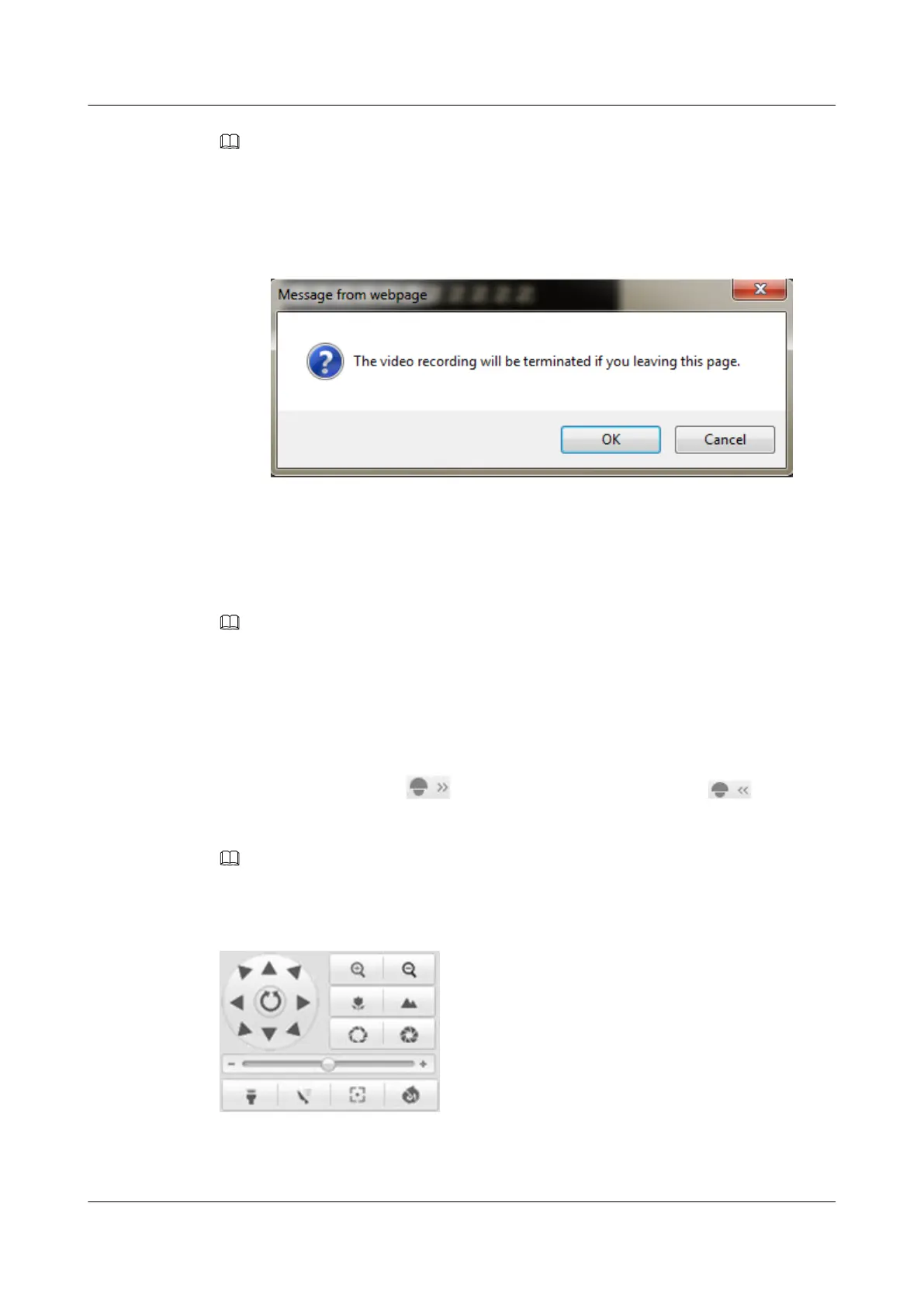
Click the direction buttons to pan or tilt a camera.
NOTE
Direction buttons are invalid for cameras that support lens movement only.
Figure 7-5 PTZ Control Panel
Click the zoom, iris, or focus buttons to realize lens control.
IPC6131-WD-A&6123-WDL-A&6232-IR&6212-
IR&6231-WD-VRZ&6332-MIR&6311-IR&6331-IR
User Guide
7 Live View
Issue 02 (2014-12-25) Huawei Proprietary and Confidential
Copyright © Huawei Technologies Co., Ltd.
68



 To Next Page