NetCol5000-A 42 kW Air Cooled In-row Precision Air
Conditioner
User Manual
Huawei Proprietary and Confidential
Copyright © Huawei Technologies Co., Ltd.
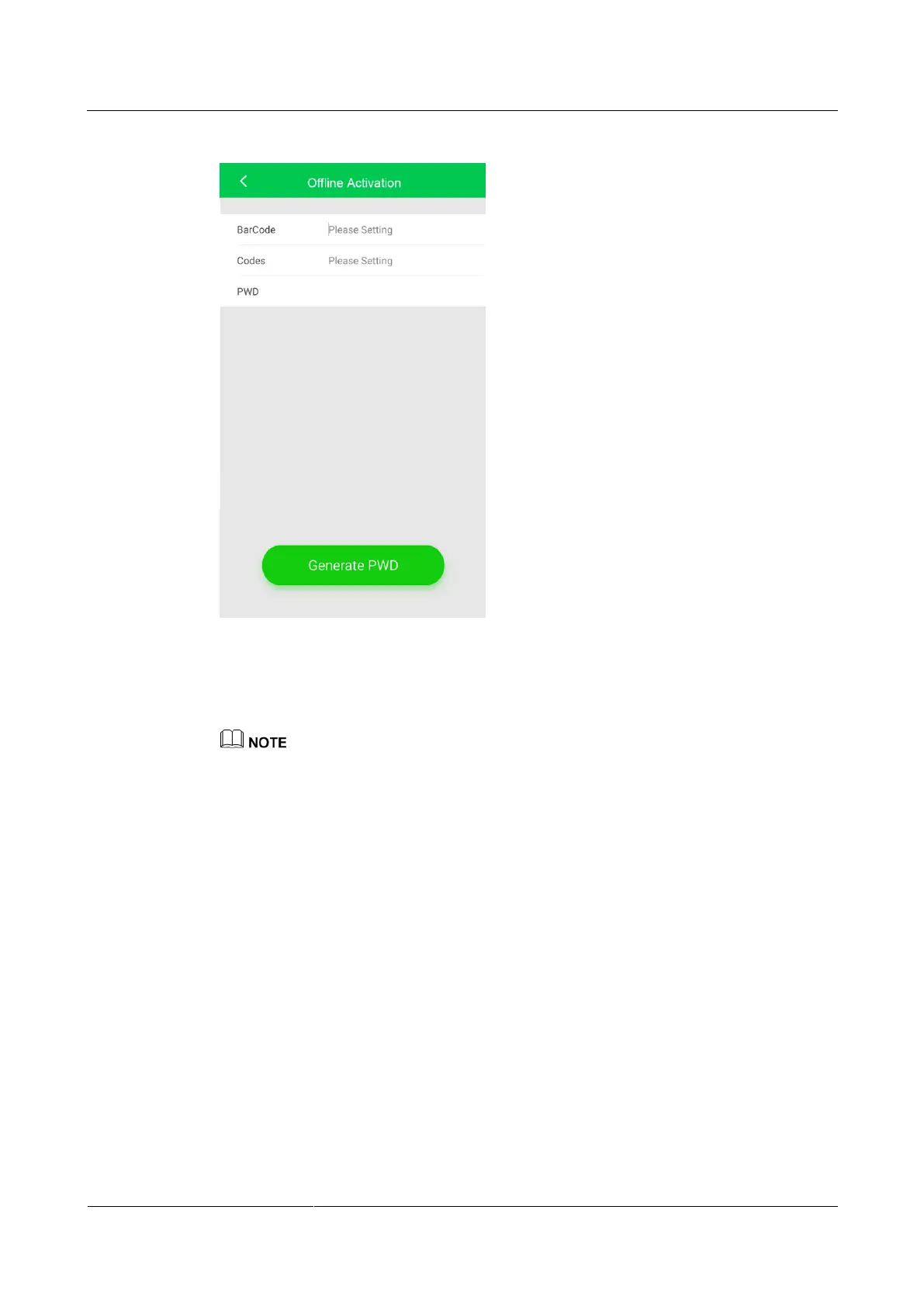
Figure 4-30 Generating a startup password
Step 6 On the Offline Activation screen, enter Bar code and Verification code, which are available
on the home screen of the ACC shown in Figure 4-26. Tap Generate PWD to generate a
startup password.
If startup verification fails (when you do not enter the password within 5 min or the password you enter
is incorrect), the generated password will be invalid for the sake of security. The initial startup
verification fails.
Step 7 Tap Password on the home screen of the ACC and enter the generated startup password in
the displayed dialog box.
Step 8 After you power on the air conditioner, the screen displays the Wizard Startup screen.
If the refrigerant is charged exactly as required, complete the wizard commissioning by
referring to 4.8 Startup wizard.
If the remaining refrigerant is not charged, tap No. Complete refrigerant charging by
referring to 4.7 Charging the Remaining Refrigerant, and then perform the wizard
commissioning by choosing Maint > Wizard Startup to enter the wizard startup screen.
----End







 To Next Page