NetCol5000-A 42 kW Air Cooled In-row Precision Air
Conditioner
User Manual
Huawei Proprietary and Confidential
Copyright © Huawei Technologies Co., Ltd.
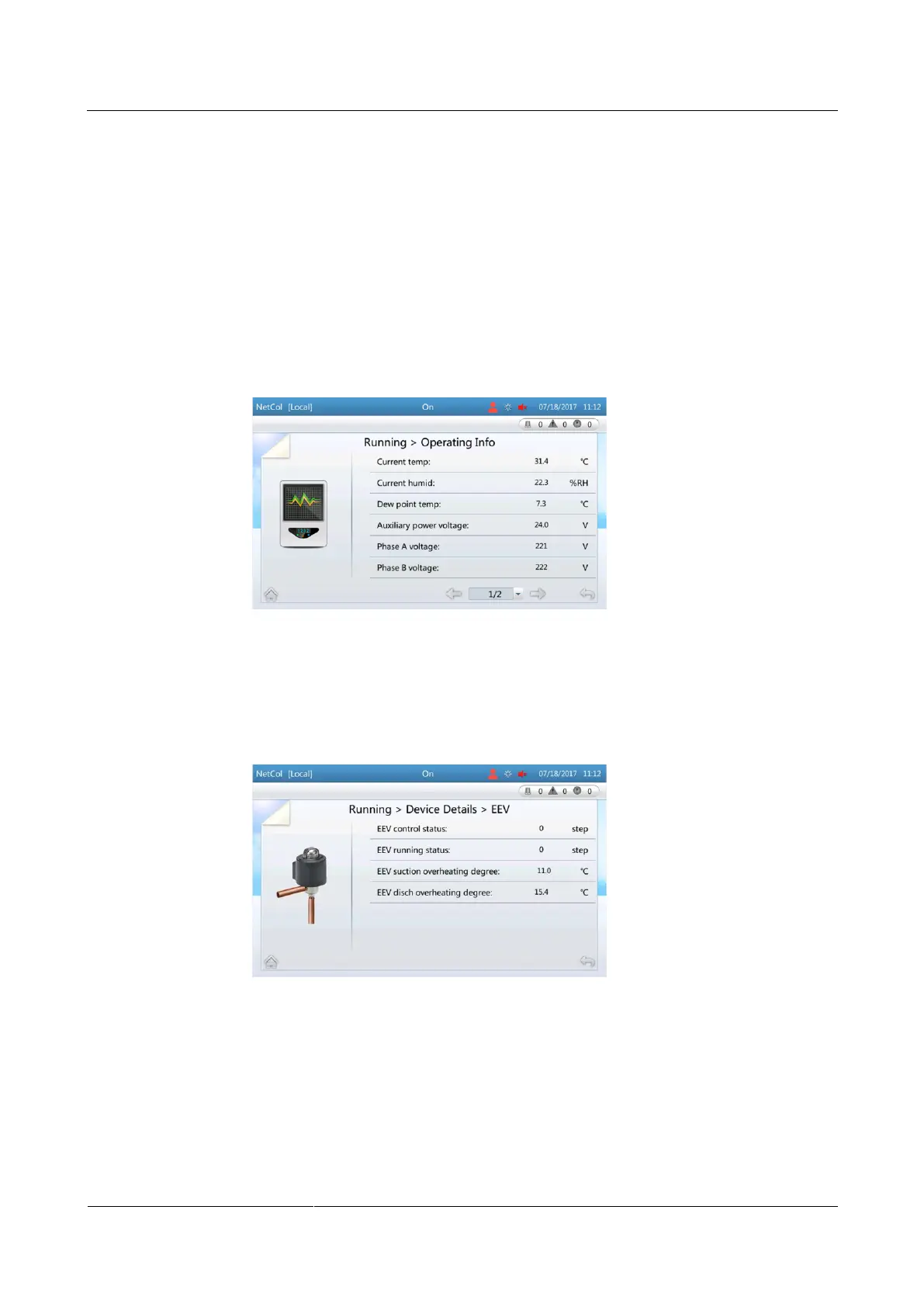
Enter the Operating Info screen that displays the major system parameters such as the
current detected temperature, humidity, dew point temp, and auxiliary power voltage.
Enter the Device Details screen and then enter the menu of a specific component. All
parameters for the component are displayed.
Procedure
When querying system parameters through Operating Info, choose Common
Functions > Operating Info or choose Running > Operating Info on the home
screen, the related screen is displayed. Figure 6-9 shows the screen displayed after
choosing Running > Operating Info.
Figure 6-9 Operating Info
When viewing system parameters through Device Details (using the EEV as an
example), choose Running > Device Details > EEV on the home screen to view the
compressor parameters, as shown in Figure 6-10.
Figure 6-10 EEV
----End







 To Next Page