90
HDK-99 1803 VER1 (E)
5.2 Settings from the Menu
■
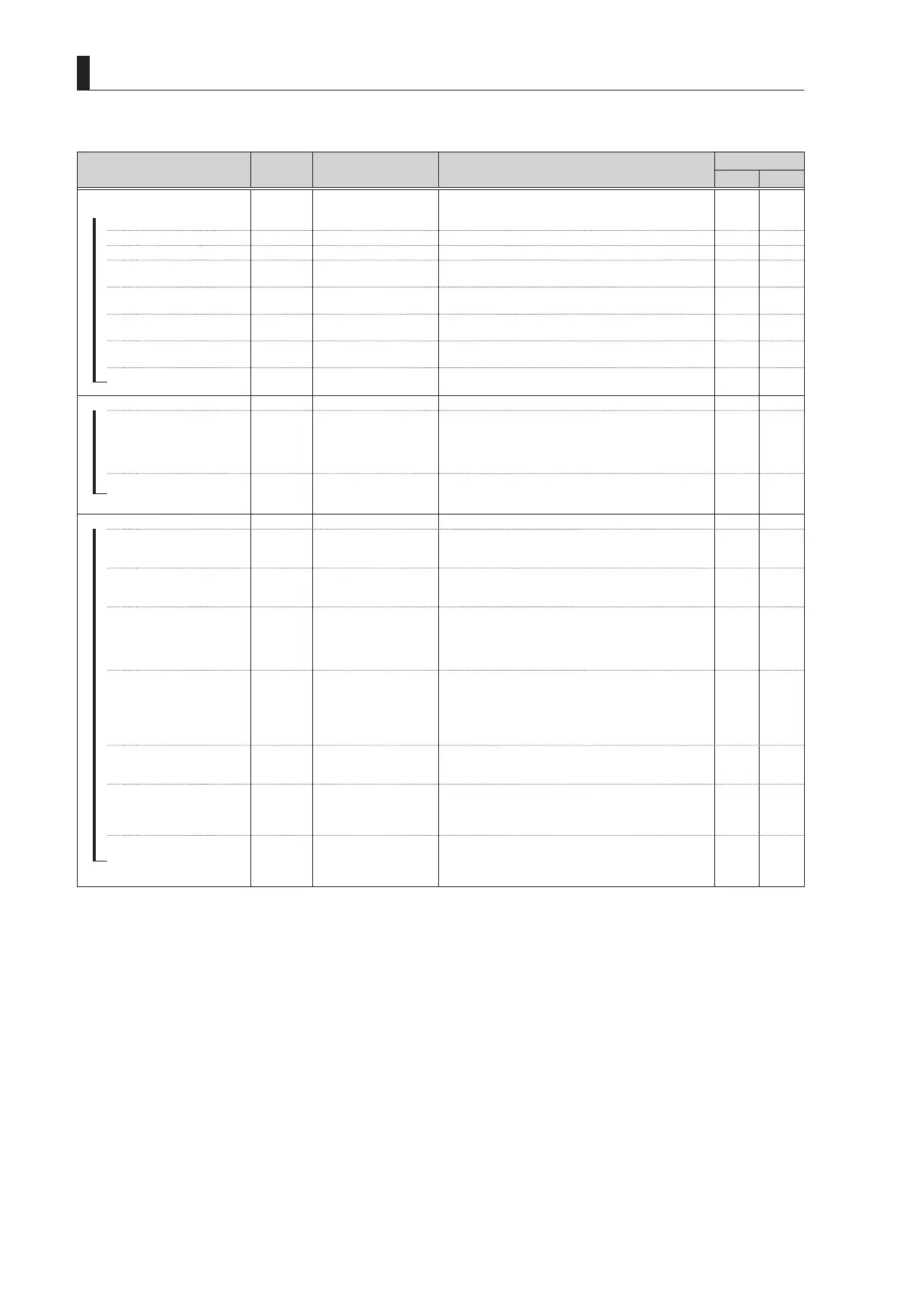
MENU (3/4)
Menu Item
Initial
Setting
Setting Value Description, Remarks
MENU DATA
ALL VF
Selects the camera operation format.
If a CCU/BS is connected, the format is determined by the
CCU/BS setting.
SCAN FORMAT SELECT
―
CURRENT
(information display) It displays the operation format of the camera.
‐ ‐
―
FORMAT SELECT ‐ ‐
―
BASE FREQ.
Destination
setting
59.94Hz, 50Hz It sets the BASE frequency. It sets the basic frequency.
‐ ‐
―
IMAGE SIZE
Destination
setting
1080I, 1080P, 720P It sets the image size, interlace, and progressive type.
‐ ‐
―
FIELD FREQ.
Destination
setting
59.94, 23.98
It sets the FIELD frequency, SF conversion, and 2-3 PD
conversion.
‐ ‐
―
SUBSAMPLING
Destination
setting
YPbPr422-10BIT,
RGB444-12BIT
It sets the sub-sampling.
‐ ‐
CHANGE FORMAT
READY
READY, EXECUTE,
CANCEL
It restarts with the selected format.
‐ ‐
CPU SYSTEM CONTROL
―
SEMI SELF MODE
ON OFF, ON
ON : Changes in settings made with a control panel are
retained when the control panel is disconnected from
a self-contained camera.
OFF : Changes in settings are cleared when the control
panel is disconnected.
✔ ‐
SEMI REMOTE MODE
OFF OFF, ON
ON : Controls at the camera have priority, even when a
control panel is connected.
OFF : Control panel has priority when connected.
✔ ‐
AUTO IRIS SET
―
IRIS SET MODE
OFF OFF, ON
ON : Enables auto-iris operation setting.
If set to ON, the iris adjustment from the remote
controller is disabled.
‐ ‐
―
IRIS LEVEL SET
0 -100 to +100
Adjusts the convergence level of auto iris.
Shoot the registration chart with the camera and adjust the
value so that the video level becomes 75%.
‐ ‐
―
PEAK RATIO SET
-70 -100 to +100
Shoot the gray scale chart with the camera and adjust the
value so that the video level is 100%.
Set the exposure for a bright area in the "+" direction and
for a dark area in the "-" direction. The default value "50"
indicates no exposure compensation.
‐ ‐
―
IRIS GAIN
50 1 to 100
Sets the auto-iris response sensitivity characteristics.
The auto-iris operation sensitivity is such that "1" is low and
"100" is high.
Hunting tends to occur more often as the value goes up.
(Set it to the default value"50" as long as hunting is not
occurring).
‐ ‐
―
IRIS SPEED
50 1 to 100
Sets the response speed characteristics of the auto-iris.
The auto-iris speed becomes slower for "1" and faster for
"100".
✔ ‐
―
IRIS LIMIT
F22 F22, F20, F18, F16
If the iris is about to close during auto-iris operation, it stops
the iris operation before it completely closes to prevent iris
hunting.
Sets the iris limit value at that time.
✔ ‐
LENS ADJUST
OFF F16, F2.8, OFF
Sets the output of control voltage for fixed iris value during
lens adjustment. To adjust the relationship between the lens
control voltage value and lens iris value, the control voltage
equivalent of F2.8 and F16 can be output to the lens.
‐ ‐



 To Next Page