106
HDK-99 1803 VER1 (E)
5.3 Using the Memory Card
■
Storing the camera setting state on the memory card
Store the camera setting state on the memory card. First conrm that the write protect switch of the memory card is not on the
LOCK side.
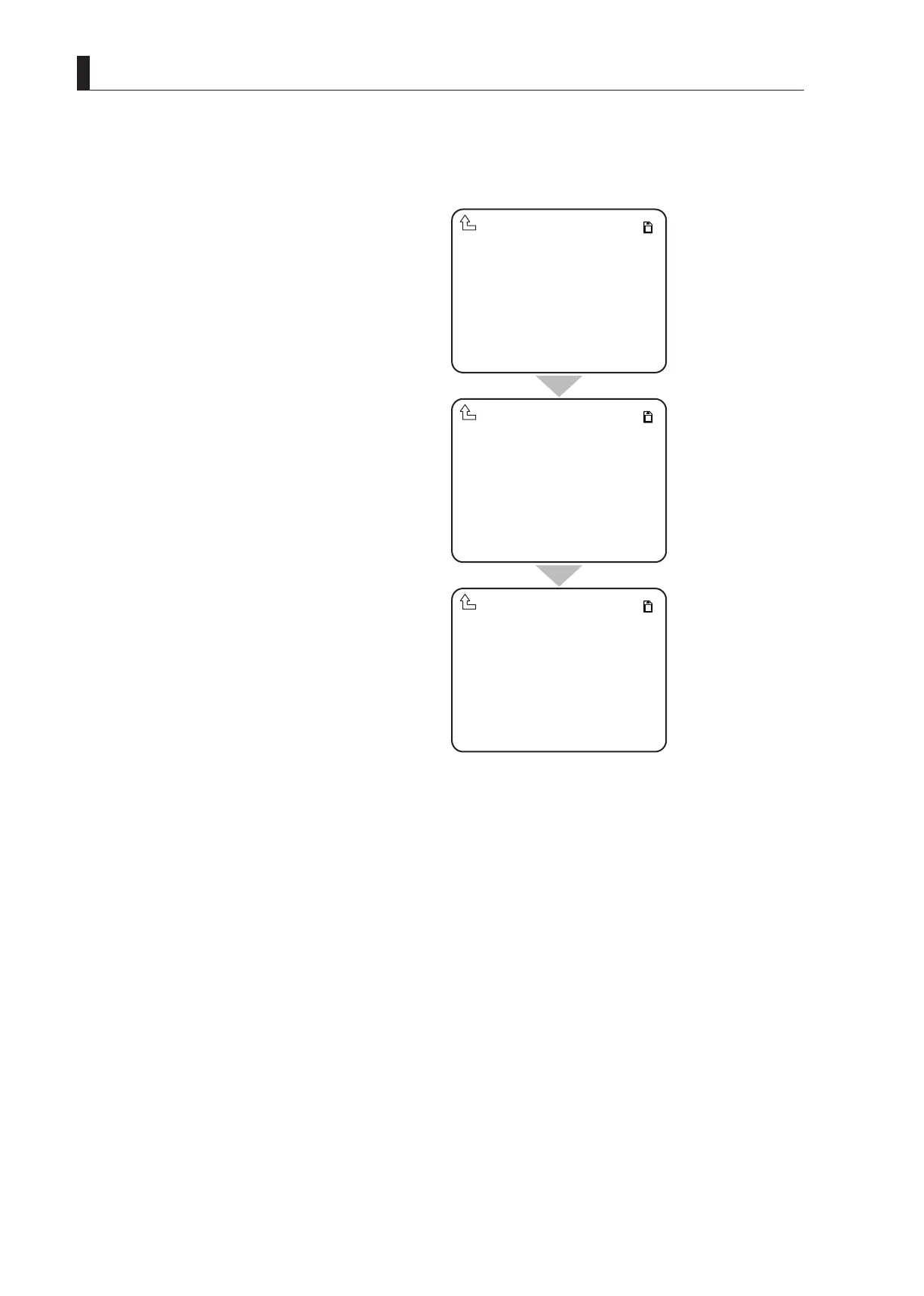
1 Turn the rotary pulse switch on MENU (2/4), set
the cursor to [MEMORY CARD] and press the SET
button.
The submenu is displayed.
2 Select [SAVE FILE] and press the SET button.
The SAVE FILE submenu is displayed.
3 Select the item from the SAVE FILE submenu that
you wish to save.
ALL DATA is selected in this example.
4 After selecting the item you wish to save, press the
SET button. Then use the rotary pulse switch and
SET button to insert an eight-character file name.
When the eight character file name has been
determined, [PUSH SET -> START] is displayed
on the cursor.
Press the SET button.If a file of the same file name
exists on the memory card at this time, proceed to
step M1. If you wish to cancel, turn the rotary pulse
switch when [PUSH SET -> START] is displayed.
5 When the file is being saved, [SAVING FILE] is
displayed.
If the file is saved normally, [COMPLETE] is
displayed.
CAUTION:
Never remove the memory card from the slot during display of [SAVING FILE] or while the access indicator is lighted, as data is being
written to the memory card. Removing it at this time could damage the memory card data or the memory card itself.
SAVE FILE
LOAD FILE
MEMORYCARD
▲
ALL DATA
SNAP SHOT
SCENE
REFERENCE
LENS
MENU DATA
SAVEFILE
▲
ALL DATA ABCDEFGH.CDF
SNAP SHOT
SCENE
REFERENCE
LENS
MENU DATA
SAVEFILE
PUSHSET→START
▲



 To Next Page