107
HDK-99 1803 VER1 (E)
5
CAMERA SETTINGS and ADJUSTMENT
5.3 Using the Memory Card
M1
If a file with the same file name exists on the
memory card, a message is displayed asking
whether it is okay to write over the data. To enable
writing over of data, change [NO] to [YES] and
press the SET button. If [NO] has been selected,
storage is cancelled and the system returns to step
[3].
Note:
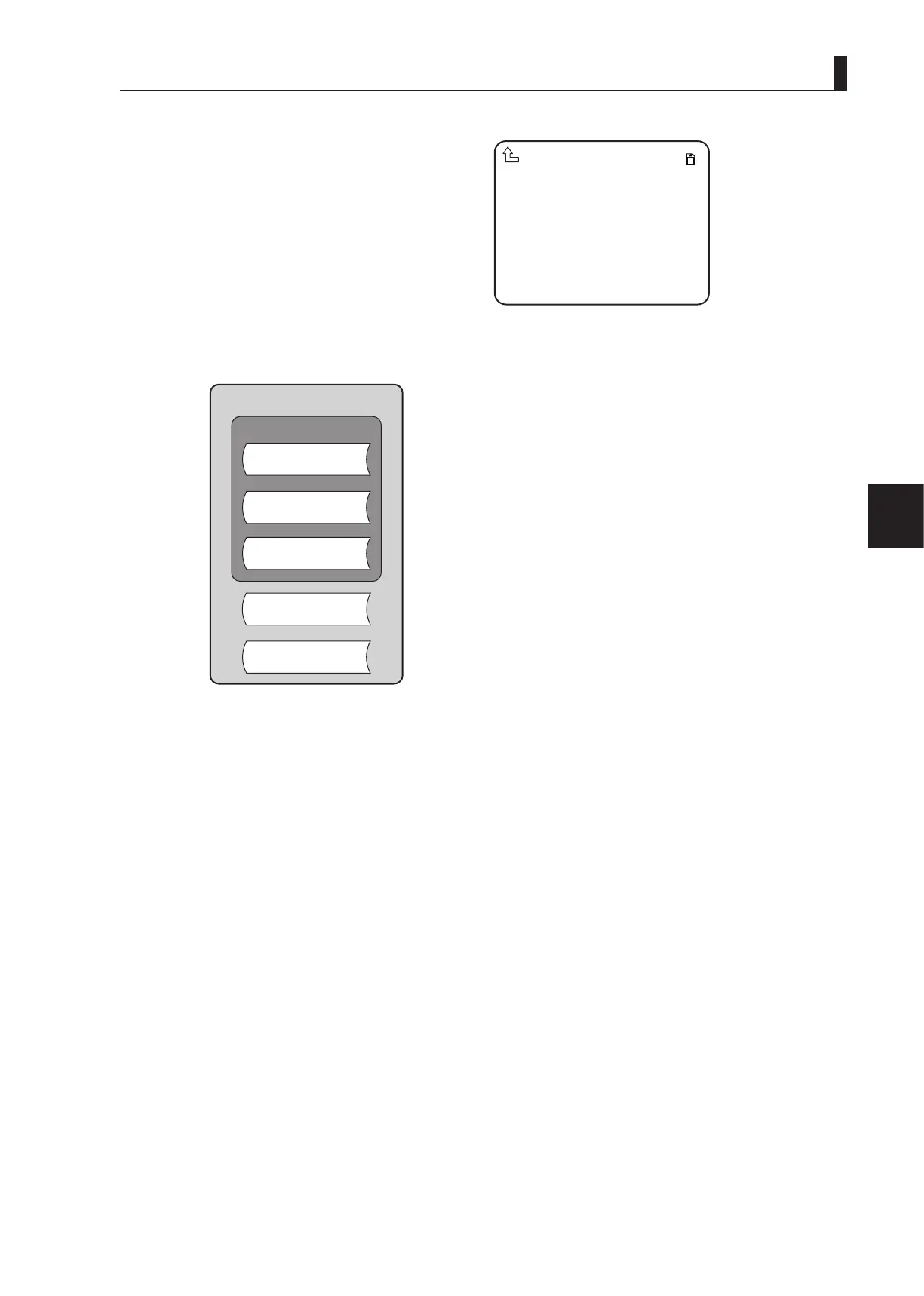
The images of the storage range for les are shown in the gure below.
ALL DATA ABCDEFGH.CDF
SNAP SHOT
SCENE
REFERENCE
LENS
MENU DATA
SAVEFILE
OVERLAPPEDFILENAME.
OVERWRITE NO
▲
ALL FILE
REFERENCE FILE
(ABB/AWB)
LENS FILE
Parameters for adjusting
functions and ON/OFF state.
SCENE FILE
MENU FILE
SNAPSHOT FILE



 To Next Page