49
HDK-99 1803 VER1 (E)
3
INSTALLATION and CONNECTION
3.3 Power Connection
■
To Control Power ON/OFF from CCU
You can control the power ON/OFF of the camera from the CCU.
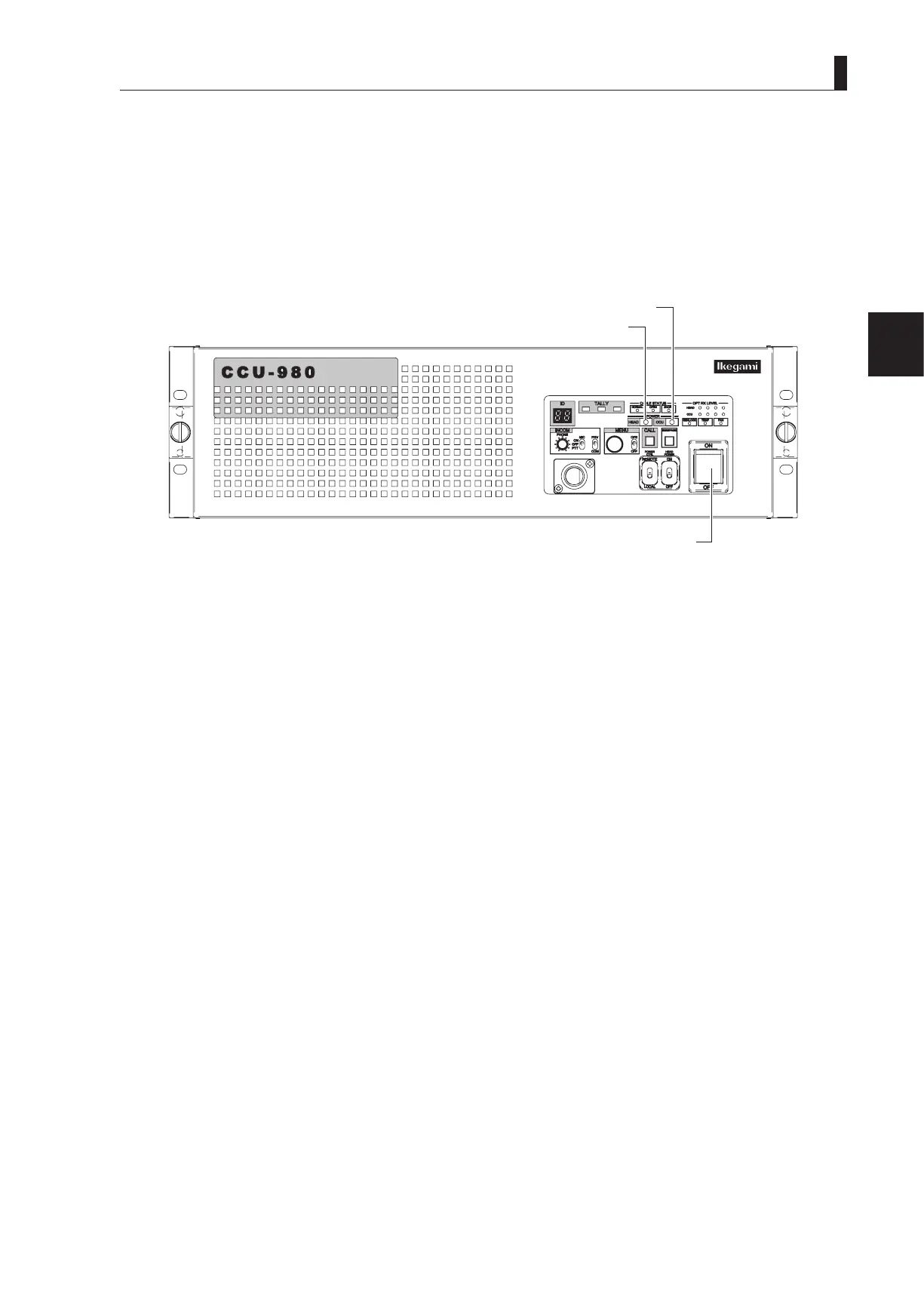
5 Set the CCU MAIN POWER switch on the front of the CCU to "ON".
This turns on the power of the CCU and lights the CCU MAIN POWER indicator. In addition, the status of the camera
cable connection between the camera and the CCU is automatically checked. When the connection status is determined as
normal, power is supplied to the camera, and the HEAD POWER indicator also lights.
HEAD POWER indicator
CCU-980 front view



 To Next Page