50
HDK-99 1803 VER1 (E)
3.3 Power Connection
■
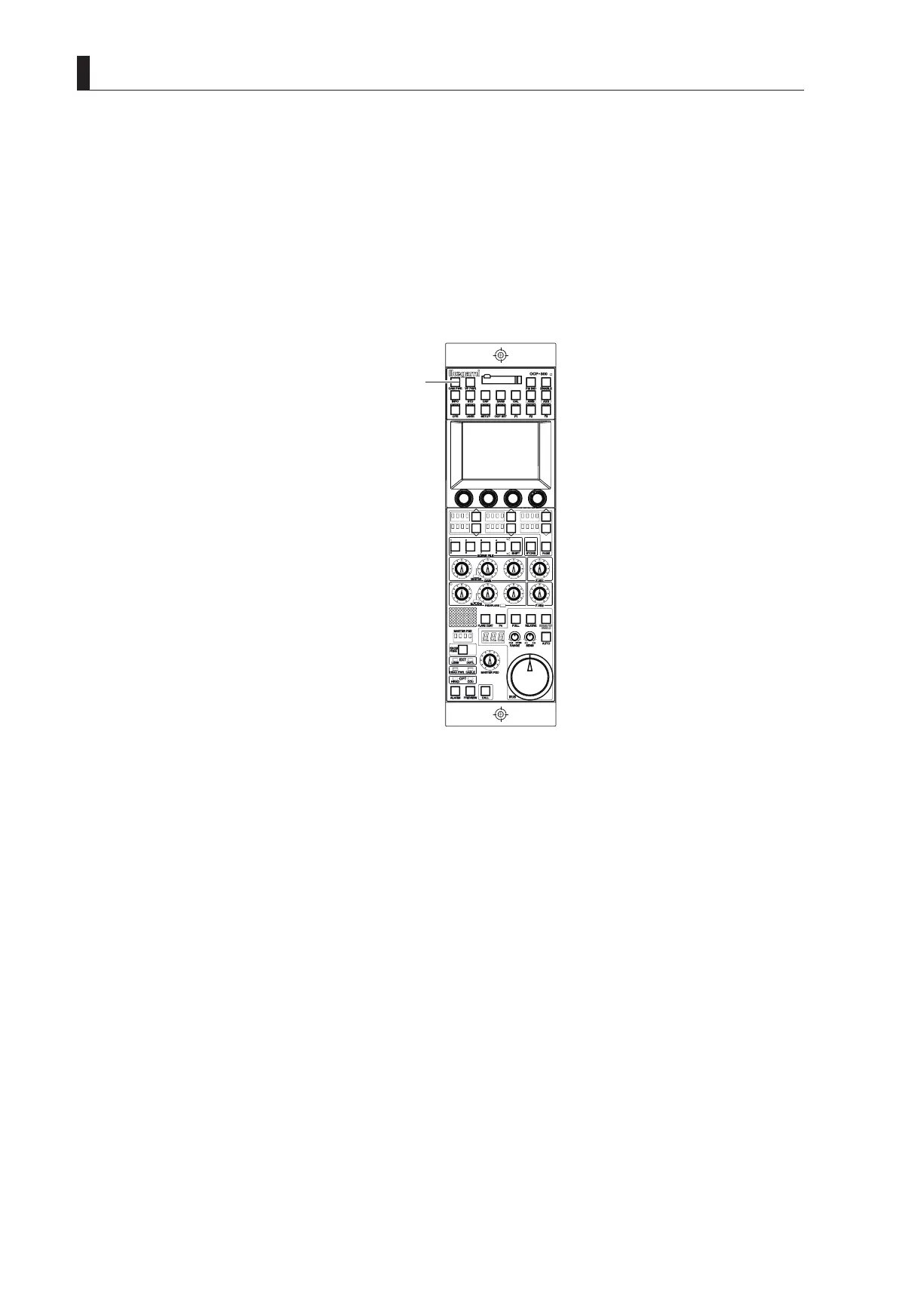
To Control Power ON/OFF from OCP (Remote Control)
You can control the power of the camera using the OCP.
5 Set the CCU MAIN POWER switch on the front of the CCU to "ON".
6 Set the CAM POWER switch on the OCP to "ON".
Power is supplied to the camera.
2
Note:
When the CAM POWER switch on the OCP is turned "ON/OFF", only power supply to the camera is turned "ON/OFF", and the CCU
power is not turned "ON/OFF".



 To Next Page