Figure 10-7-2-1
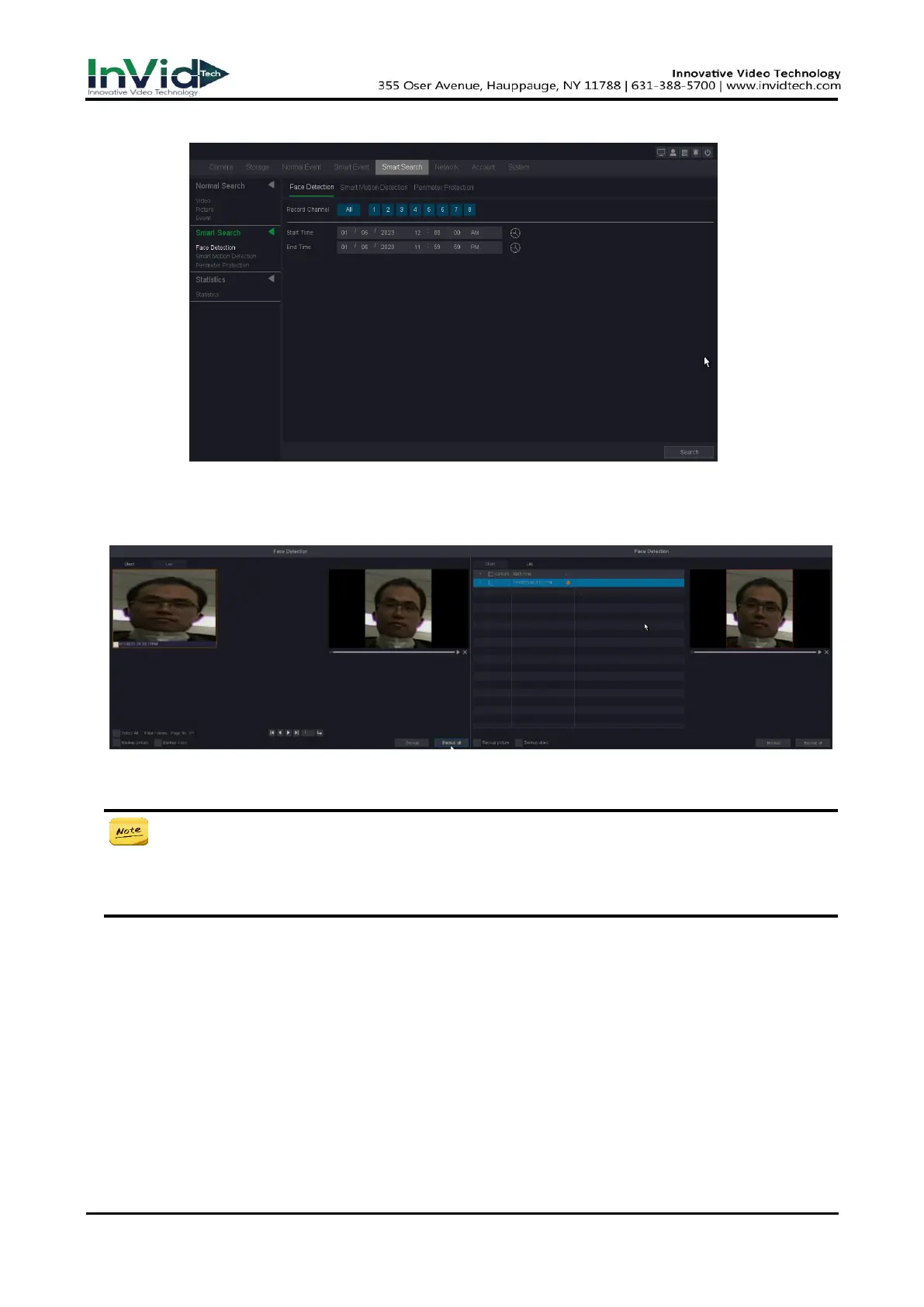
4. Click Search.
Figure 10-7-2-2
5. You can see the search results as shown below.
● In this page, you can select the way of face detection’s preview ---chart or list. Then
you can choose some recordings and decide whether to back up the pictures or videos.
● If you don't find pictures in the chart, please check whether your camera has turned on
Snapshot, about the setting of camera you can refer to the IPC User Manual.
Smart Motion Detection
This page you can select the record channel which had triggered Motion Detection with Human
Shape Filter/Vehicle Shape Filter and has the alarm videos or alarm pictures. Then you can set the
Start time and End time.
Before You Start
Please make sure you have enabled the Motion Detection with Human Shape Filter/Vehicle
Shape Filter of the camera through the NVR, and enabled the Record Channel and snapshot in the



 To Next Page