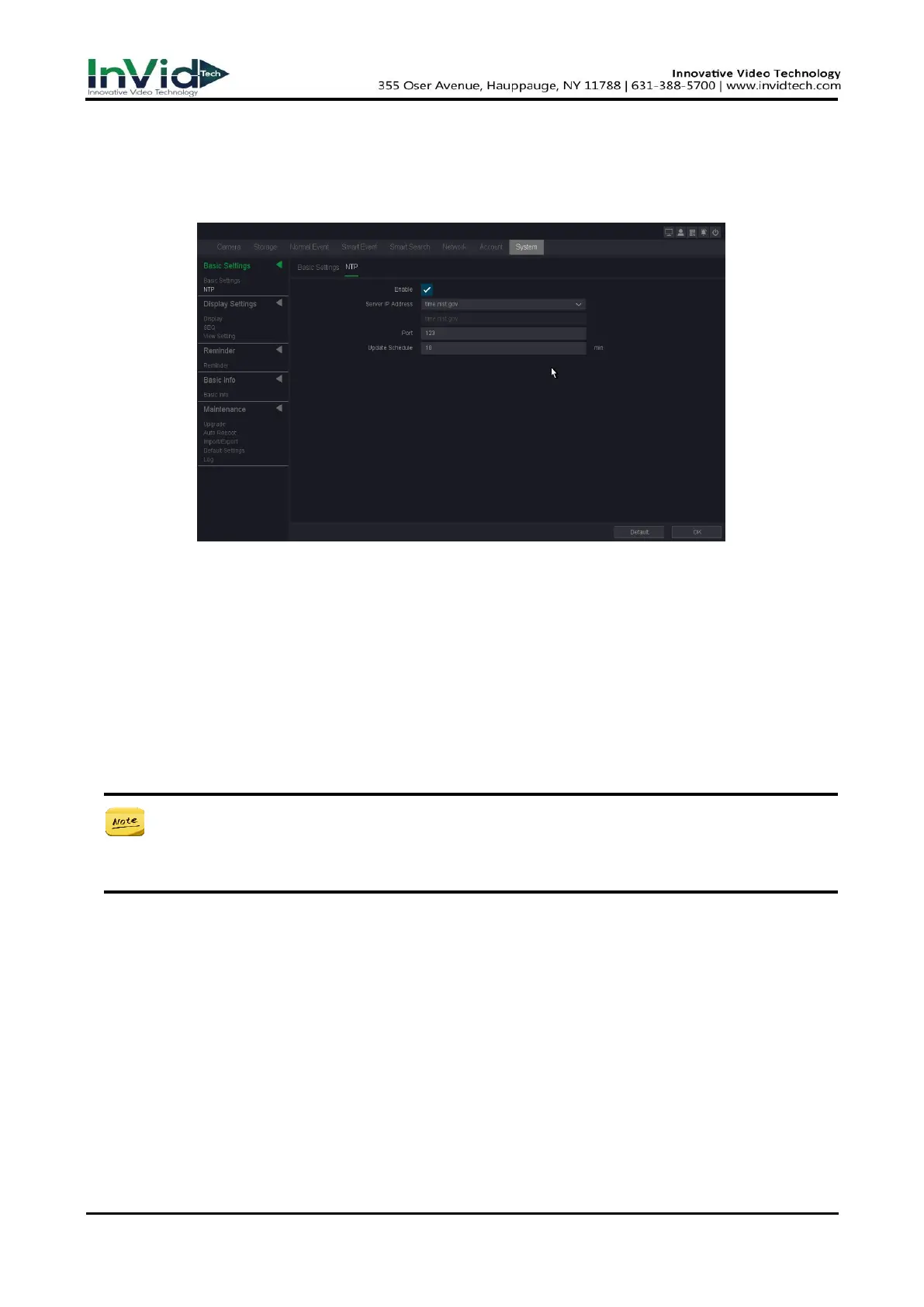
Steps:
1. Go to Seven Grid Menu → Network →Basic Settings → NTP.
2. Turn on Enable.
3. Enter the parameters.
Figure 10-1-1-5
Server IP
The NTP Server IP address or host name. Support two built-in server IPs and custom way.
Port
Port of NTP server.
Update Schedule
Time interval between the two synchronizing actions with NTP server. The unit is minute.
4. Click OK.
● The time synchronization interval can be set from 1 to 65535min, and the default value
is 10 min. If the NVR is connected to a public network, you should use a NTP server that
has a time synchronization function, such as the server at the National Time Center.
10.1.2
Display Settings
Display
In this pare you can adjust video output parameters.
1. Go to Seven Grid Menu → System → Display settings → Display.
2. Click Apply after the setting is complete.
Resolution
Select the appropriate resolution of menu output.



 To Next Page