Chapter 10 Configuration (Advanced Mode)
10.1 System Configuration
10.1.1
Basic Settings
Configure Basic Settings
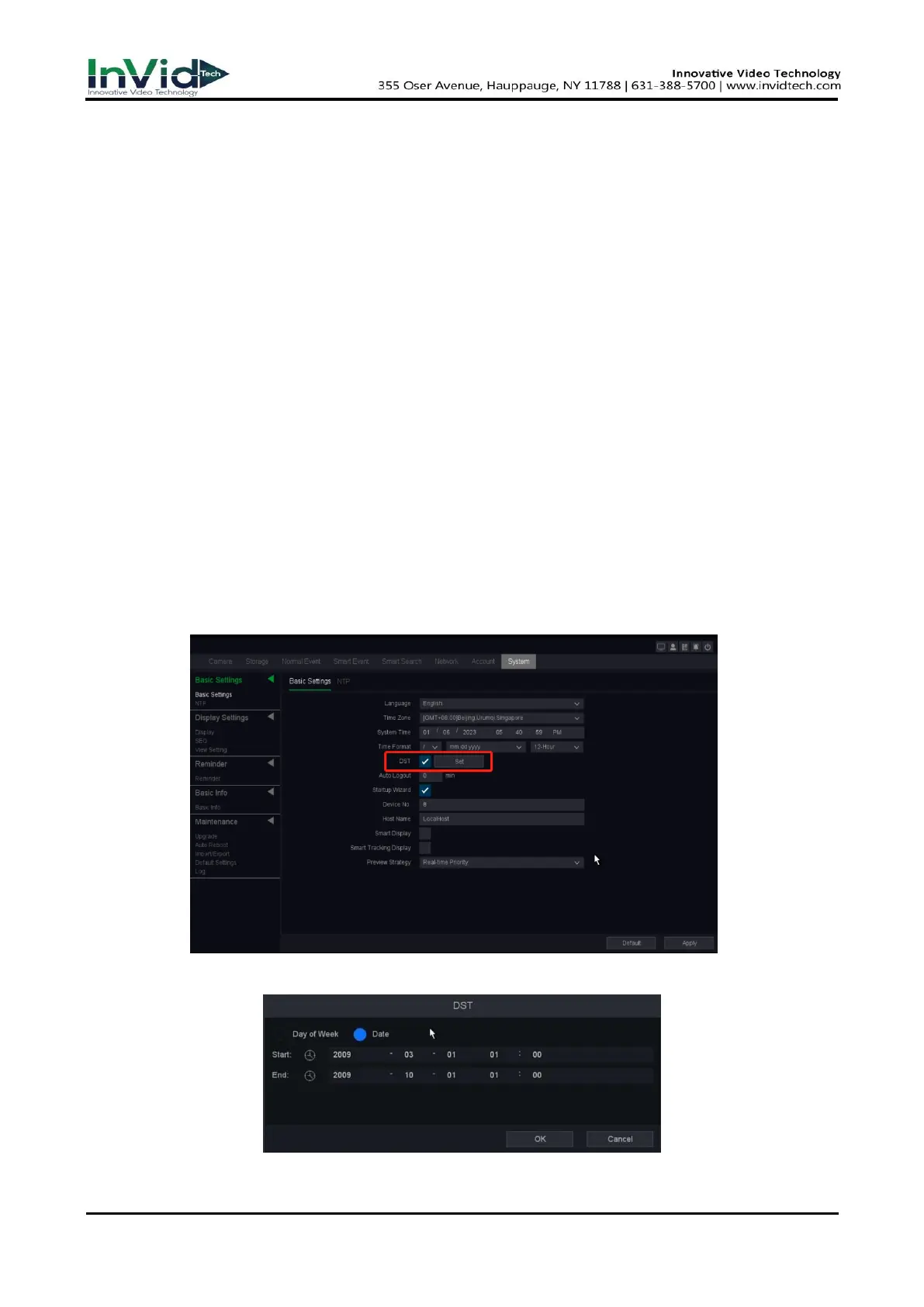
You can configure the Language, Time zone, System time, Time format, DST, Auto logout, Startup
Wizard, Smart display, Smart tracking display, Preview strategy.
Steps:
1. Go to Seven Grid Menu → System → Basic Settings → Basic Settings.
2. Configure the parameters as your desire.
DST
DST (Daylight Saving Time) refers to the period of the year when clocks are moved one period
ahead. In some areas worldwide, this has the effect of creating more sunlit hours in the evening
during months when the weather is the warmest.
Figure 10-1-1-1 DST Settings
Figure 10-1-1-2 DST Settings



 To Next Page