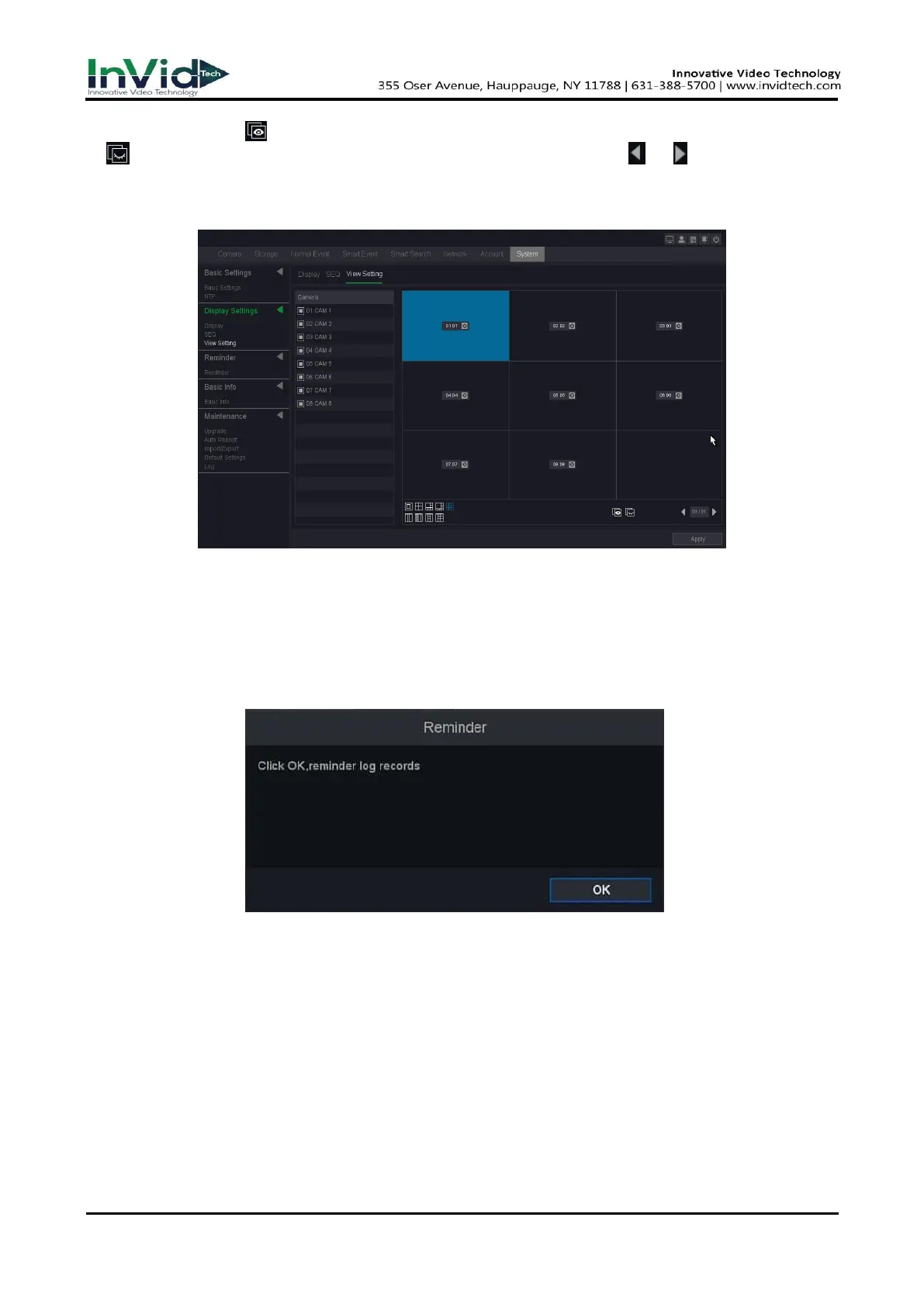
4. You can also click to display the configured channels corresponding to each screen and click
to cancel the display of configured channels on the screen. Click or to go to the
previous or next page.
5. Click Apply after the setting is complete.
Figure 10-1-2-4
10.1.3
Reminder
When patrol detection occurs, the system will jump out of the Inspection information. Click OK,
the patrol will be detected successful. Otherwise, it will fail; the information can also be searched
in the log message. As below following figure.
Figure 10-1-3-1
1. Go to Seven Grid Menu → System → Reminder→ Reminder.
2. Set the time interval between two patrol checks and the time period for cloth removal.
3. Click Apply after the setting is complete.



 To Next Page