● When you forget the password of the admin, you can click Forgot Password to reset the
password.
● If you enter the wrong password 6 times, the current user account will be locked for 15
min.
2.4.4 User Logout
After logging out, the monitor turns to the live view mode and if you want to do some operation,
you need to enter user name and password tog in again.
Steps:
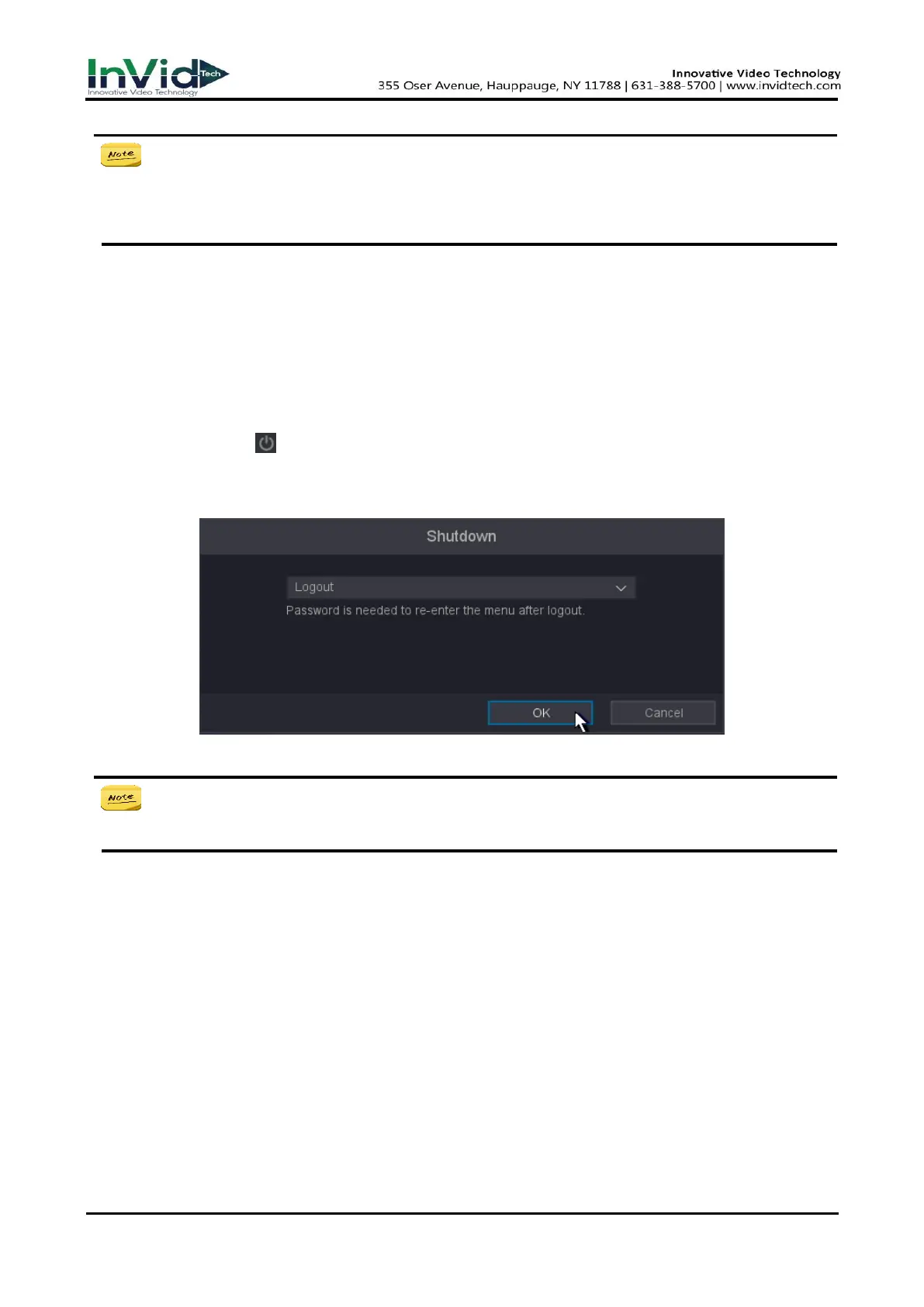
1. Move the mouse to the bottom of the interface → Quick Menu → Shutdown, or enter the
‘shutdown’ button in the upper right corner of the settings interface.
2. Select Logout in the drop-down box.
3. Click OK.
Figure 2-4-4-1
● After you have logged out the system, menu operation on the screen is invalid. It is
required to input a user name and password to unlock the system.
2.5 Adding the Online IP Cameras
The main function of the NVR is to connect the network cameras and record the video got from it.
So before you can get a live view or record of the video, you should add the network cameras to
the connection list of the device.
Before you start:
Ensure the network connection is valid and correct. For detailed checking and configuring of the
network, please see Chapter Checking Network Traffic and Chapter Configuring Network Detection.



 To Next Page