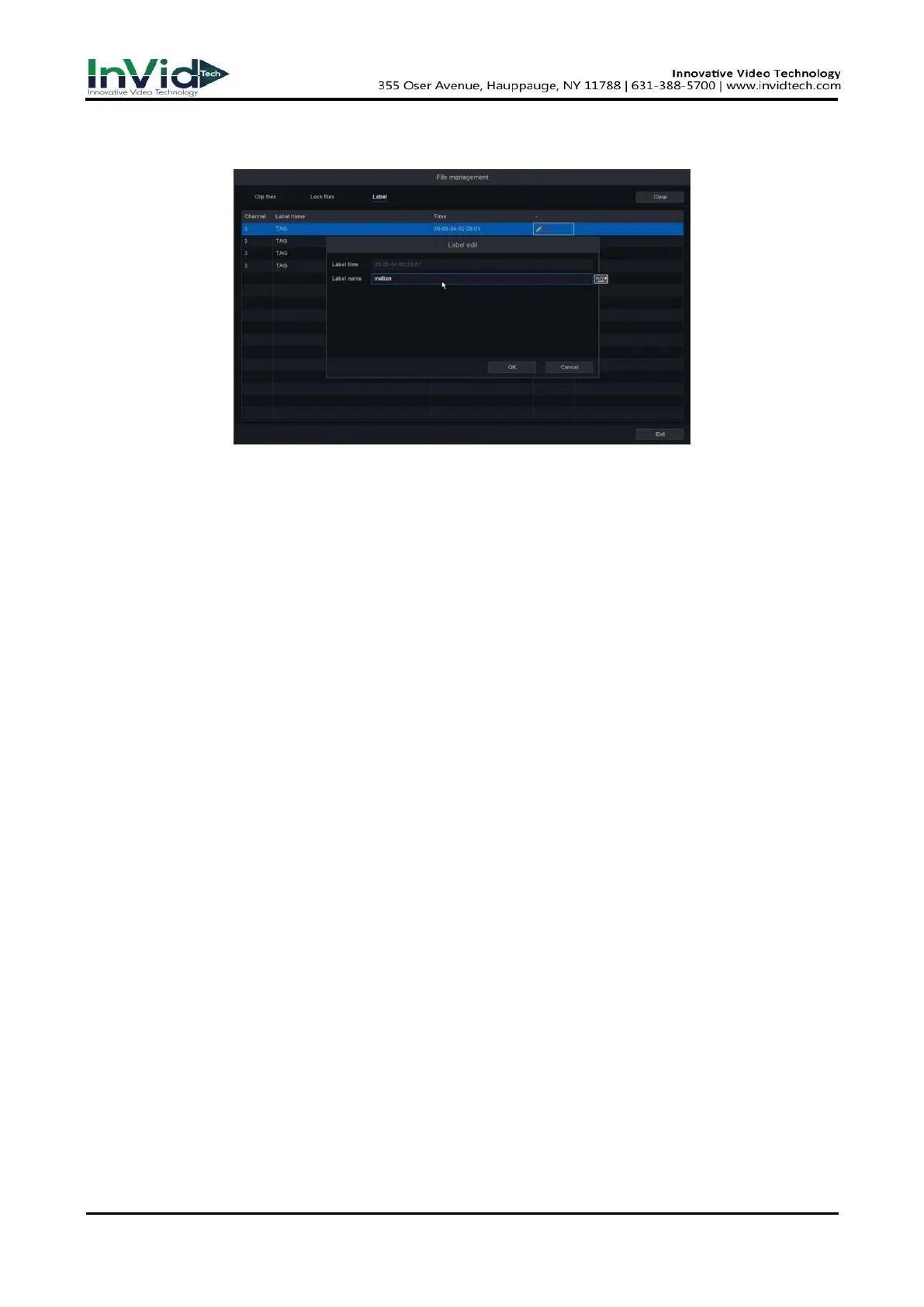
● Click the “Default Label” button will mark the video as a default label, you can edit the label
and check in the “File Manage”.
Figure 4-2-5
4.3 Event Playback
When you select the event playback mode, the system will analyze and mark videos that contain the
motion detection, line crossing detection, or intrusion detection information,etc.
Before You Start
● Ensure the camera has enabled the Motion detection, the Perimeter Protection, or the Diagnosis.
You can enable it via the Seven Grid Menu → Normal Event or Smart Event → Motion
Detection, Perimeter Protection or other.
● Ensure your video recorder has enabled ‘Record channel’ in the setting of the ‘Trigger process’.
You can enable it via Seven Grid Menu → Normal Event or Smart Event → Motion Detection,
Perimeter Protection or other →Trigger process.
Steps:
1. Go to Playback.
2. Click Event play.
3. Select a camera.
4. Set time period, then Click Search.



 To Next Page