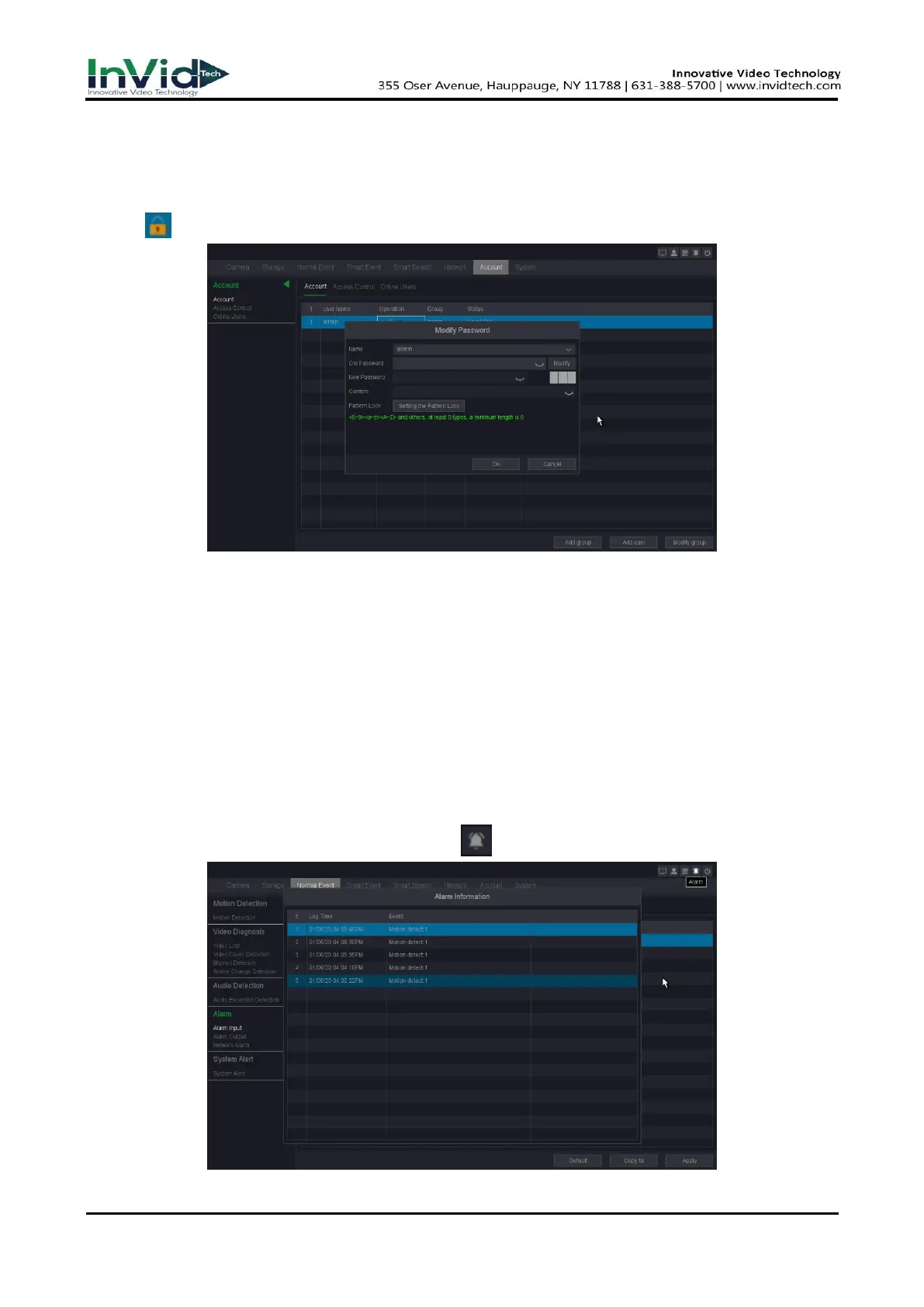
Modify Password
You can modify your password when your password has been compromised.
Steps:
1. Click at the Account interface.
Figure 6-1-2-2
2. Enter the Old Password.
3. Enter the same new password in NEW Password and Confirm.
4. Click OK.
6. Optional: You can also set the Pattern Lock by click “setting the Pattern Lock”.
6.1.3
Alarm events & Trigger process
You can receive alarm events hint in Alarm Status and set exception linkage actions in the
‘Set’ of the Trigger processes.
Step1: Alarm Information
1. Go to Seven Grid Menu →Any Menu → Click ” ” at top right corner.
Figure 6-1-3-1



 To Next Page