2. When the set events occur, you will receive hints in Alarm Status.
Step2 Enable the Trigger process
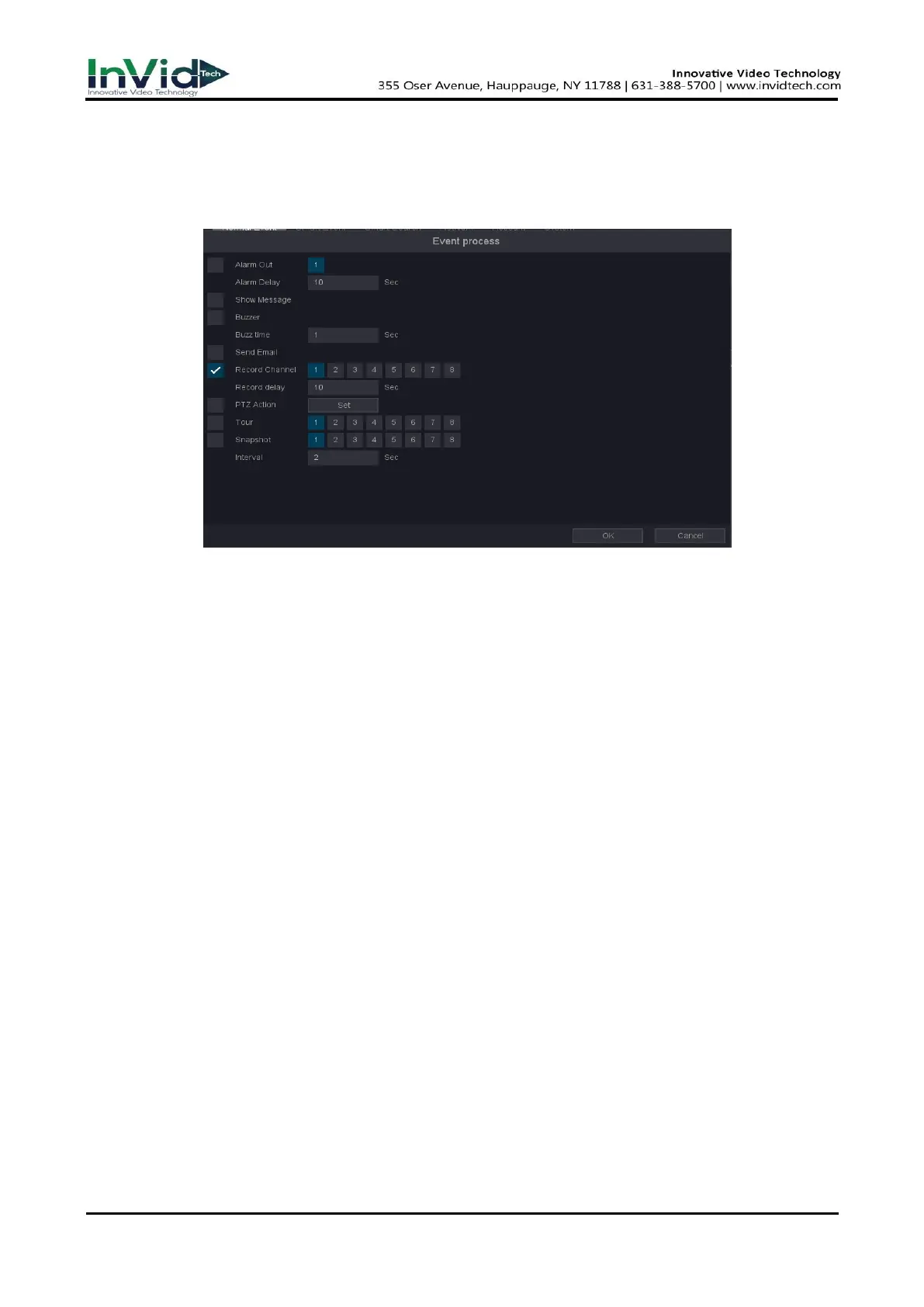
1. Go to Seven Grid Menu → Normal Event or Smart event → Motion Detection, Perimeter
Protection or Video Diagnosis → Trigger process → Set.
Figure 6-1-3-2
Show message
Video preview popup prompt.
Buzzer
Buzzer prompt, you can set the buzzer time.
Send email
An email will be sent to your mailbox when an alarm occurs, if your mailbox is configured.
Record Channel
Enable alarm recording when there is an alarm event in this channel.
Snapshot
Enable to capture pictures when there is an alarm event in this channel, you can also set
the snapshot interval.
2. Select the linkage action you need when the alarm event occurs.
3. Click OK.



 To Next Page