6.3.2
OSD Settings
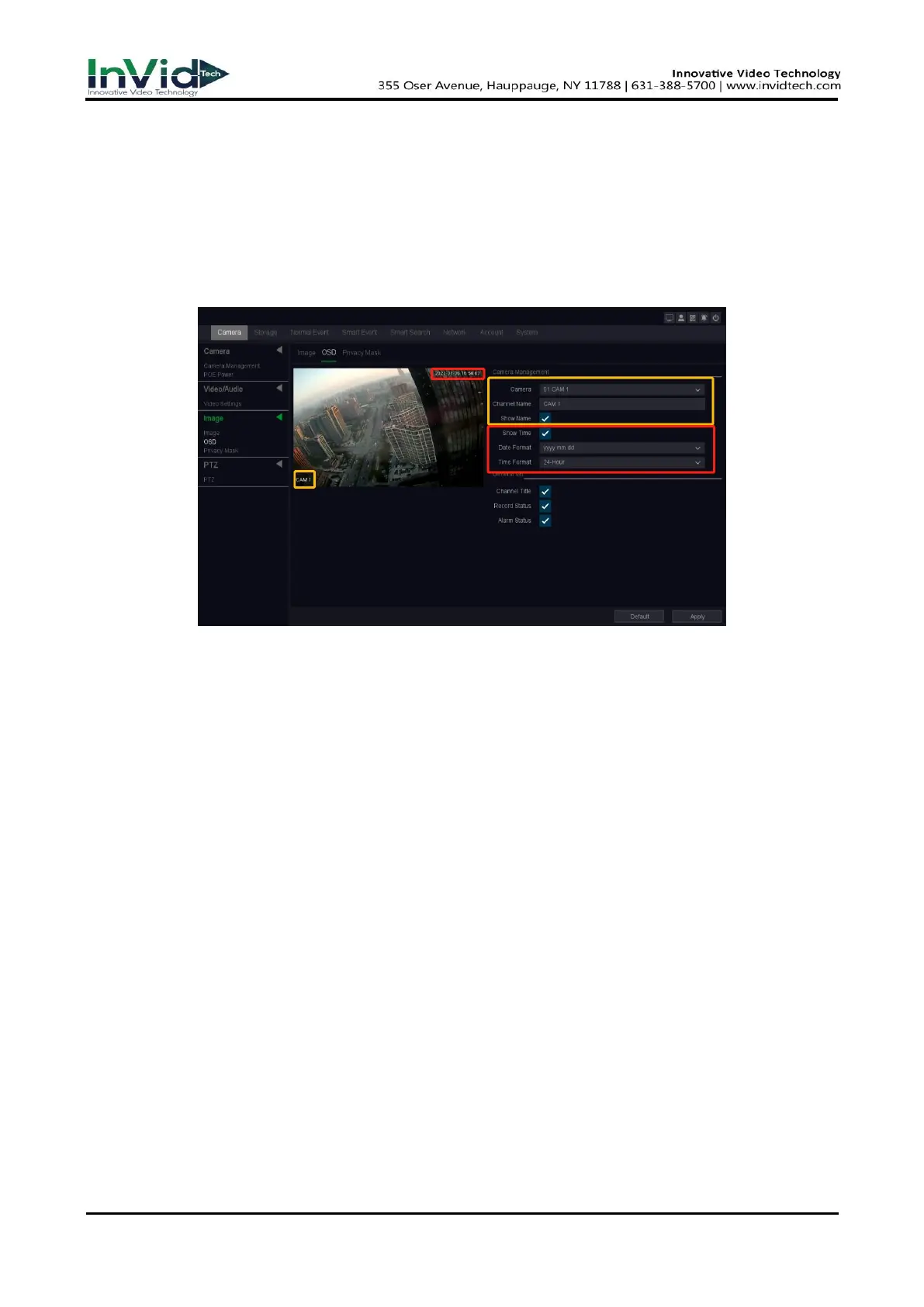
Configure OSD (On-Screen Display) settings for the camera, including date format, camera name,
etc.
Steps:
1. Go to Seven Grid Menu → Camera → Image → OSD.
2. Select a camera.
Figure 6-3-2-1 OSD
3. Set parameters as your desire.
4. The name and time can be chose to display or not, and can also be customized.
5. Click Apply.



 To Next Page