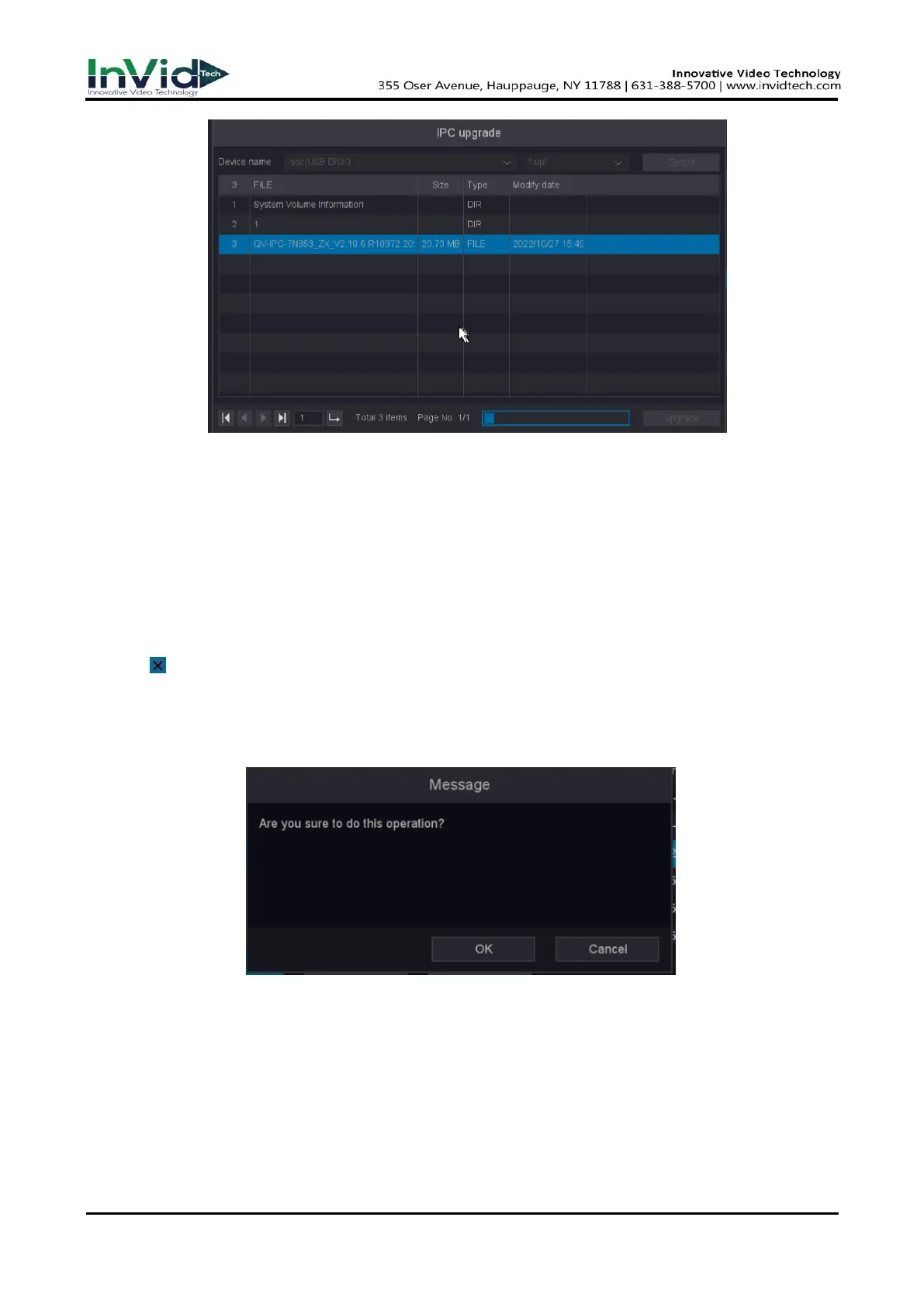
Figure 6-3-1-4
Delete Camera
The camera can be deleted through the delete button.
Before You Start
Ensure your network camera is needs to be deleted.
Steps:
1. Go to Seven Grid Menu → Camera → Camera Management.
2. Click or Select the camera and click the Delete button.
3. Optional1: Check the device to be deleted and click the ‘Delete’ button.
4. Optional2: Click 'Clear all', you can delete all the channels you want to delete.
5. As shown in the figure below, click OK.
Figure 6-3-1-5



 To Next Page