HS Download
Download at a high speed on the network side.
Transfer Mode
There are three modes: quality preferred, fluency preferred and adaptive. The code stream
will adjust itself according to the setup, adaptive is the tradeoff between the image quality
preferred and fluency preferred, fluency preferred and adaptive are valid only when the
sub-stream is turned on, otherwise, quality preferred is valid.
4. Click Apply.
● You can’t set internal IP address if the NVR is not support POE function, Please check if
your NVR has POE function
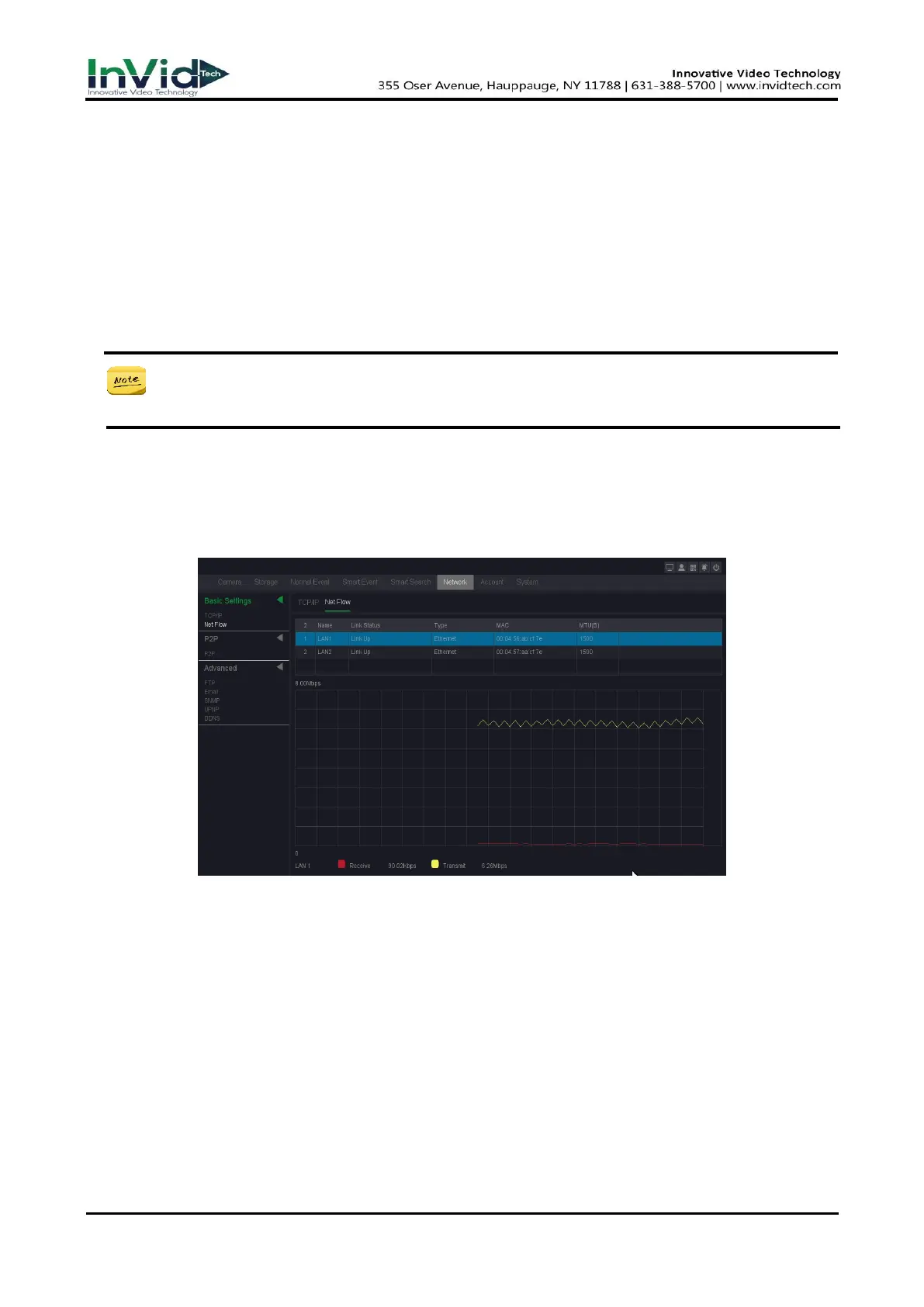
Net Flow
In this interface, you can check transmission and receive status by LAN Port.
1. Go to Seven Grid Menu → Network → Basic Settings → Net Flow.
Figure 10-2-1-2
Receive
Shows the byte rate that NVR device received in real-time.
Transmit
Shows the byte rate that NVR device transmit in real-timer.
10.2.2
P2P
P2P
Go to Seven Grid Menu → Network → P2P → P2P. Refer to 6.2.2 P2P for details.



 To Next Page