Chapter 6 Configuration (Common Mode)
Easy mode contains basic configurations.
6.1 System Configuration
6.1.1
System - Base
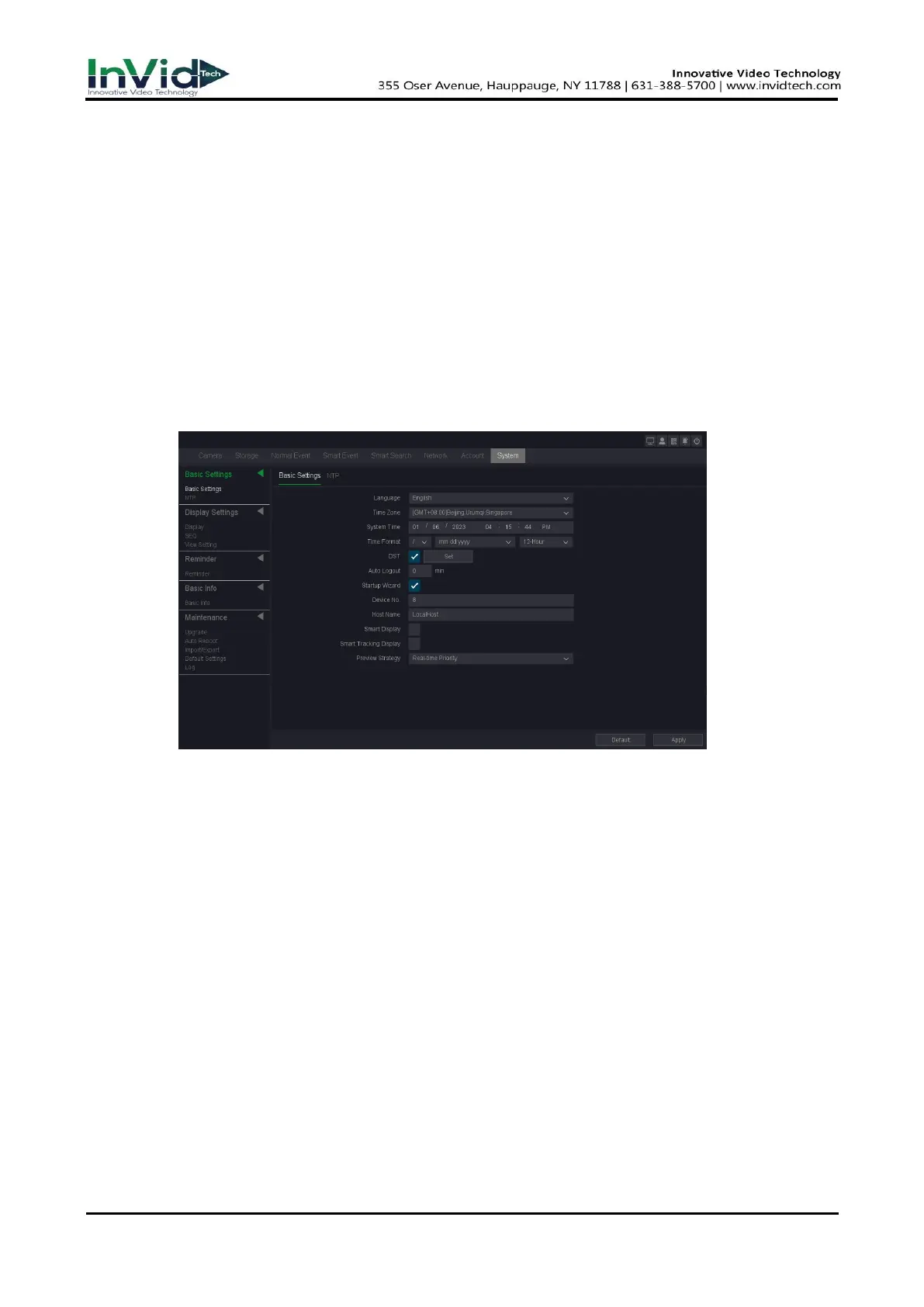
You can configure the language, Time zone, System time, Device No, Host name etc.
Steps:
1. Go to Seven Grid Menu → System → Base Settings→ Base Settings.
Figure 6-1-1-1 General Settings
2. Configure the parameters as your desire.
Time format
The form of time display.
DST
The Summer time.
Auto logout
Auto logout time, the maximum can be set to 60 minutes.
Startup Wizard
The wizard will pop up after the device starts up.
Smart display
Smart rule box display.
Smart tracking display
Smart Track Box Display.
3. Click Apply.



 To Next Page