Chapter 5 Backup
You can Backup the video recording .It can be exported to the backup device (USB flash drive, etc.).
Before You Start
Connect a backup device to your video recorder.
Steps:
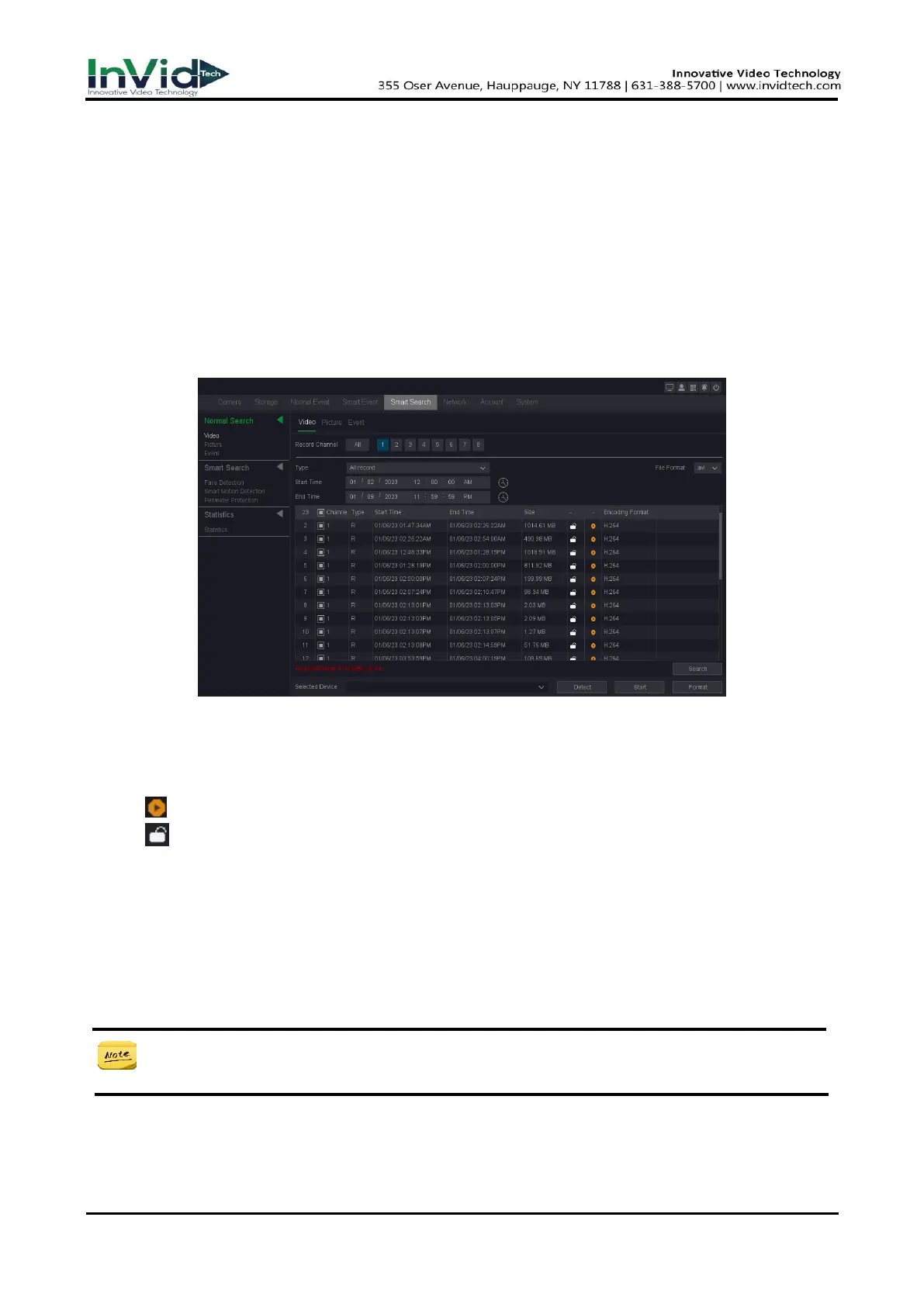
1. Go to Seven Grid Menu → Any Menu→ Smart Search → Normal Search → Video/Picture/Event.
Figure 5-1-1 Search
2. Select a search type (video or picture).
3. Set search conditions.
4. Click Search.
5. Click to play the video.
6. Click to lock the file, Locked file will not be overwritten.
7. Select file(s).
8. Select the backup device and folder.
9. And click Start to export file(s) to backup device.
● If you can't find the backup device, you can re-plug and unplug it. If the backup fails, you
can click the format button to format it first.



 To Next Page