7.3 Upgrade
● Warning: Do not shutdown or turn off the power during upgrade.
7.3.1
Local Upgrade
Before You Start
Store the upgrade firmware to a backup device (USB flash drive), and connect it to your device.
Steps:
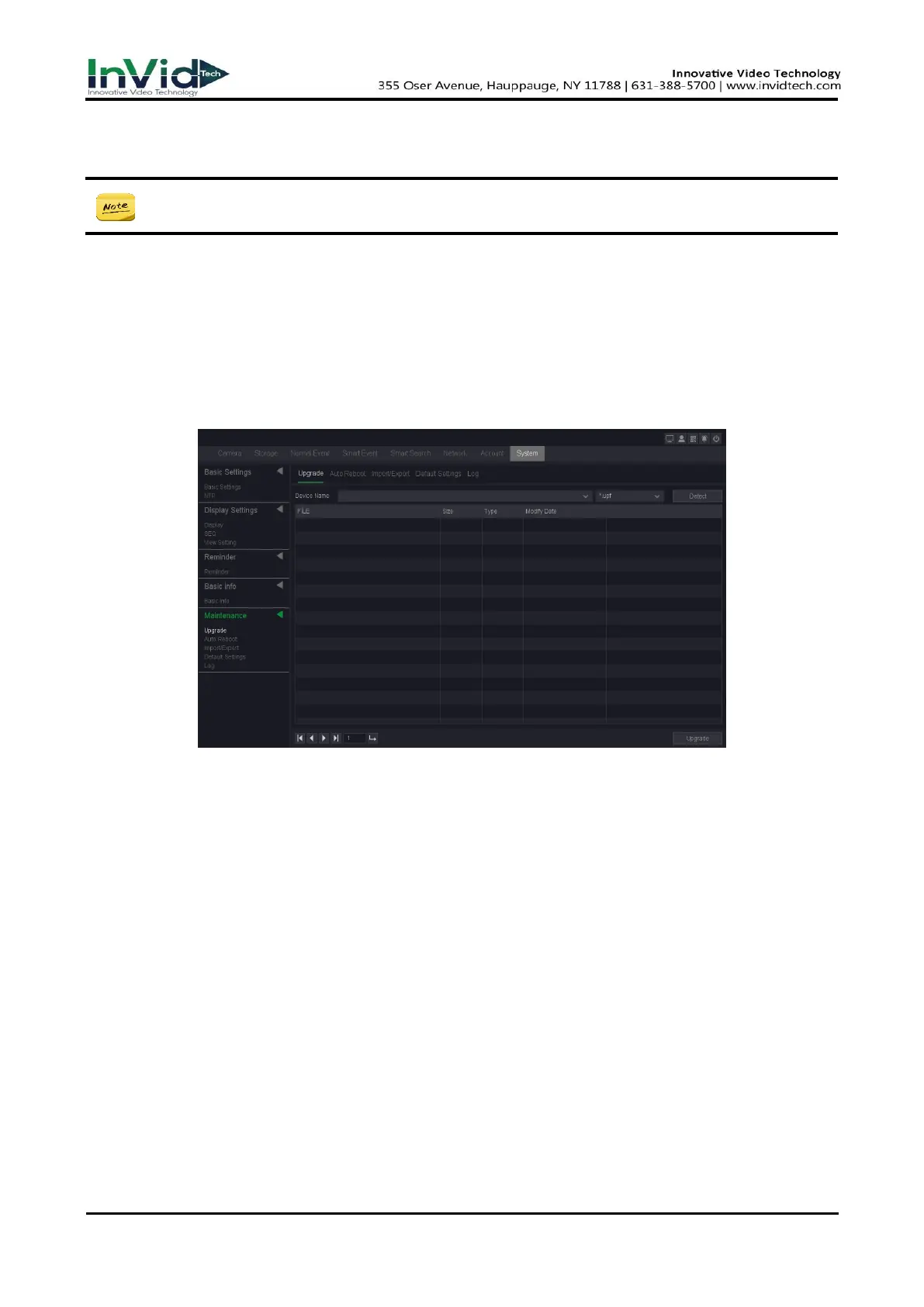
1. Go to Seven Grid Menu → System → Maintenance → Upgrade.
Figure 7-3-1
2. Select your USB flash drive from the drop down box of Device name.
3. Select the correct upgrade firmware.
4. Click Upgrade.
5. Click OK, Your device will reboot automatically after the upgrade is complete completed.
7.3.2
Online Upgrade & The Version
Upgrade the device with the latest online firmware.
Before You Start
Ensure P2P is enabled and properly configured. Refer to 6.2.2 P2P for details.
Steps:
1. Go to Seven Grid Menu → System → Basic Info→ Basic Info



 To Next Page