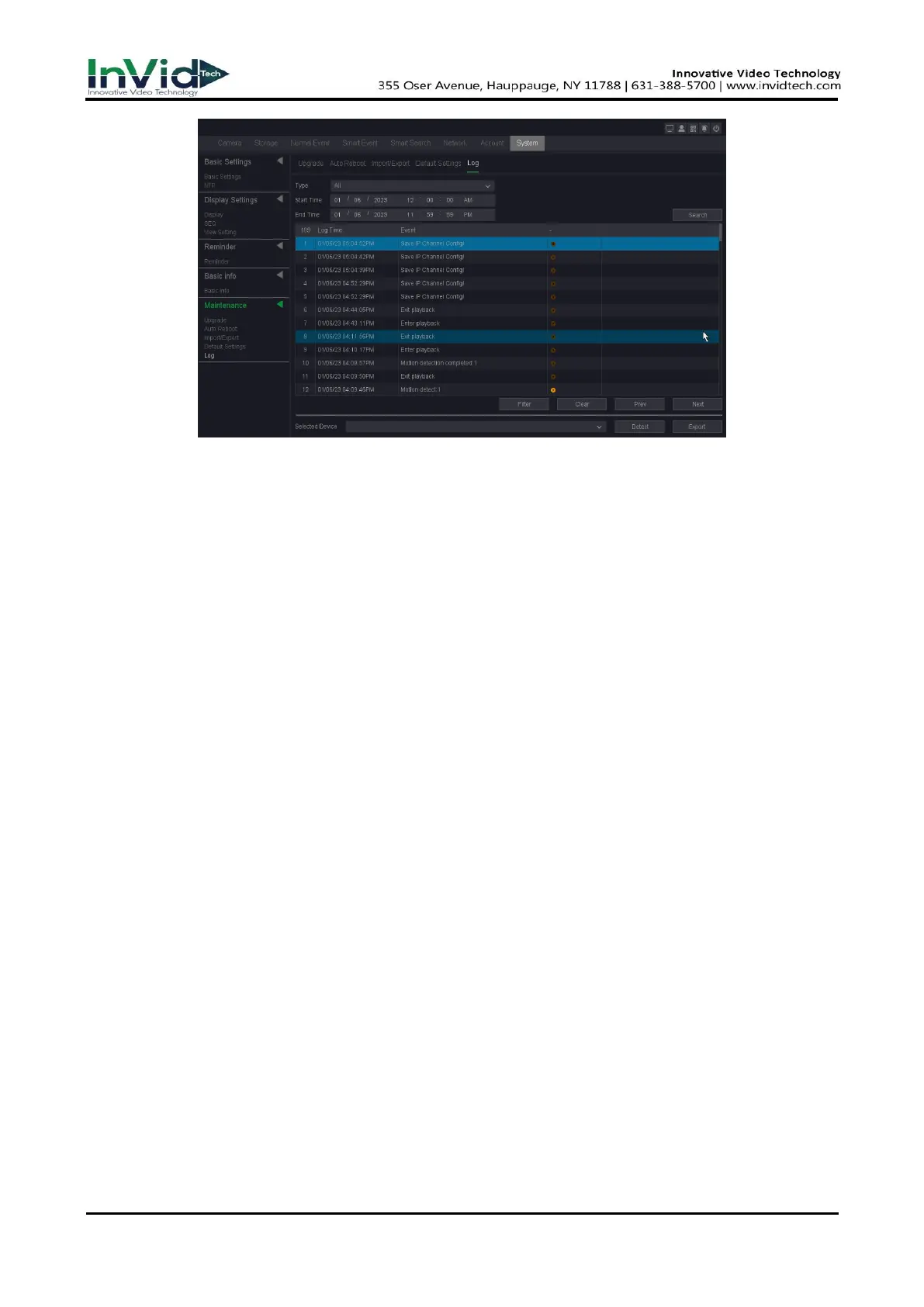
Figure 7-2-1
2. Select the Type of Log.
3. Select the time period of the log you want.
4. Click Search.
Type
Search type include “System”, “Config”, “Storage”, “Alarm”, “Record”, “Account”, “Clear”,
“Playback”.
Start time/End time
Set the period you want to search.
Search
After you set the period and search type, click the search button, and device can save 4096
logs tops.
Prev/Next
It can show 1000 logs in one page, and you can check on more by click “Prev/Next” button.
Filter
On this page you can chose whether cover the log after it’s full, and decide which type
operation log you want to save.
Detect
Detect the USB device.
Export
Export the operations log into the USB flash disk.



 To Next Page