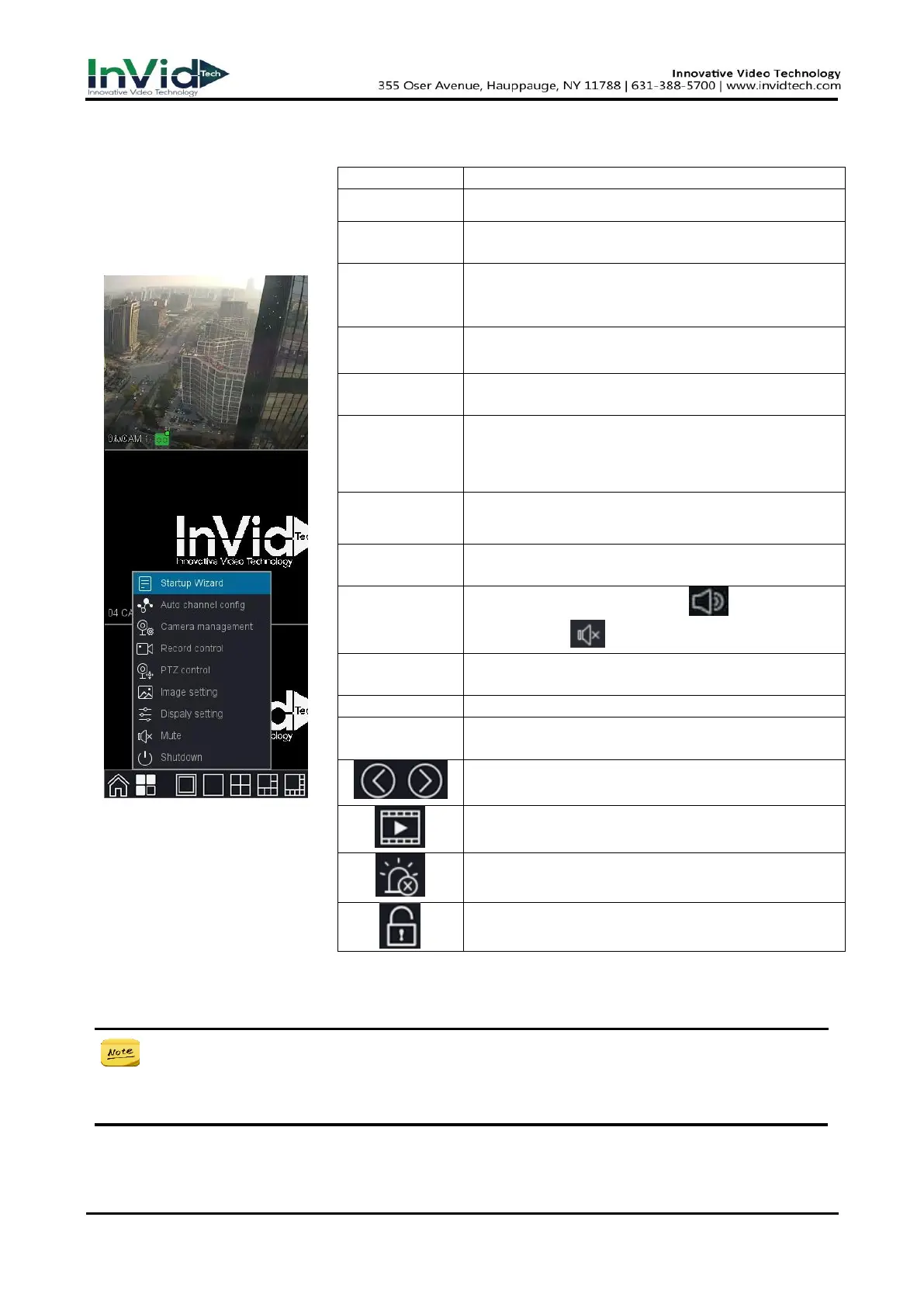
3.4 Quick menu
In preview mode you can Go
to the bottom of the interface
→ Main Menu or Quick Menu ,
as shown in figure 4-4.
Figure 3-4-1
Figure 3-4-1
Table 3-4-1
● The right-click menu varies according to different models, please refer to the actual GUI
menu of the device.
Please refer to the chapter 2.3 Using the Startup
Wizard for more information.
When you right click mouse and choose Auto
Channel Config, it means that NVR will auto add the
IP cameras which in the same LAN.
it is a shortcut access to IP channel interface.
You can check current channel status: “○” means it
is not selected, “●”means it is selected.
The functions include: PTZ direction control, speed,
zoom, focus, iris, setup operation, patrol between
spots, pattern, border, tour.
it is a shortcut to settings ->Channel management
->Image color settings window.
it is a shortcut access to System-Display settings-
Display interfaces.
The speaker mute switch, Icon means speaker
turns on, icon means speaker turns off.
Shutdown, restart system, logout menu user and
switch user.
Preview in 3 screens/4 screens/5 screens /7 screens
according to your choice.
One-key arming or one-key disarming
Lock the floating bar at the bottom of the screen



 To Next Page