Chapter 8 Alarm Status & Show Message
8.1 Alarm Status
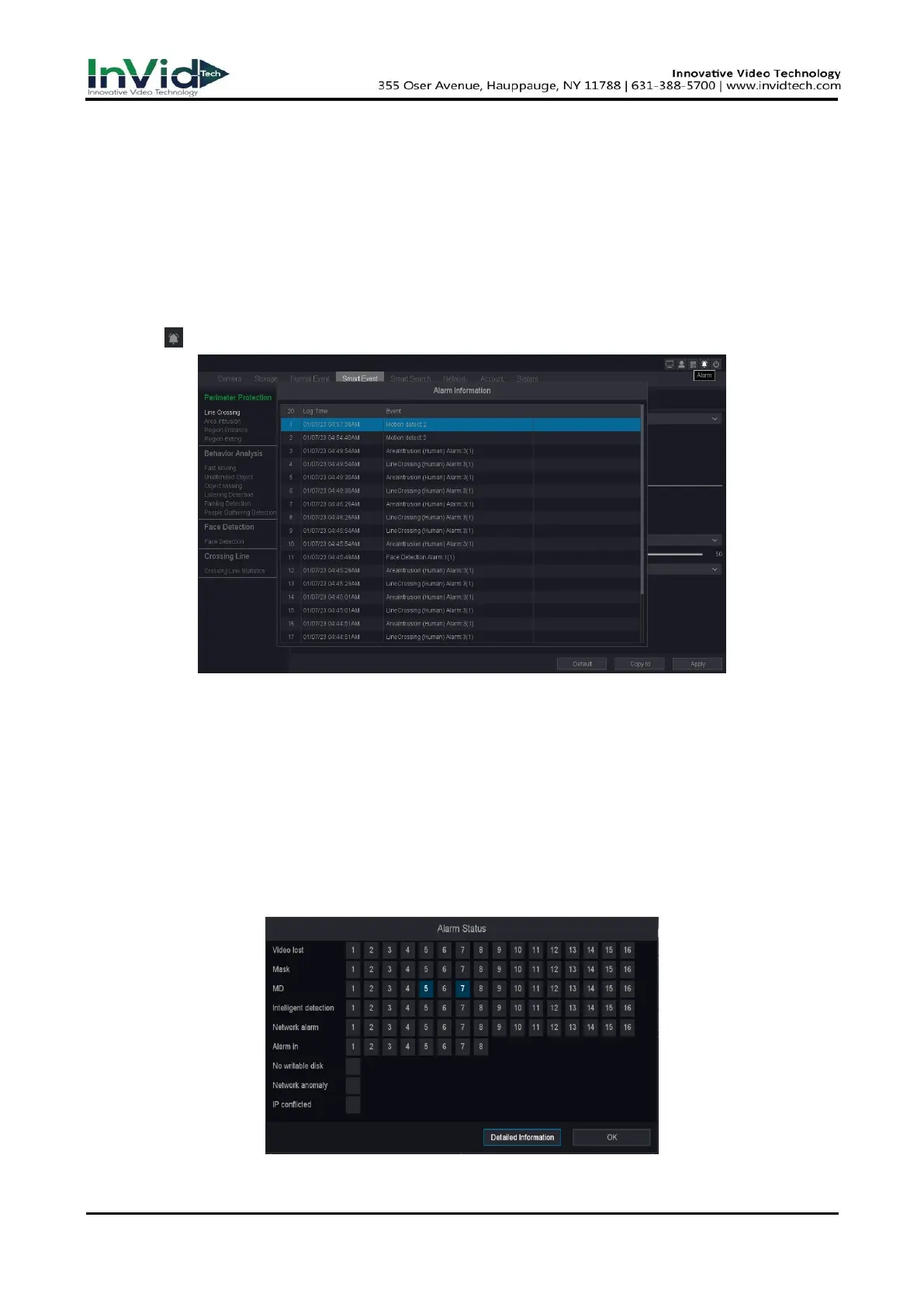
Every alarm event occurs, you will see it here.
Steps:
1. Click “ “ at the upper right corner of the setting interface to show the Alarm Information.
Figure 8-1-1 Alarm Center
8.2 View Alarm in Show Message
If The Show message is configured in the Trigger process, please refer to the configuration of 6.1.3
Alarm events & Trigger process.
Steps:
1. Go to Seven Grid Menu → Normal Event or Smart Event → Motion Detect, Perimeter
Protection or Video Diagnosis → Trigger process → Set.
2. Check the Show Message as shown below.
Figure 8-2-1



 To Next Page