6.1.2
User
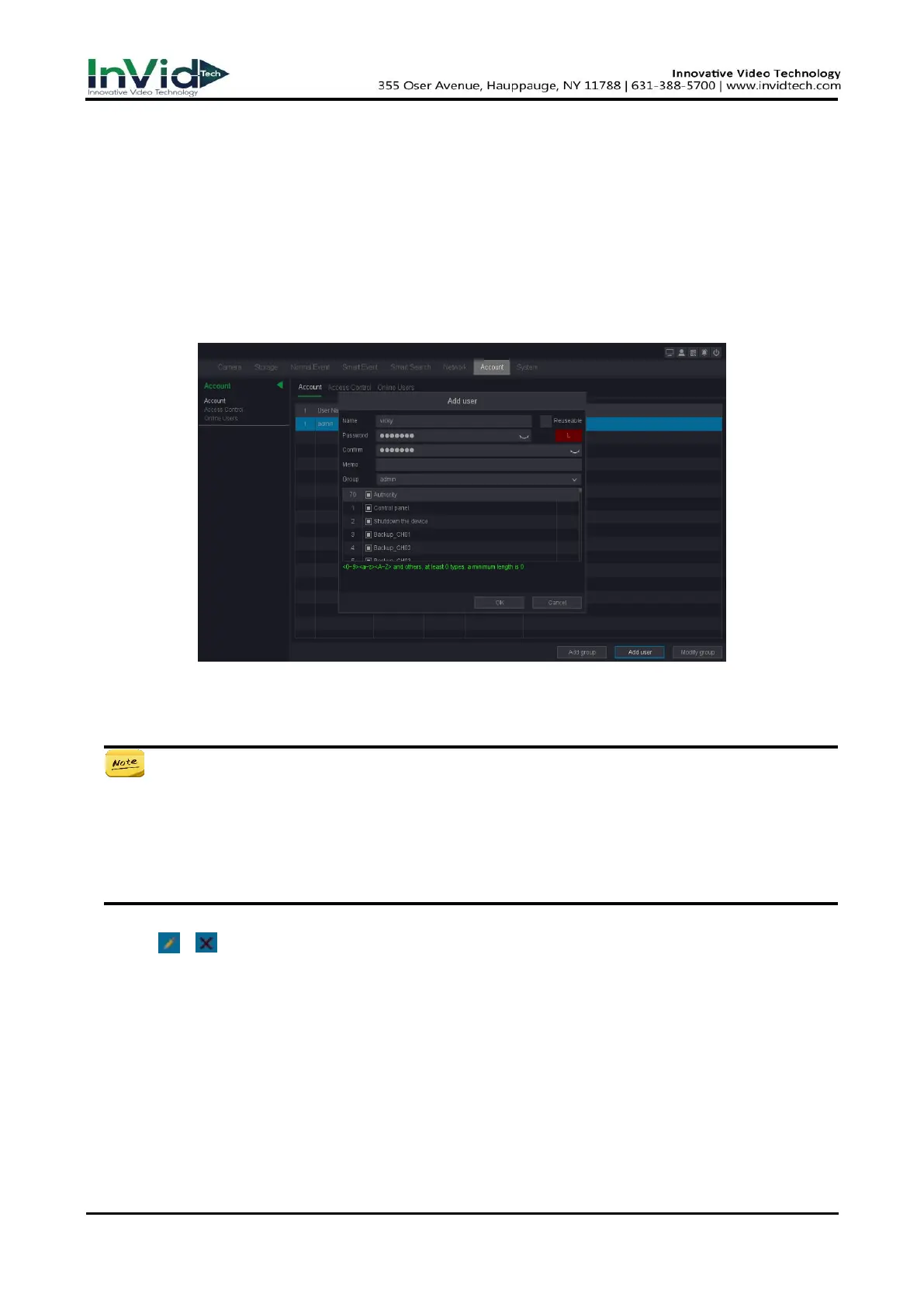
Add User
There is a default account: Admin. The admin user name is admin. Admin has the permission to
add, delete, and edit user. Guest user only has live view, playback, and download.
Steps:
1. Go to Seven Grid Menu → Account →Account.
2. Click Add user and maybe confirm your admin password.
Figure 6-1-2-1 Add User
3. Enter user name.
4. Enter the same password in Password and Confirm.
Warning
We highly recommend you create a strong password of your own choosing (Using a minimum of
8 characters, including at least three of the following categories: upper case letters, lower case
letters, numbers, and special characters.) in order to increase the security of your product. And
we recommend you reset your password regularly, especially in the high security system,
resetting the password monthly or weekly can better protect your product.
5. Click OK.
– Click / to edit/delete user.



 To Next Page