6.4.3
Configuring video encoding
By configuring the encode parameters you can define the parameters which affect the image
quality, such as the Compression type, Resolution, Frame Rate, Bit Rate Type, Quality, etc.
The NVR support Dual Stream Encode, we can set the main stream encode and sub stream encode
on this screen.
Steps:
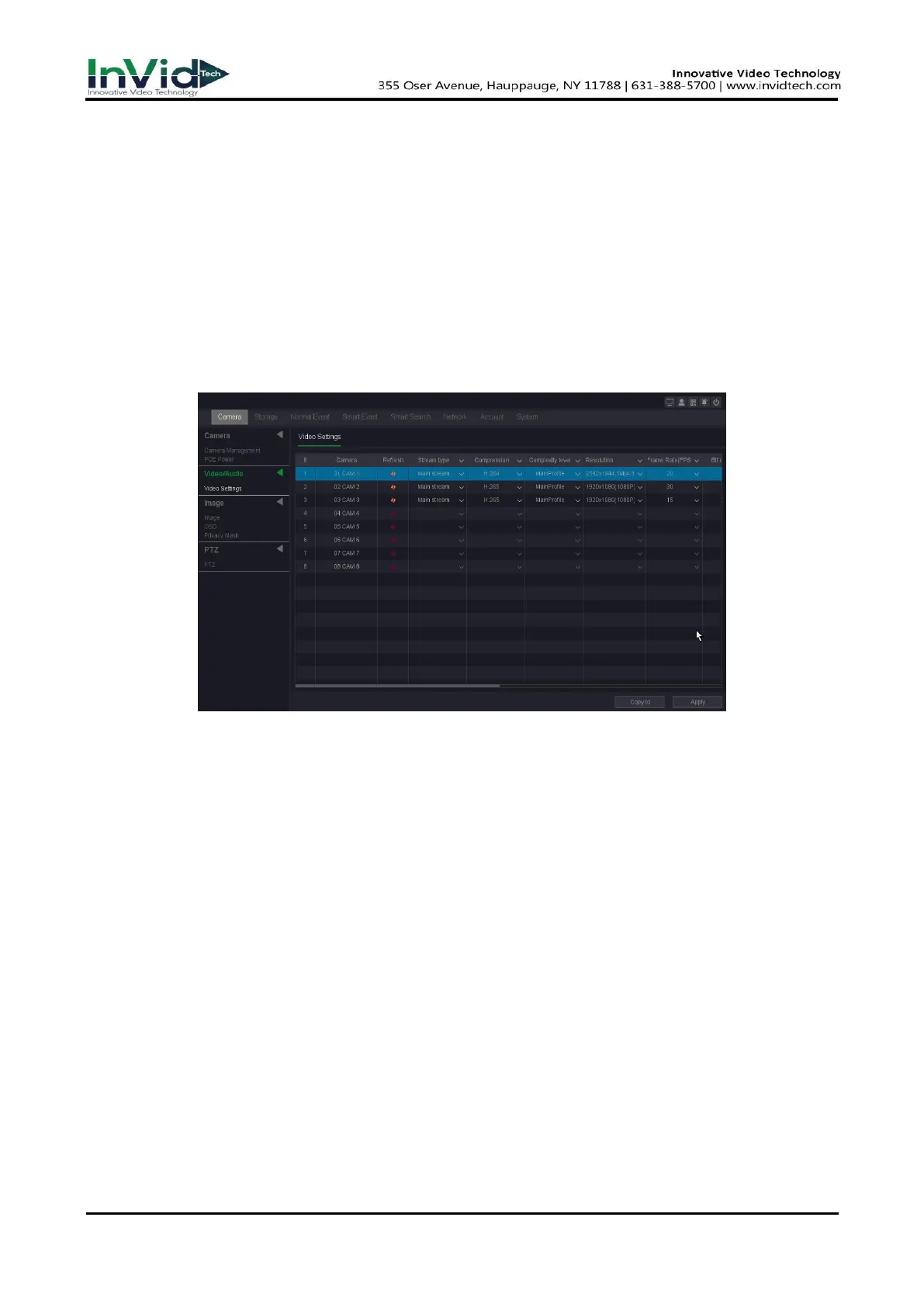
1. Go to Seven Grid Menu →Camera → Video Settings→ Video Settings.
2. Configuring video encoding.
Figure 6-4-3-1
Channel
Select the channel to configure.
Refresh
Click it to refresh IP channel’s encode parameters.
Main Stream
Main stream refers to the primary stream that affects data recorded to the hard disk drive
and will directly determine your video quality and image size. Comparing with the sub-
stream, the main stream provides a higher quality video with higher resolution and frame
rate.
Sub Stream
Sub-stream is a second codec that runs alongside the mainstream. It allows you to reduce the
outgoing internet bandwidth without sacrificing your direct recording quality. Sub-stream is
often exclusively used by smartphone applications to view live video. Users with limited
internet speeds may benefit most from this setting.
Compression
H.265, this is the compression protocol for encoding. It also supports H.264 IP cameras.



 To Next Page