Resolution
Image resolution is a measure of how much detail a digital image can hold: the greater the
resolution, the greater the level of detail. Resolution can be specified as the number of pixel-
columns (width) by the number of pixel-rows (height), e.g., 1024×768.
Frame Rate
Frame rate refers to how many frames are captured each second. A higher frame rate is
advantageous when there is movement in the video stream, as it maintains image quality
throughout.
Bitrate
The bit rate (in Kbit/s or Mbit/s) is often referred to as speed, but actually defines the number
of bits/time unit and not distance/time unit.
H.264+/H.265+
Enable smart encode technology, all the record file can reduce the HDD space maximum 80%-
90% in static view.
Audio
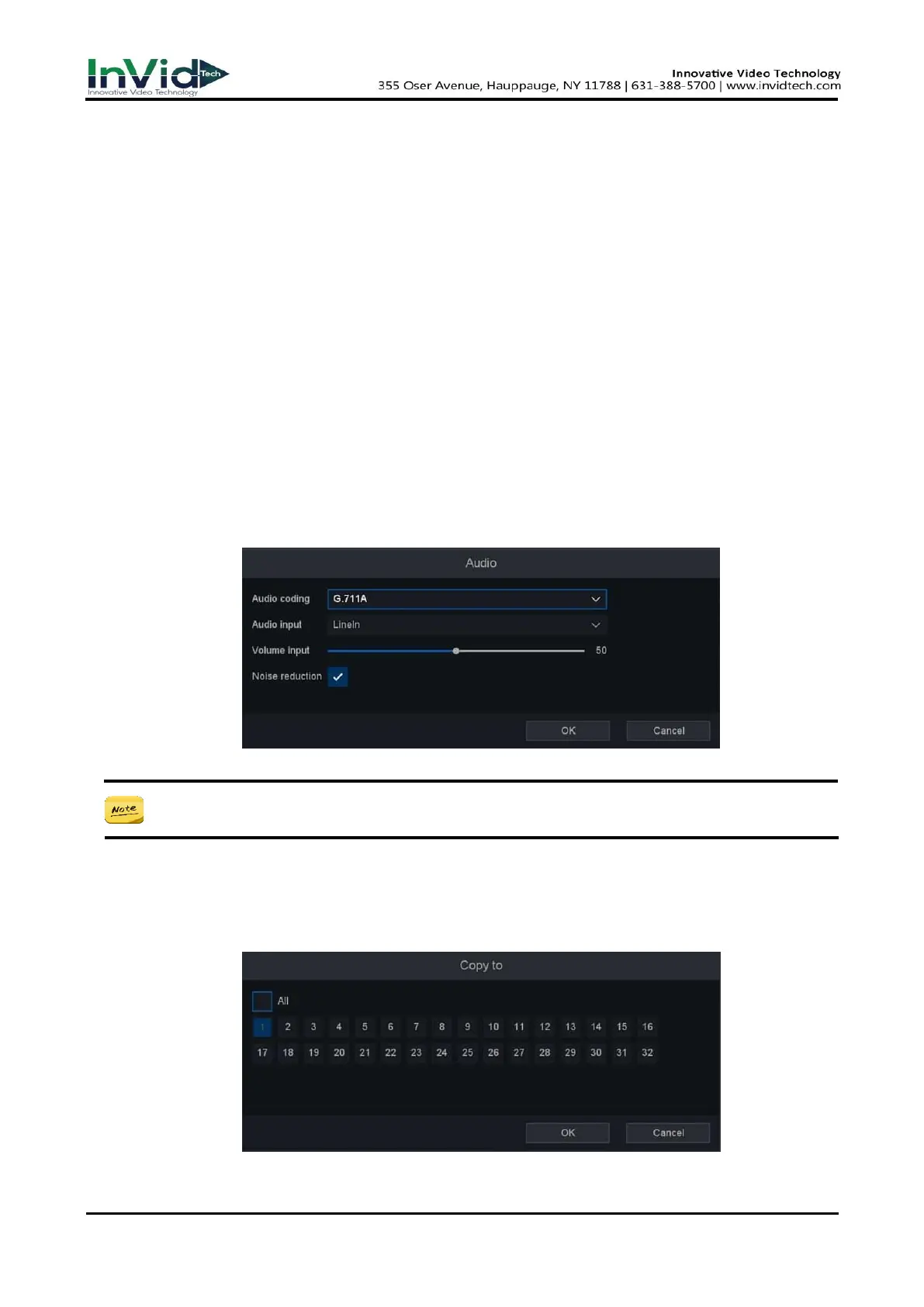
Set the audio encode for this channel, as shown below.
Figure 6-4-3-2
● Higher resolution, frame rate, and bitrate provide you better video quality, but it also
requires more internet bandwidth and uses more storage space on the hard disk drive.
3. Click Apply.
4. Optional: You can copy the configuration of selected channels to the one which you would like
to apply the same configuration. By clicking Copy To button, select the channels and save the
setting. Please refer to Figure 6-4-3-3 below Copy To.
Figure 6-4-3-3



 To Next Page