2.3 Using the Startup Wizard
Steps:
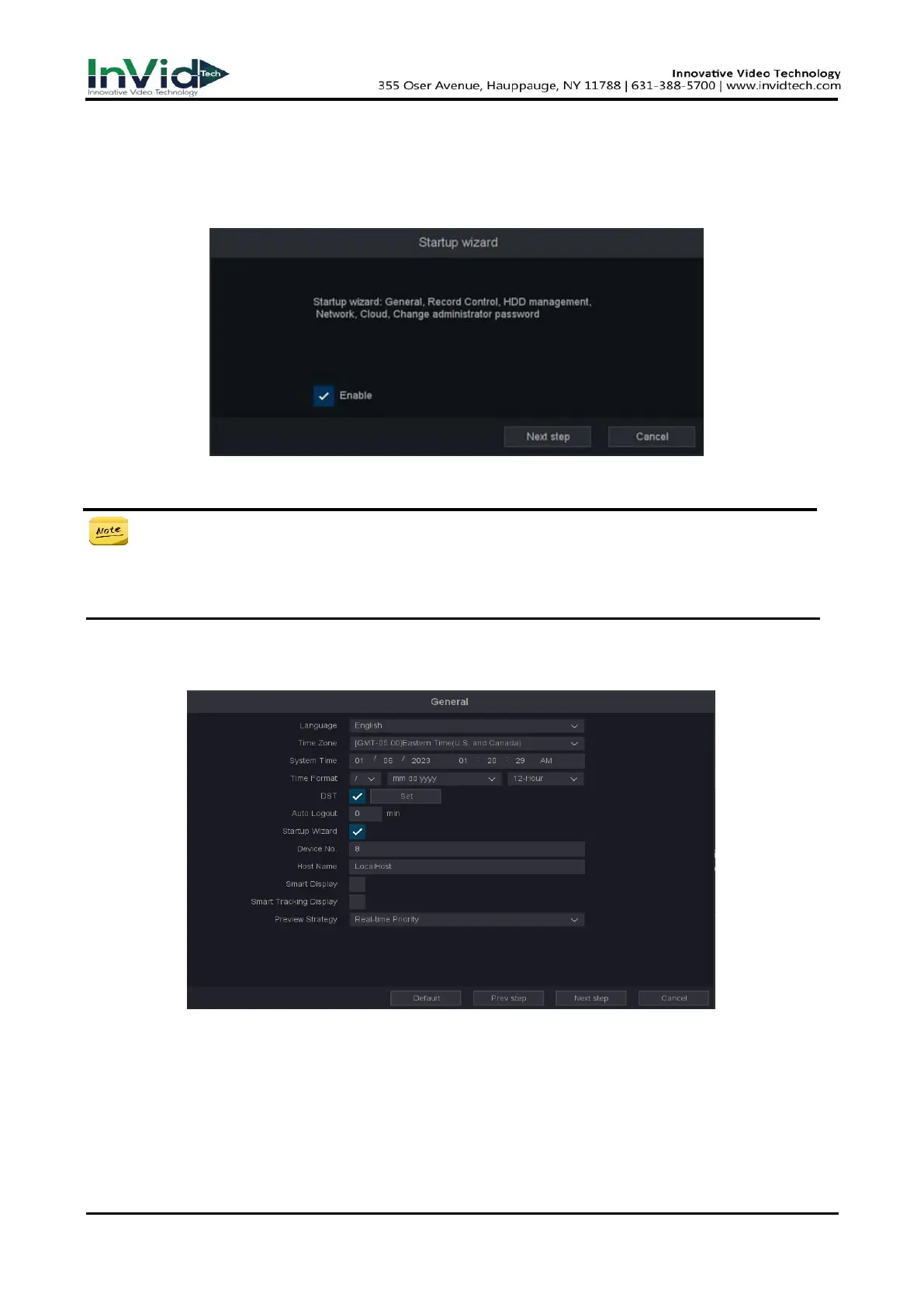
1. By default, the Startup Wizard starts once the NVR has loaded, as shown in Figure 2-3-1.
Figure 2-3-1 Startup Wizard
● Operating the Startup Wizard: The Startup Wizard can walk you through some
important settings of the NVR. If you don’t want to use the Startup Wizard at that
moment, click the exit button. You can also choose to use the Startup Wizard next time by
leaving the “enable” checkbox checked.
2. Click Next Step button to enter the general settings window, as shown in figure 2-3-2.
Figure 2-3-2
3. After the general settings, click Next Step button which takes you back to the record control
Setup Wizard window, as shown in figure 2-3-3.



 To Next Page