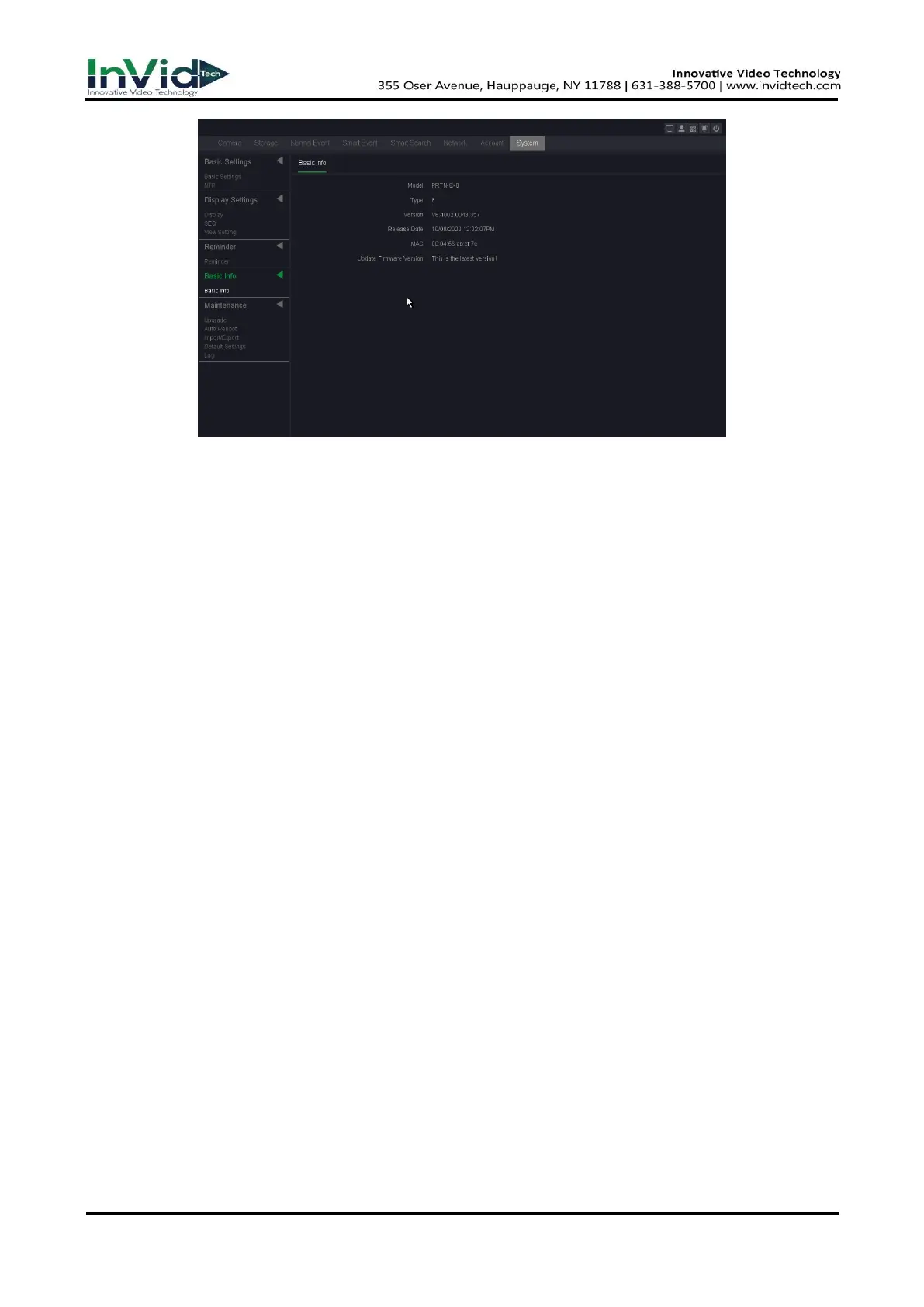
Figure 7-3-2
2. The system will automatically detect whether there is the latest firmware.
3. If there is a new firmware, Click Upgrade.
4. Click OK. Your device will reboot automatically after the upgrade is complete completed.
5. Optional: in this page, you can see the version information of the device.
Type
Number of channels supported by the device.
Version
Version Information.
Release Date
The release date of firmware.
MAC
The MAC address of the device.
Update firmware version
Update firmware version information.



 To Next Page