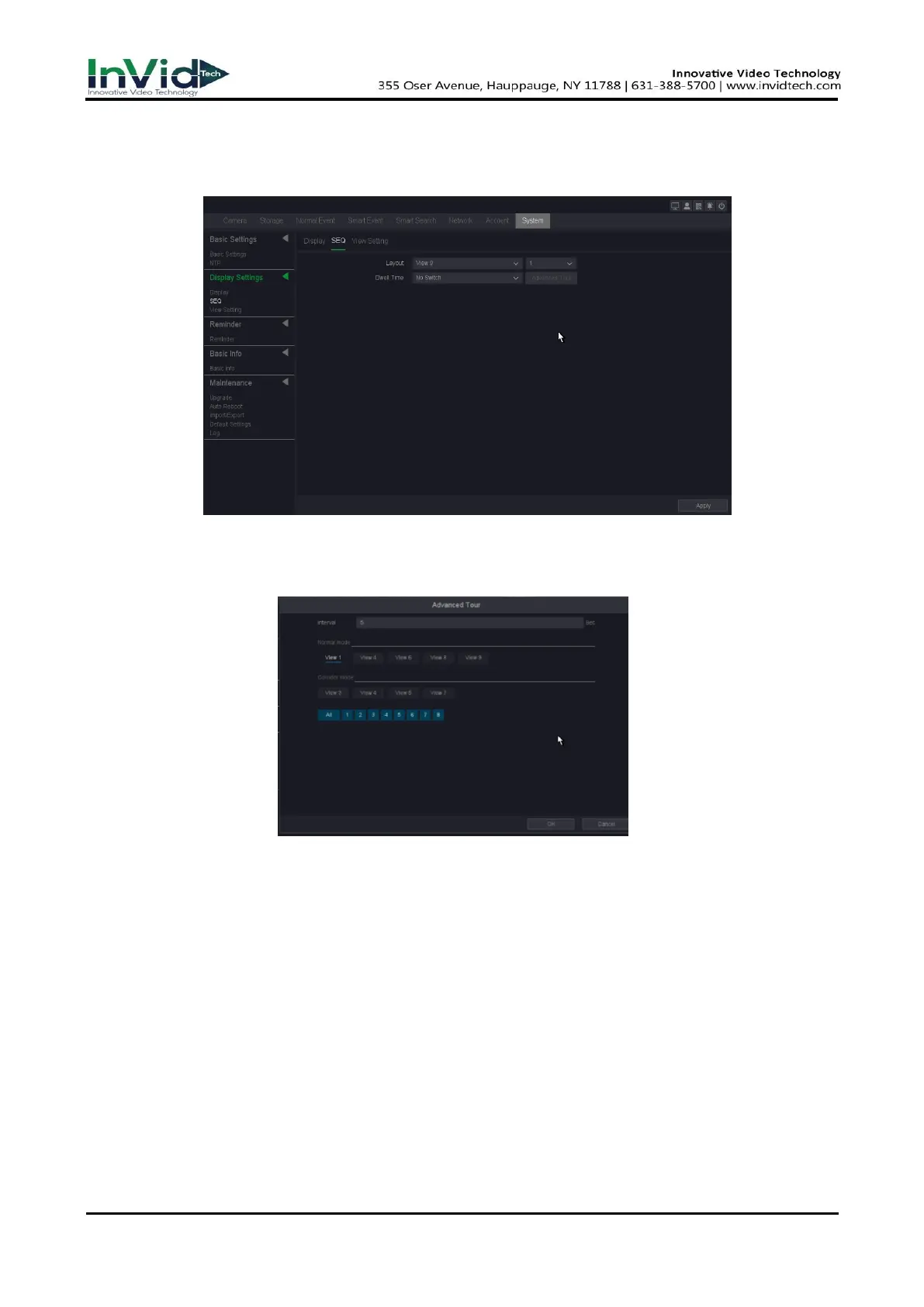
Dwell Time
The time in seconds to dwell between switching of channels when enabling auto-switch in
Live View.
Figure 10-1-2-2
3. And if you choose advanced tour in ‘Dwell time’, the setting method is shown as following
picture:
Figure 10-1-2-3
Interval
Interval time setting, the range of values is from 5s to 120s.
View
View checking about tour.
View setting
In this pare you can set the patrol screen of the monitor.
1. Go to Seven Grid Menu → System → Display settings → View setting.
2. Select the Channel from the drop-down list.
3. Click a window to select it, and then double-click a camera name in the channel list you would
like to display.



 To Next Page