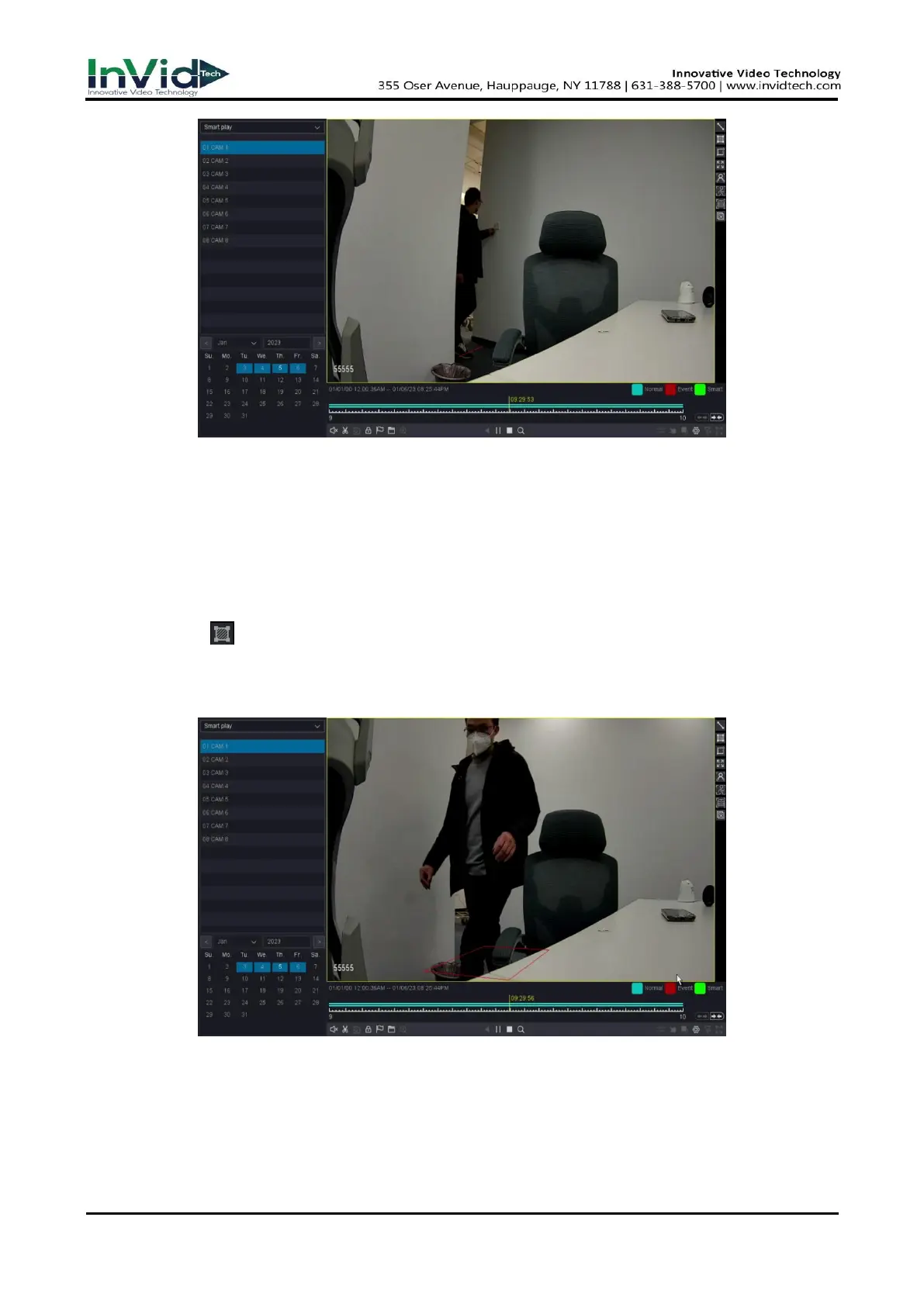
Figure 10-8-3-2
Draw Quadrilateral
Steps:
1. Go to Playback.
2. Select the Smart Play.
3. Select the channel and the record time as your desire.
4. Click Play button or Click the blue timeline.
5. Click the icon of “Draw Quadrilateral” to draw a quadrilateral on the video interface.
6. Click “Setting” button to Configure the parameters as your desire.
7. Click the ”Search” button then the result will be shown below, video with Area Intrusion will be
marked color “green”, and the video will be played by the setting as you made at step 6.
Figure 10-8-3-3
Motion Draw Rectangle
Steps:
1. Go to Playback.
2. Select the Smart Play.
3. Select the channel and the record time as your desire.



 To Next Page