1. Position the cursor on the timeline, drag the timeline to position to a certain time.
2. Period marked with blue bar contains video. Red bar indicates the video in the period is event
video. Scroll the mouse wheel up/down to fast forward and rewind.
3. Click the buttons and buttons at the bottom right of the timeline to zoom in/out of the timeline.
● The second line shows all the files of the channels you selected. And the first line shows
the files of the channel you chose by mouse on the display area. And event files marked
red, normal files marked blue.
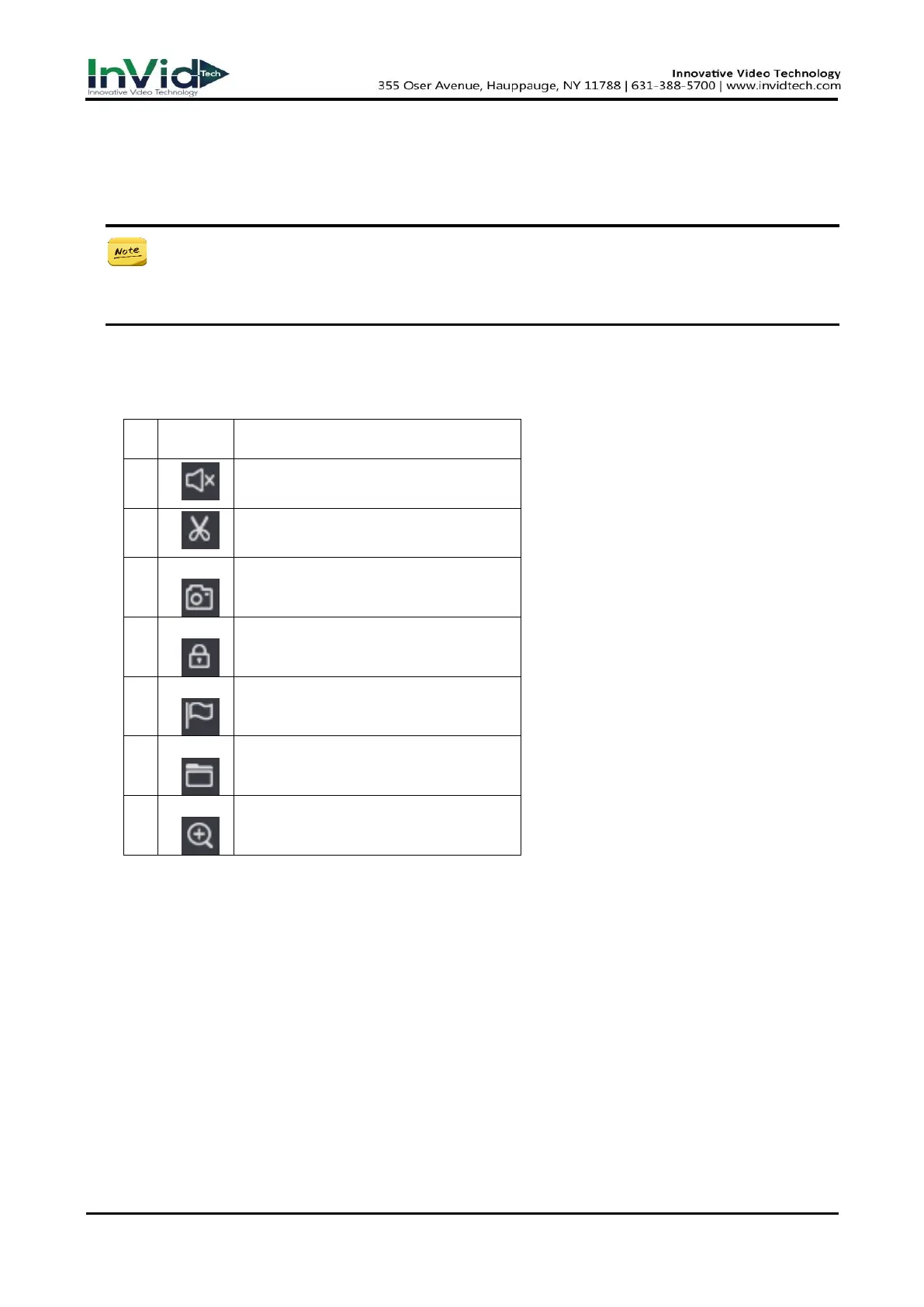
● The Tool menu Description in playback Interface.
Table 4-1-2
Switch of playback channel audio
Cut the interest video of playing
channel
Snap a picture of playing channel
Lock the file in case over written in HDD
Default label, Label the file
File manager, Mange the cut file/locked
file/labeled file
Zoom, Zoom the playing channel



 To Next Page