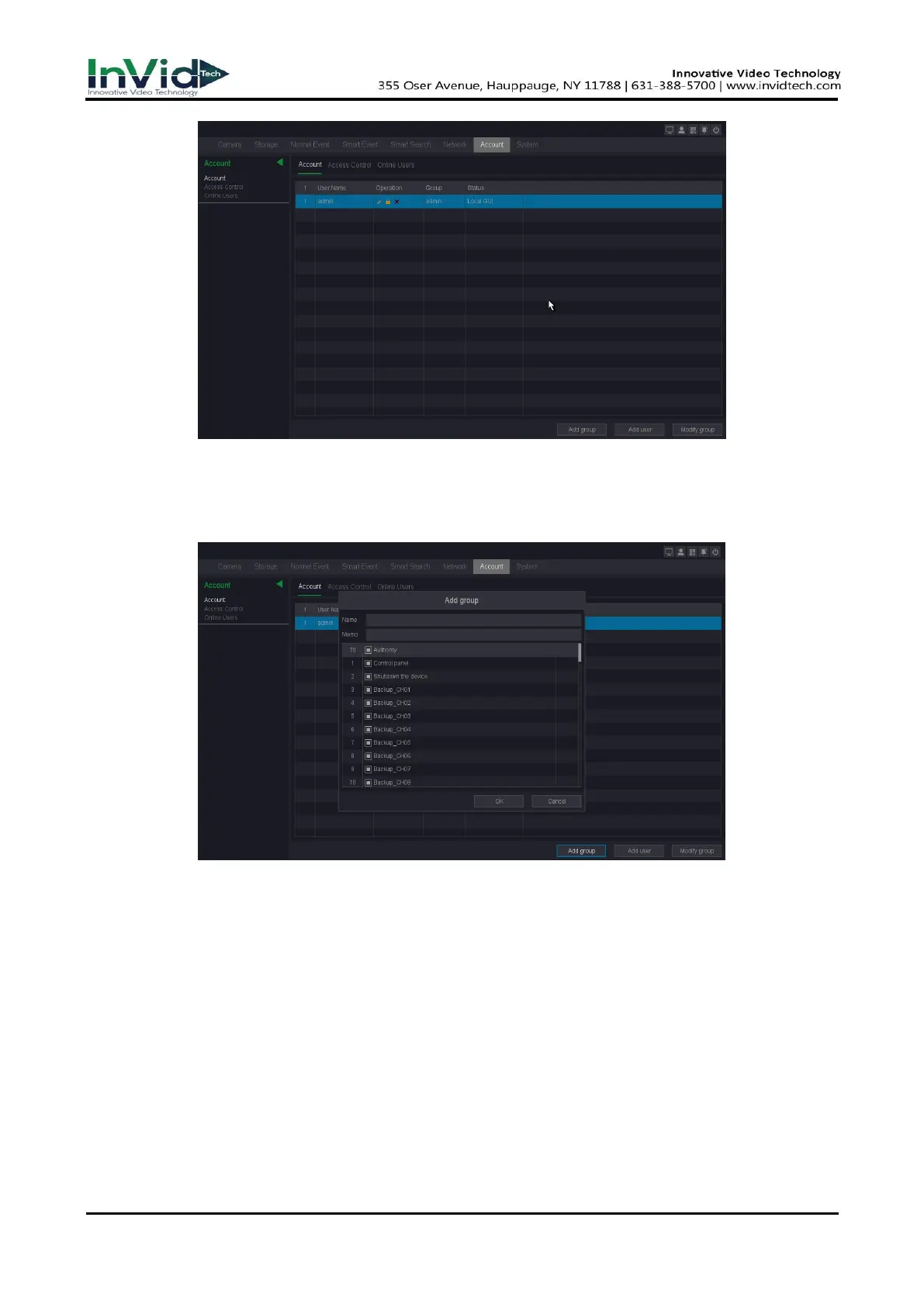
Figure 10-1-7-1
Add Group
Add a user group and set the permission. There are many different permissions: control panel,
shutdown the device, backup, local replay, monitor and so on.
Figure 10-1-7-2
Modify Group
Modify the existing groups’ attribute, configure the parameters as your desire, as shown
below.



 To Next Page