Blocked Sites
The IP Addresses which are added to blocked sites are not allowed to login NVR.
Trusted Sites
Only the IP Addresses which are added to trusted sites are allowed to login NVR.
1. Add IP or delete IP by clicking Add IP and Delete IP buttons.
2. Click the Apply button.
Online Users
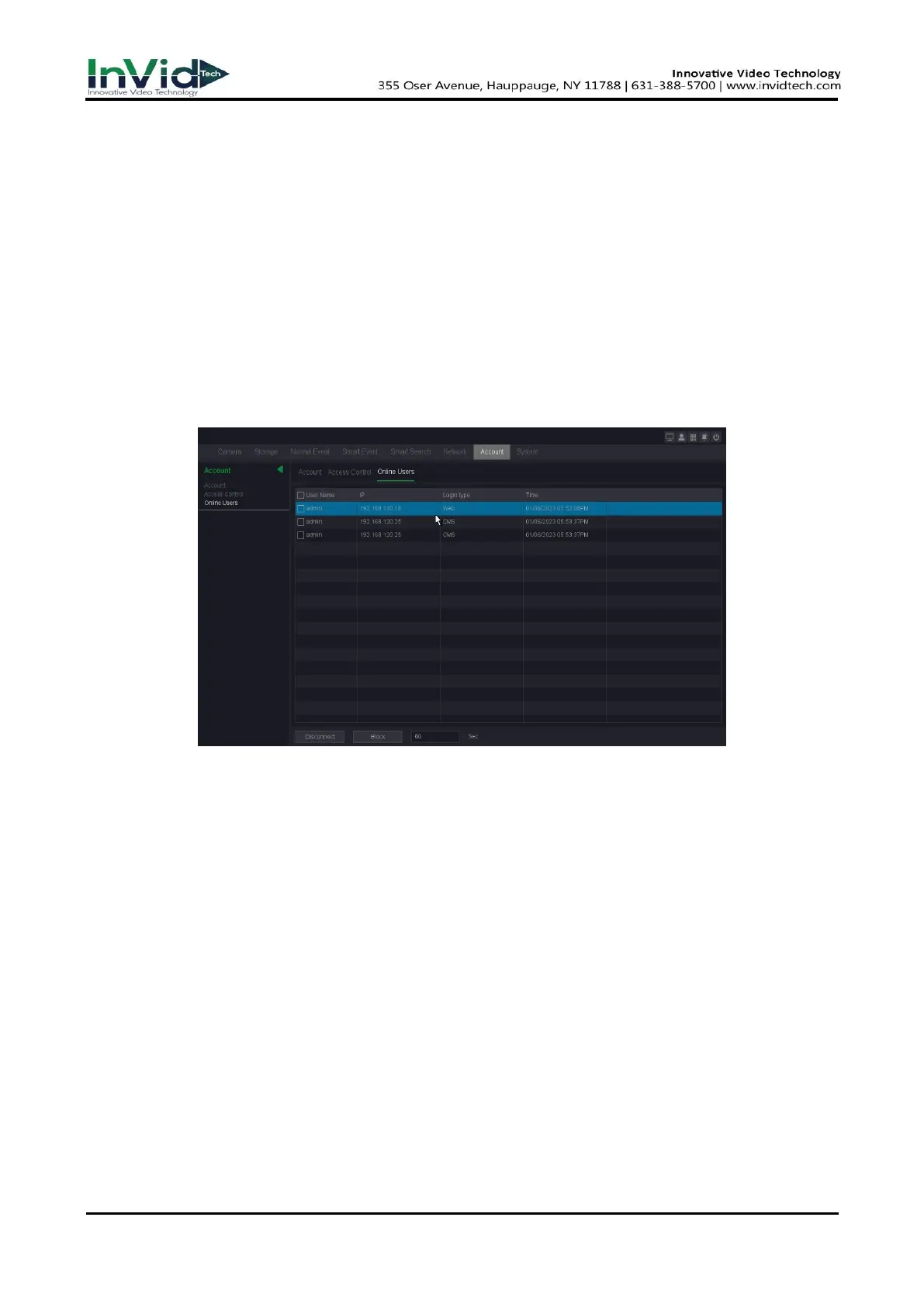
On the online user interface, you can see online connected users. If there are unknown users, you
can disconnect them or Shielding the connected user in a time that you set.
1. Go to Seven Grid Menu → Account → Account → Online Users
Figure 10-1-7-5
User Name
Remote device login this NVR device account.
IP
User remote access devices IP Address.
Login Type
Remote connection type.
Disconnect
Disconnect the connected user, and disconnected users will reconnect automatically in a
while.
Block
Shielding the connected user in a time that you set, and remote user will reconnect in that
time.



 To Next Page