3. Select the Protocol you need to modify.
4. Set common password.
5. Click OK.
6. Click Apply.
● If the camera connection status shows identifying error, you need to manually change
the password again, please refer to 2.6 Editing the connected IP cameras and Configuring.
Encode
By configuring the encode parameters you can define the parameters which affect the image
quality, such as the Compression type, Resolution, Frame Rate, Bit Rate Type, Quality, etc.
The NVR support Dual Stream Encode, we can set the main stream encode and sub stream encode
on this screen.
Before You Start
Please make sure you already have an IPC whose connection status is Connected.
Steps:
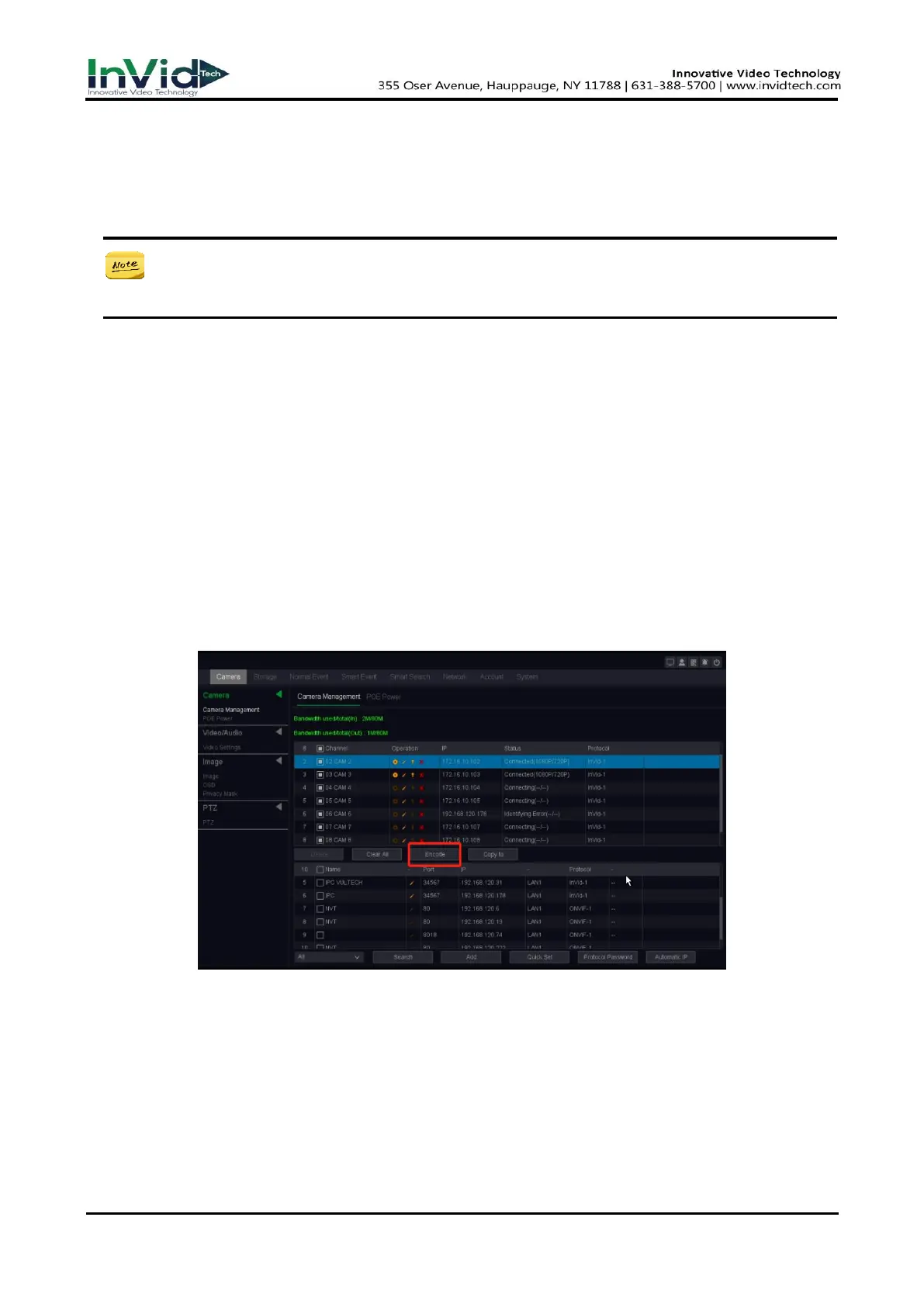
1. Go to Seven Grid Menu →Camera→ Camera Management→ Encode.
Figure 10-3-1-3



 To Next Page