Chapter 4 SYSTEM MODE
IP-EMZ Service Manual 4-57
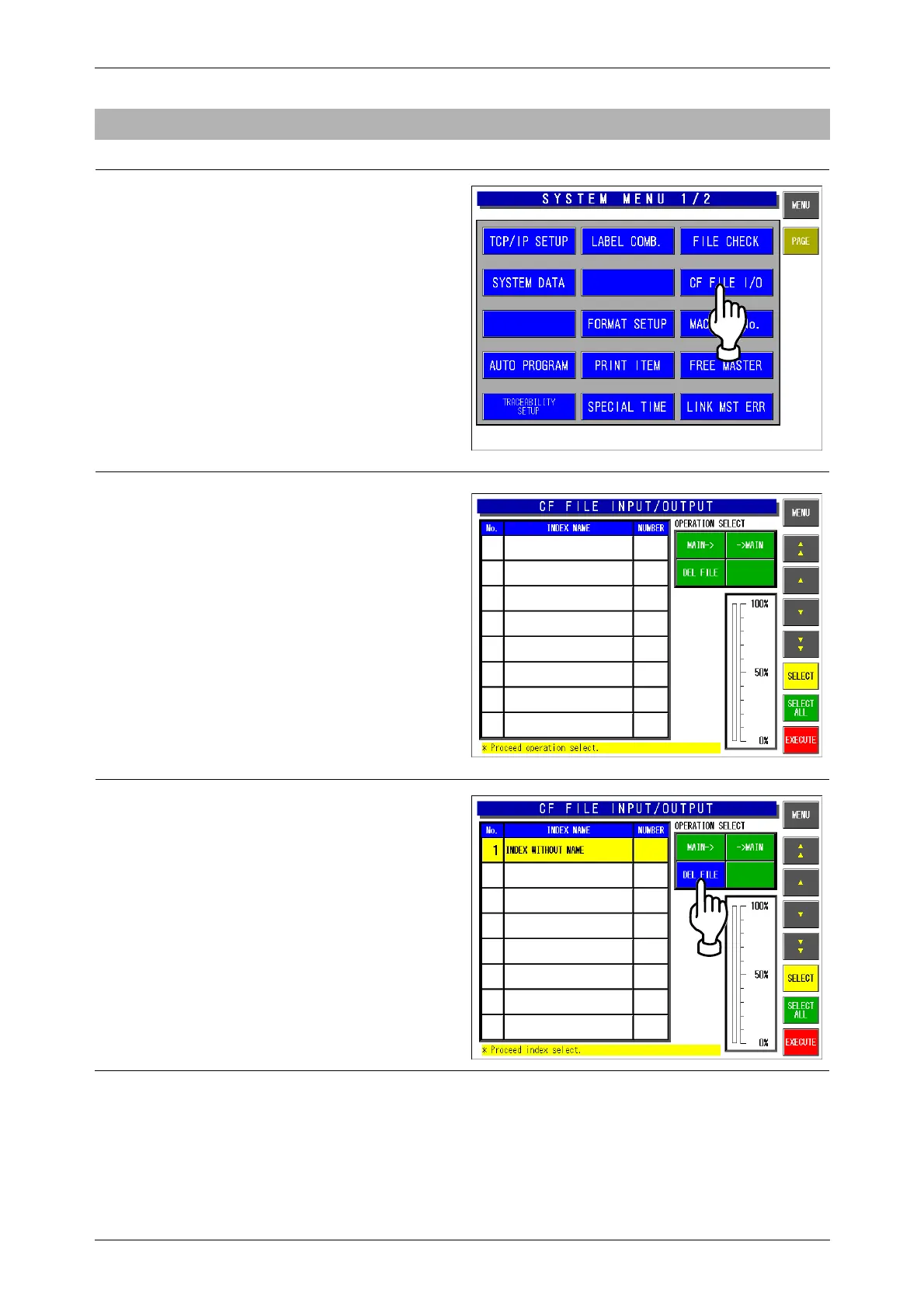
4.12.3 FILE DELETION
1.
Ensure that the System Setting Menu
screen is displayed.
Then, touch the [CF FILE I/O] button on
the screen.
2.
The CF File INPUT/OUTPUT screen
appears.
3.
Touch to select the [DELETE] button
among the following three commands.
[MAIN]
Select when writing the machine data
into the CF card memory.
[MAIN]
Select when writing the CF data into the
machine memory.
[DELETE]
Select when deleting data.



 To Next Page