Chapter 3 TEST MODE
IP-EMZ Service Manual 3-5
3.3.1 STROKE KEY CHECK
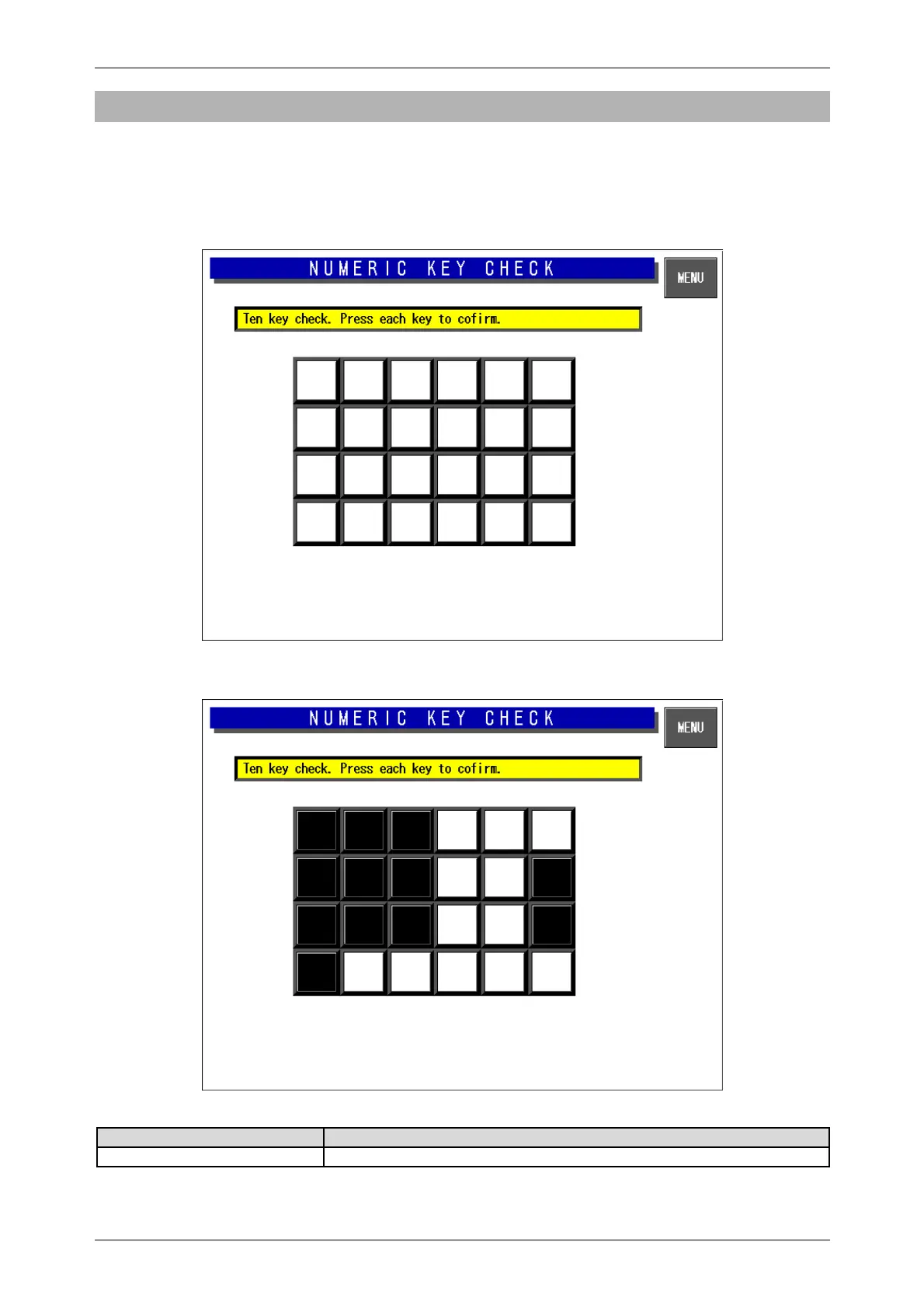
Press the [Numeric Key Check] button on the Key Check Menu screen. Then, the Numeric Key Check
screen appears. Stroke keys can be tested by pressing each key on the control console. Pressing
each numeric key will temporarily change the corresponding button color to black. After checking all
stroke keys, press the [MENU] button to return to the Key Check Menu screen.
Numeric Key Check Screen
Buttons/Display Fields Function
MENU Changes to the Key Check Menu screen.



 To Next Page