Chapter 3 TEST MODE
IP-EMZ Service Manual 3-11
3.7 DISPLAY ADJUSTMENT
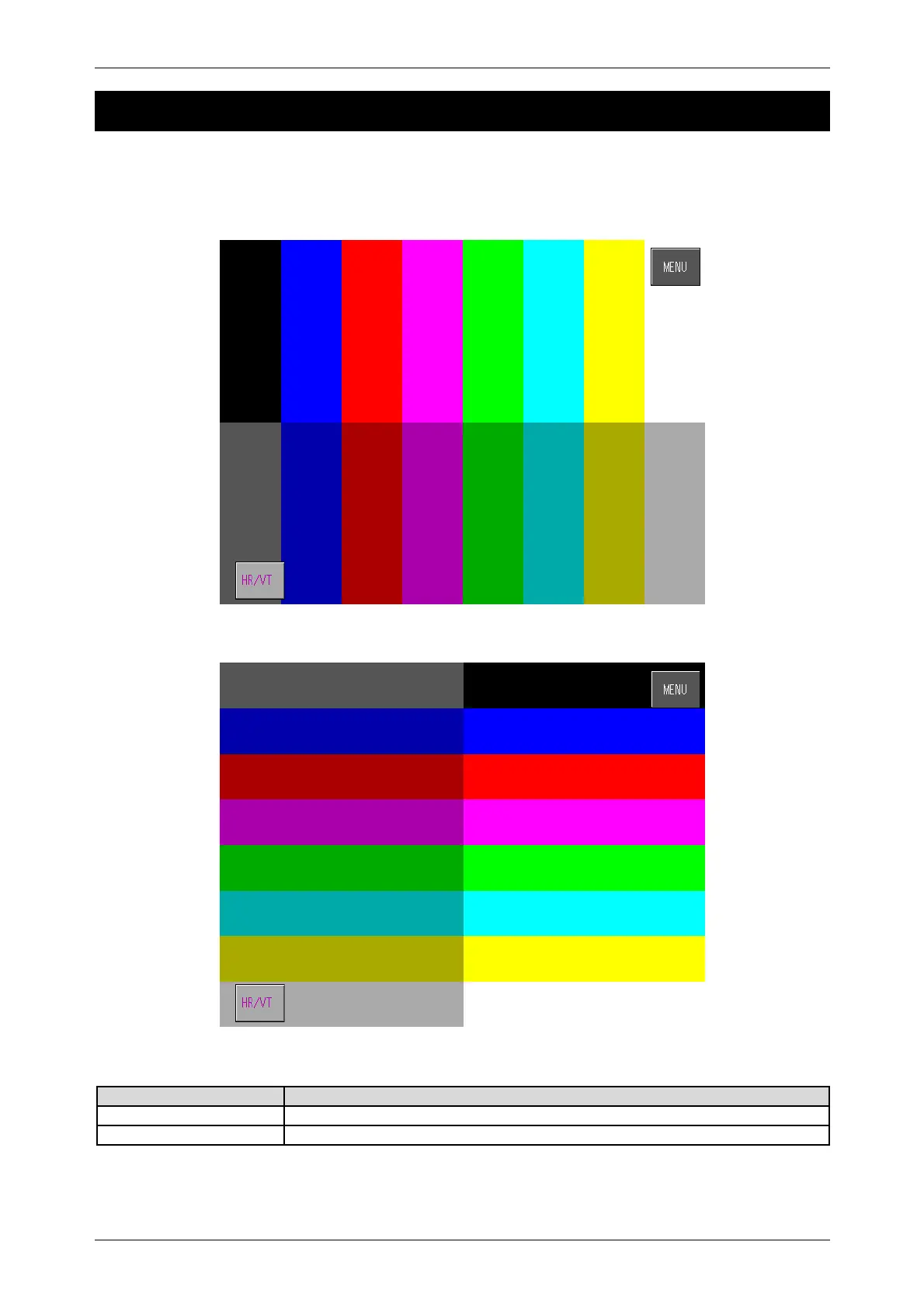
Press the [Display Check] button on the Test Menu screen. Then, the display check screen appears.
This procedure is used to check whether the screen shows an ideal color contrast or not. To adjust the
color contrast, turn the knob on right side of the operating console.
Display Adjustment Screen (Vertical)
Display Adjustment Screen (Horizontal)
Buttons/Display Fields Function
MENU Returns to the Test Menu 1/2 screen.
Horizontal/Vertical Changes between horizontal and vertical color patterns.
Turn the knob on right side of the operating console to adjust color contrast.



 To Next Page