Chapter 3 TEST MODE
IP-EMZ Service Manual 3-25
3.10 ROM VERSION DISPLAY
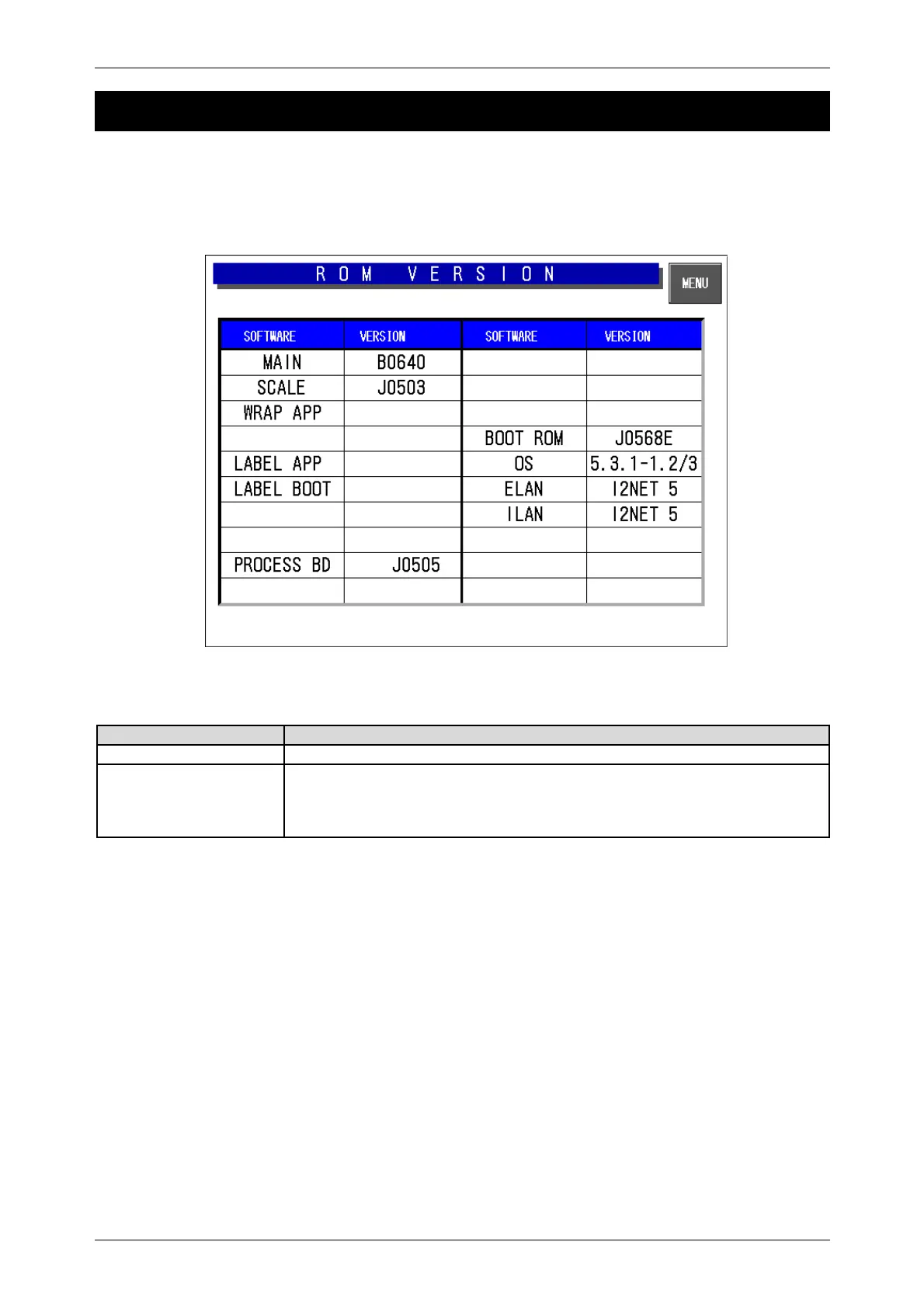
Press the [ROM Version] button on the Test Menu screen. Then, the ROM Version screen appears.
This procedure is used to display the ROM version of connected devices.
It cannot display devices that are not connected.
ROM Version Display
Buttons/Display Fields Function
MENU Returns to the Test Menu 1/2 screen.
Version Display Displays the ROM version of connected devices.
The sample data for the above-mentioned display is different from actual
ROM version numbers.
Cannot display devices that are not connected.
The software of MAIN is Different at country and specifications.



 To Next Page