Chapter 2 SETUP MODE
IP-EMZ Service Manual 2-17
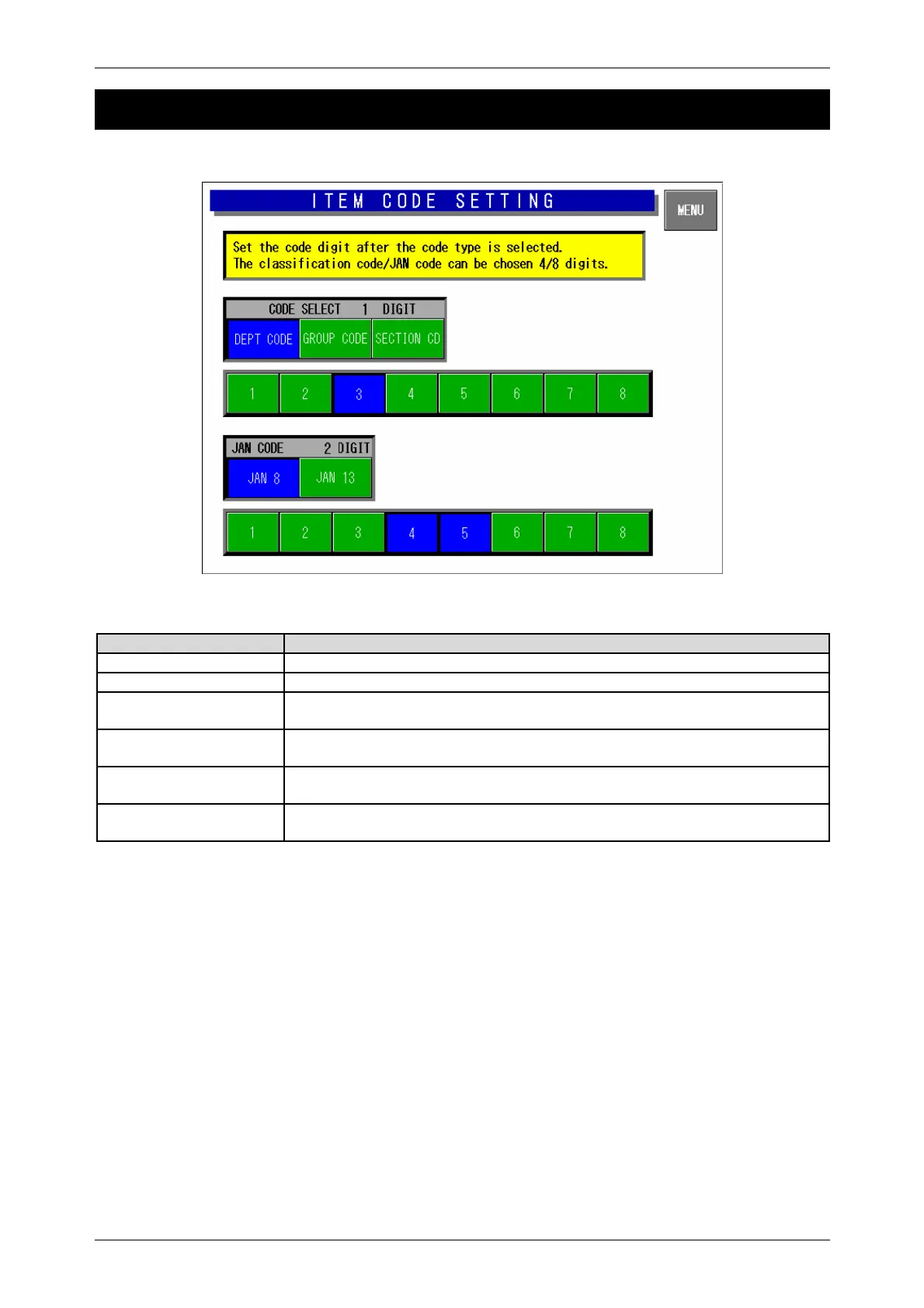
2.10 ITEM CODE SETTING
Item Code Setting Screen
Buttons/Display Fields Function
MENU Determines the settings and returns to the first screen of the Setup Menu.
Code Digit Display The set digit(s) is displayed.
Classification Code
Select
Select one of code types “Department Code” “Group Code” and “Section
Code” of which code digit(s) is displayed.
Classification Code Digit
Set
Set the code digit position (max. 4 digits) for the selected code type by
pressing the contiguous fields.
JAN Code Select Select one of code types “JAN 8” and “JAN 13” of which code digit(s) is
displayed.
JAN Code Digit Set Set the code digit position (max. 8 digits) for the selected code type by
pressing the contiguous fields.



 To Next Page