Chapter 2 SETUP MODE
2-8 IP-EMZ Service Manual
2.4 PASSWORD SETTING
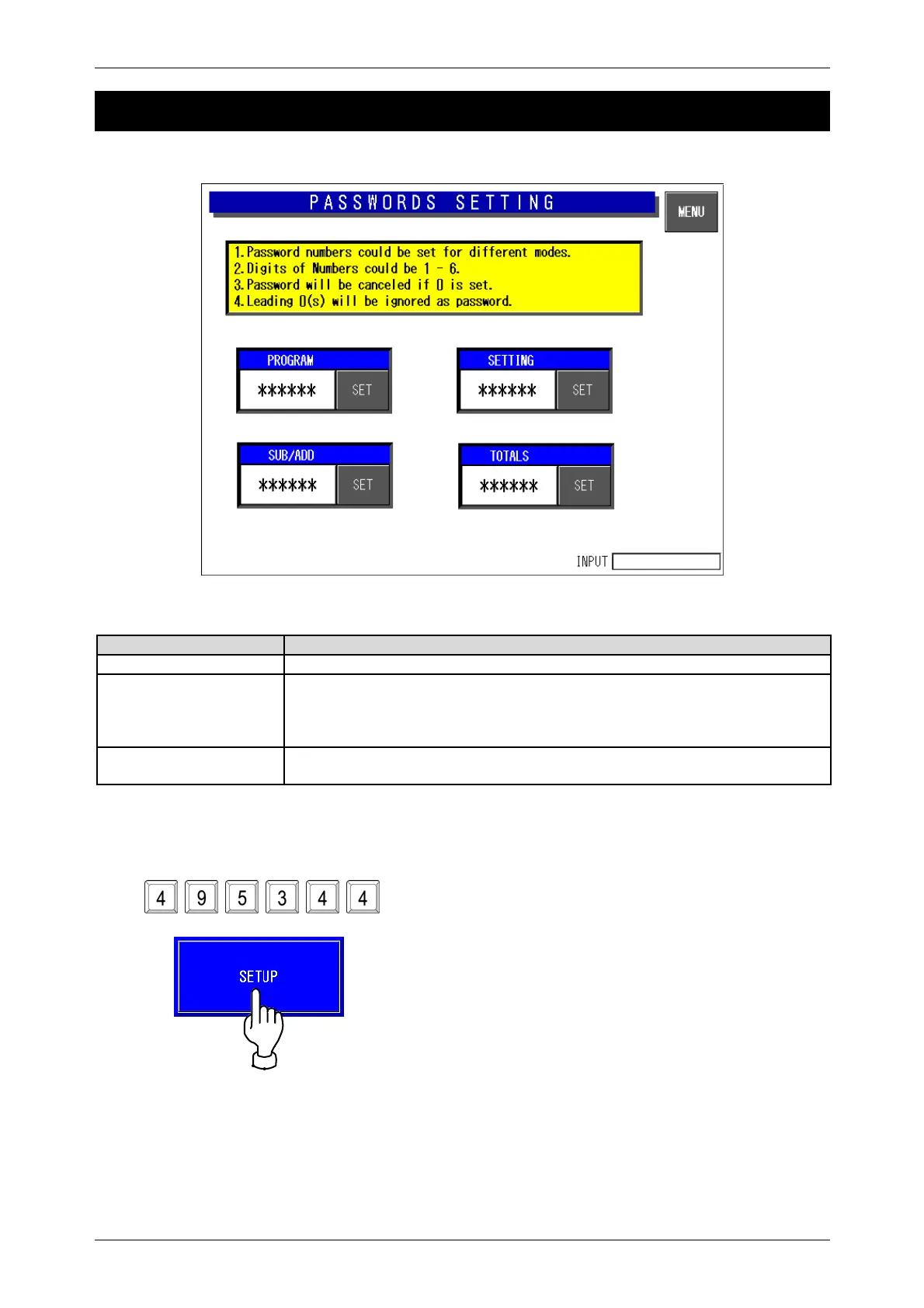
Password Setting Screen
Buttons/Display field Function
MENU Changes to the first screen of the Setup Menu.
Password Set the password data by pressing this button after 6-gigit numeric entry.
Press this button after “000000” entry to cancel the password and the mode
selection.
Only one password can be registered.
Mode Selection Buttons Press the desired button(s) to select the mode that requires the password
entry. The selected mode button becomes blue.
When you have forgotten the password.



 To Next Page