Chapter 3 TEST MODE
3-28 IP-EMZ Service Manual
3.13 MEMORY DATA CHANGE MENU
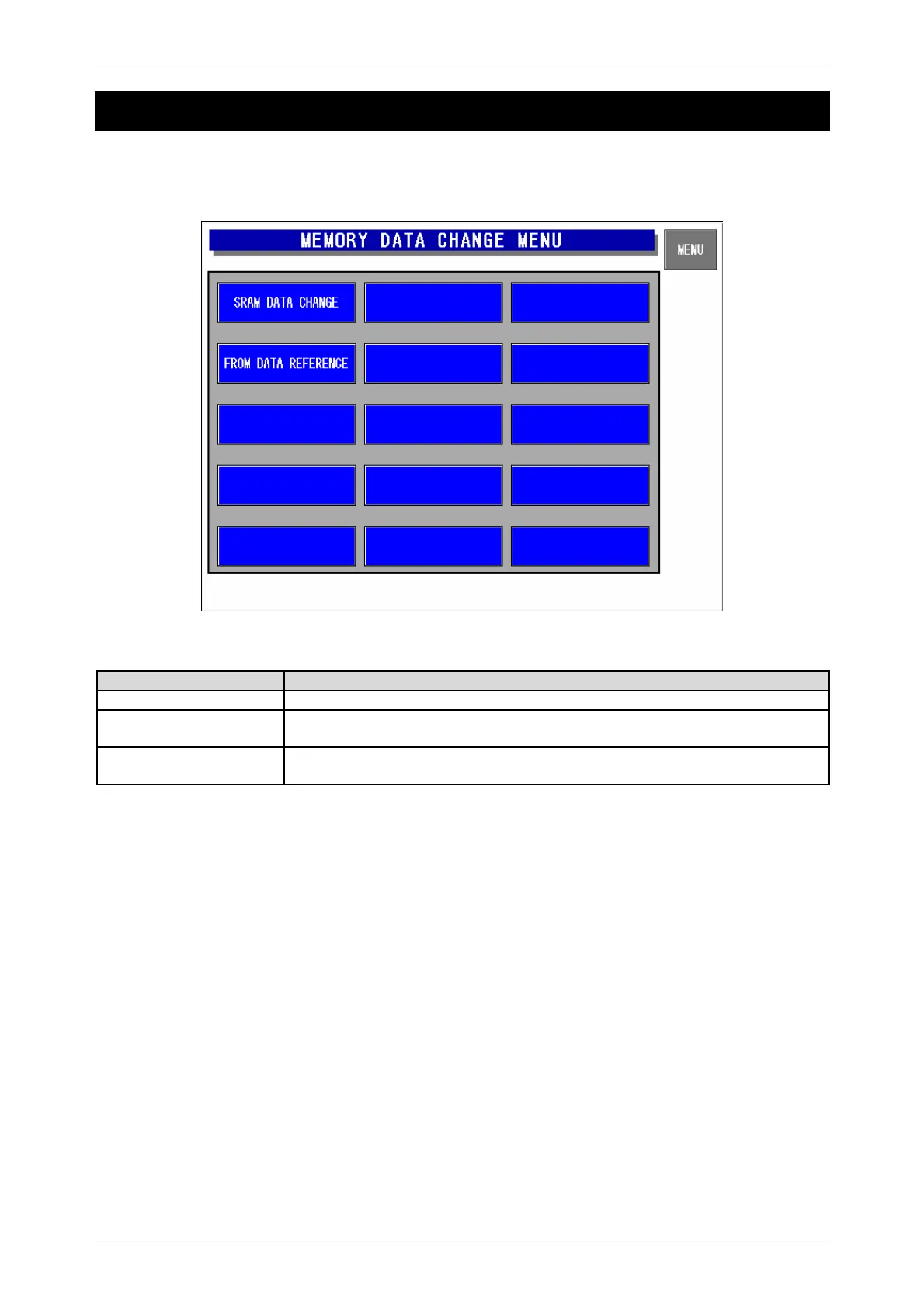
Press the [Memory Data Change] button on the Test Menu screen. Then, the Memory Data Change
Menu screen appears.
Memory Data Change Menu Screen
Buttons/Display Fields Function
MENU Returns to the Test Menu 1/2 screen.
SRAM Data Change Press this button to change the display to the SRAM data change screen.
SRAM data can be changed and confirmed on the memory dump list.
FROM Data Reference Changes to the FROM data reference screen. FROM data can be confirmed
on the memory dump list.



 To Next Page