Chapter 3 TEST MODE
IP-EMZ Service Manual 3-27
3.12 OPTION CHECK
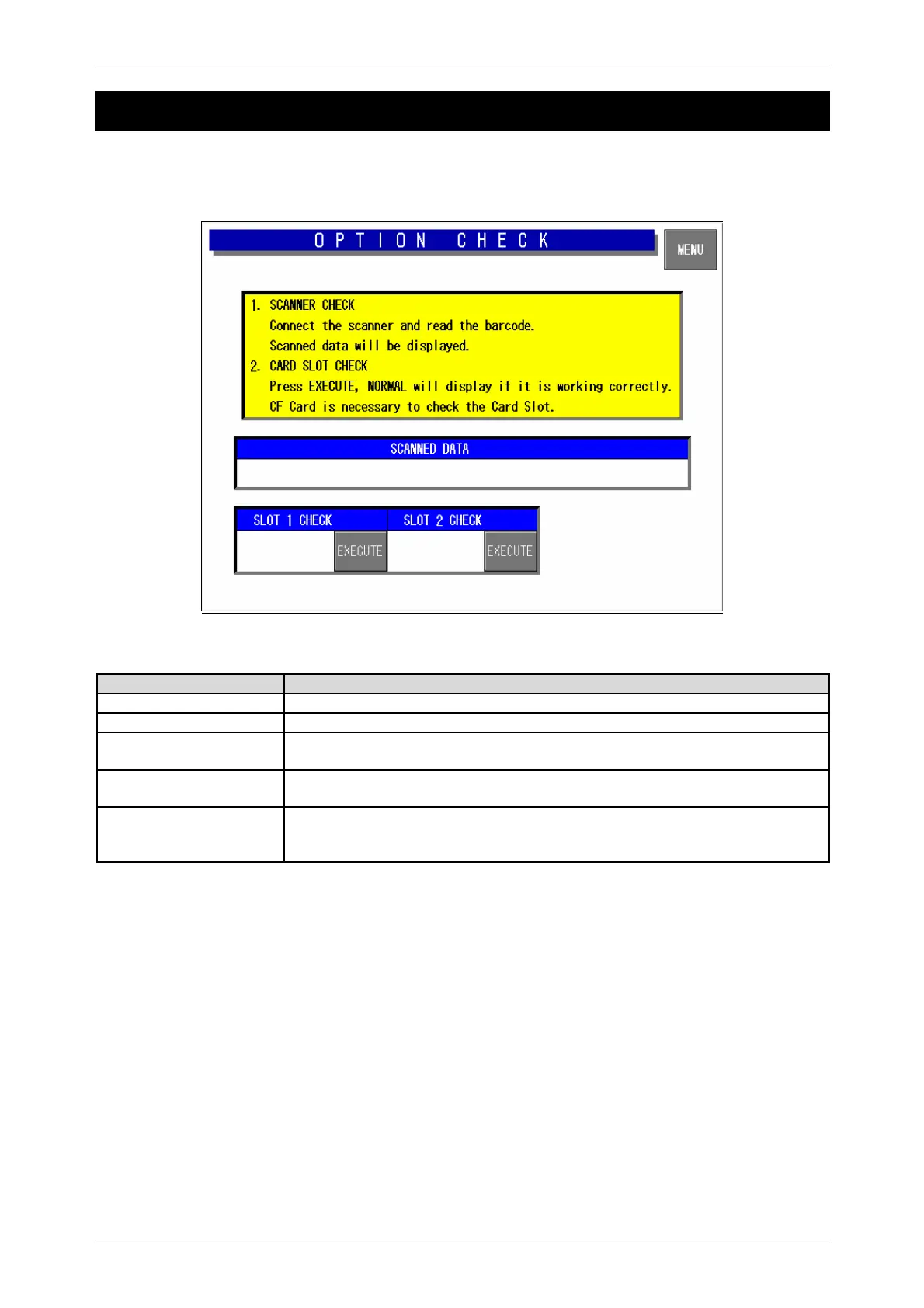
Press the [Option Check] button on the Test Menu screen. Then, the Option Check screen appears.
This procedure is used to perform scanner and card slot checks.
Option Check Screen
Buttons/Display Fields Function
MENU Returns to the Test Menu 1/2 screen.
Scanned Data Displays the OCR data when a barcode is read with the scanner.
Slot 1 Check Insert the formatted CF card (8M, 16M) and press the [EXECUTE] button to
execute an operation check.
Slot 2 Check Insert the formatted CF card (8M, 16M) and press the [EXECUTE] button to
execute an operation check.
Display Status
“Operating” is displayed during execution.
“Normal” is displayed when the execution has ended normally.
“Abnormal” is displayed when execution has ended abnormally.



 To Next Page