Chapter 3 TEST MODE
IP-EMZ Service Manual 3-7
3.4 MACHINE SET 1/2: BASIC COMPONENT
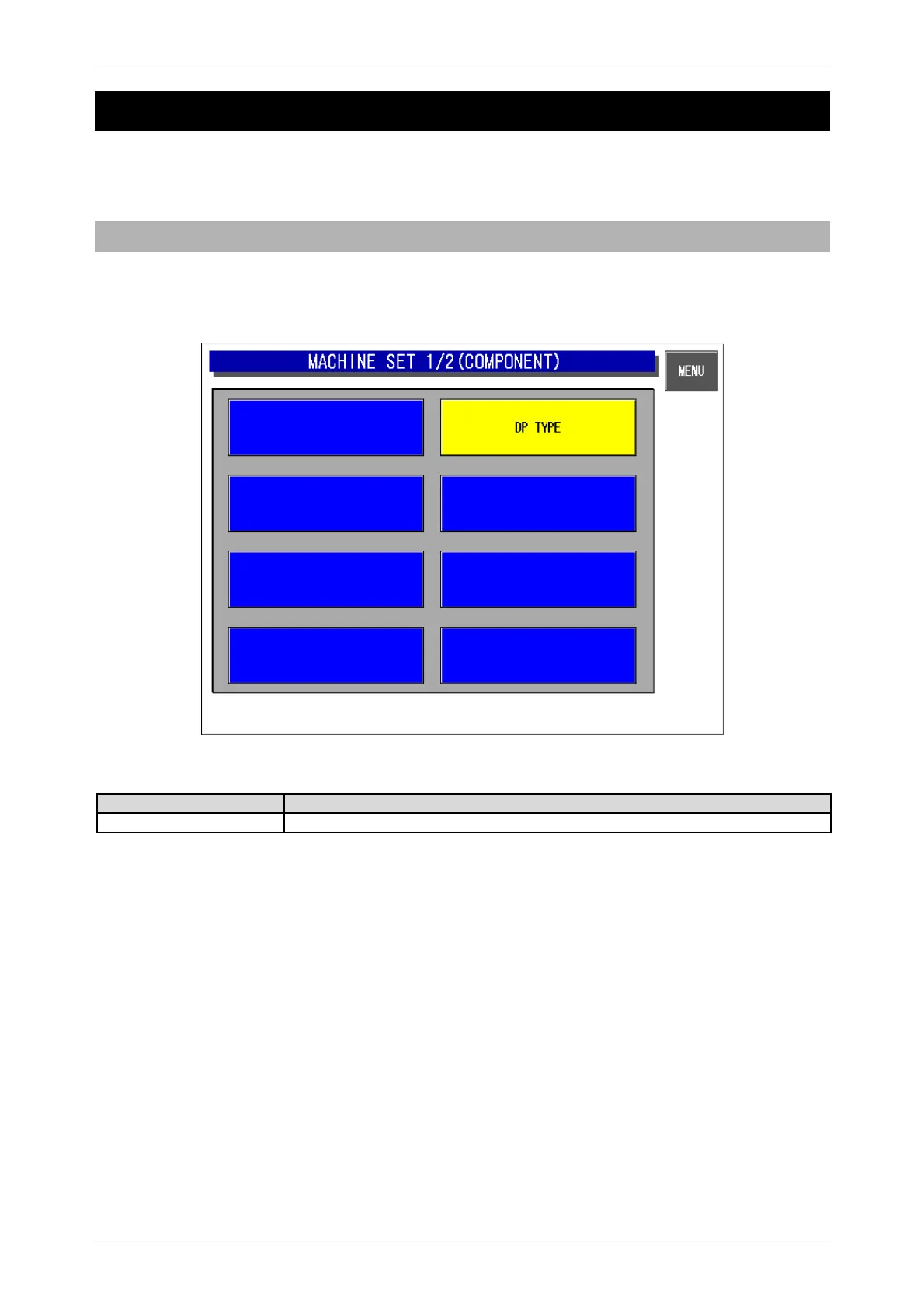
Press the [Machine Setting] button on the Test Menu screen. Then, the Machine Set 1/2 (Component)
screen appears.
3.4.1 MACHINE SET 1/2 (COMPONENT)
This procedure is used to determine which program is to be used with this machine.
Press one of the buttons based on the actual machine configuration. When selected, the button color
will reverse yellow
Machine Set 1/2 (Component) Screen
Buttons/Display field Function
DP Type Used when no wrapping unit is equipped.



 To Next Page